
Graphics card fans not spinning can look alarming, but it is often normal behaviour rather than a fault. Many modern cards stop their fans when the GPU is cool and only start them under load. This guide explains how to tell the difference and what safe checks you can make.

Graphics Card Fans Not Spinning at Idle: Often Normal
Many graphics cards use a semi-passive or zero-RPM mode. At the desktop, or while browsing, the heatsink can handle the heat on its own, so the fans stay still to reduce noise. Once you start a game and temperatures rise, the fans should spin up.
To check, launch a demanding game and watch the card through the side panel, or use a monitoring tool to view GPU temperature and fan speed. If the fans start under load, everything is working as designed.
Common Causes of Graphics Card Fans Not Spinning
If you see graphics card fans not spinning even while gaming, and temperatures climb, look at these causes:
- Power connectors: a loose or missing PCIe power cable can stop the card working properly.
- Fan cable: on some cards the fans connect to the board with a small header that can work loose.
- Dust build-up: heavy dust can stiffen fans and block airflow through the heatsink.
- Software fan curves: a custom fan profile in a tuning utility may keep the fans too slow.
- Failed fan or bearing: fans are moving parts and can wear out.
Safe Checks You Can Make
Always shut down, switch off at the wall and unplug before opening the case. Touch a bare metal part of the case to discharge static before handling anything inside.
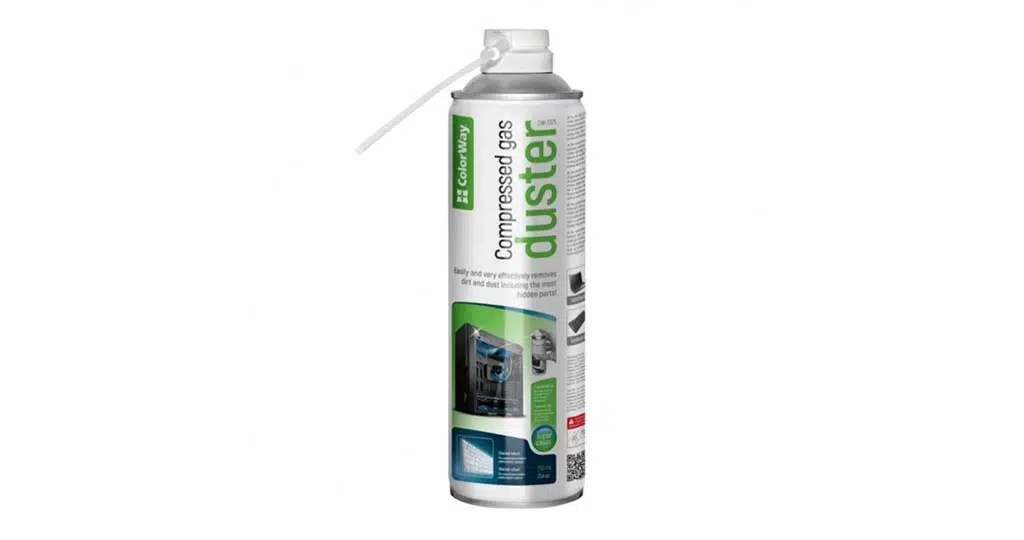
First, confirm the power cables are firmly seated in the card. Next, clean dust away gently. A can such as the Multipurpose Air Duster 750ml helps here; hold each fan still so it does not overspin while you blow air through it. The Electronics Cleaning Kit is useful for wiping fan blades and grilles.
Then reset any custom fan profile to default in your tuning software and update your graphics driver from the official NVIDIA GeForce or AMD site. Test again under load and watch the temperature.
When to Stop and Get Help
If the GPU overheats, the screen goes black or the PC shuts down during games, stop gaming on it until the cause is found. Graphics card fans not spinning under heavy load, with temperatures rising, points to a hardware fault. Avoid removing the cooler or repairing a fan yourself, as this may affect any warranty or support you have.
If your system came from us, contact our team with a description of the symptoms, including when the fans stop and what temperatures you see.
Graphics Card Fans Not Spinning FAQs
Is it bad if my graphics card fans are not spinning at idle?
Usually not. Many cards switch fans off at low temperatures and restart them under load.
Can dust cause graphics card fans not spinning?
Heavy dust can slow fans and reduce cooling, so regular cleaning helps.
Should I replace the card?
Only after ruling out power cables, software and dust. A single failed fan can sometimes be replaced by a technician.
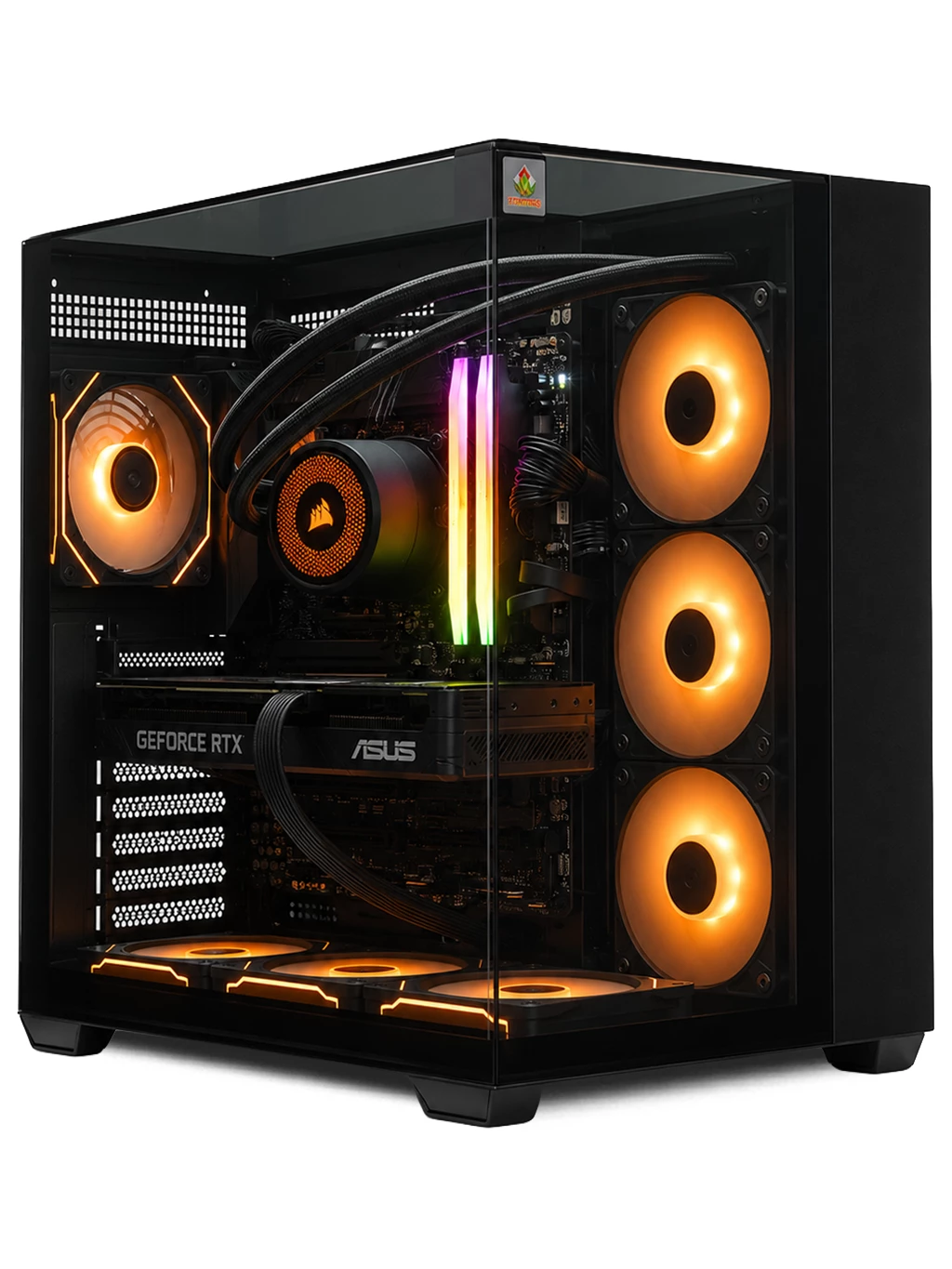
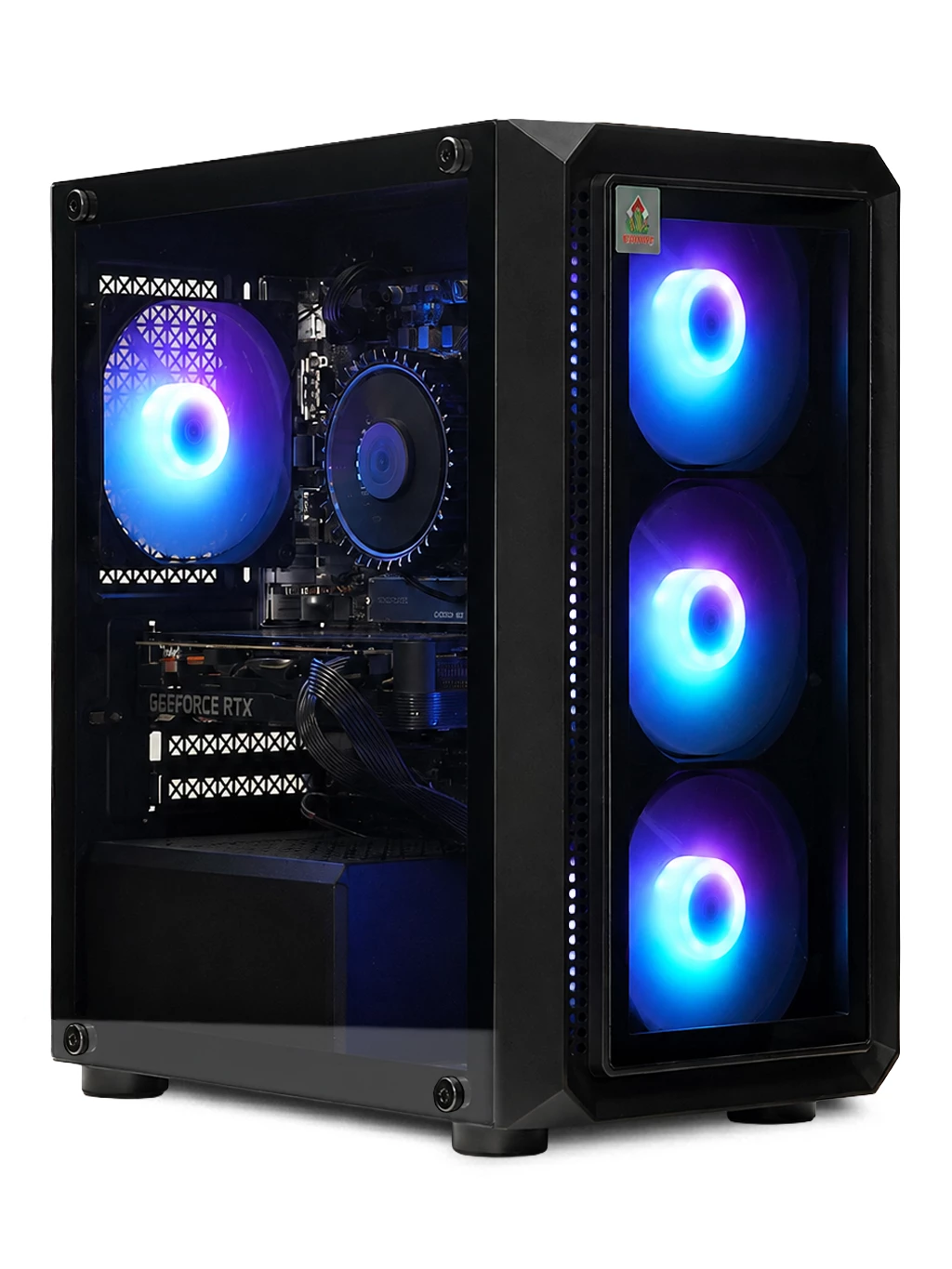
Graphics card fans not spinning on an ageing PC and ready for a new system? Browse our gaming PCs or our next day gaming PCs.