
These CPU facts explain what the processor in your PC does, how it affects games and what the letters and numbers in model names mean. The CPU (central processing unit) runs the instructions behind everything on your computer, from Windows itself to the logic inside every game you play.
Essential CPU Facts for Gamers
- It follows instructions: a CPU fetches, decodes and executes instructions billions of times per second.
- Cores work in parallel: each core can handle its own task, so more cores help with multitasking.
- Threads share a core: many CPUs run two threads per core to keep it busy.
- Clock speed is measured in GHz: it shows how many cycles a core completes per second.
- Cache is fast on-chip memory: it keeps frequently used data close to the cores.
For a deeper technical background, the central processing unit article on Wikipedia covers the history and design.
How the CPU Affects Games
In games, the processor handles physics, AI, audio and the instructions sent to the graphics card. If the CPU cannot prepare frames fast enough, the graphics card waits, which limits frame rate. This is most noticeable at 1080p with high refresh rate monitors.
At 1440p and 4K, the graphics card usually does most of the heavy lifting. That is one of the more useful CPU facts when you plan a budget: balance matters more than buying the fastest chip.
Reading Model Names
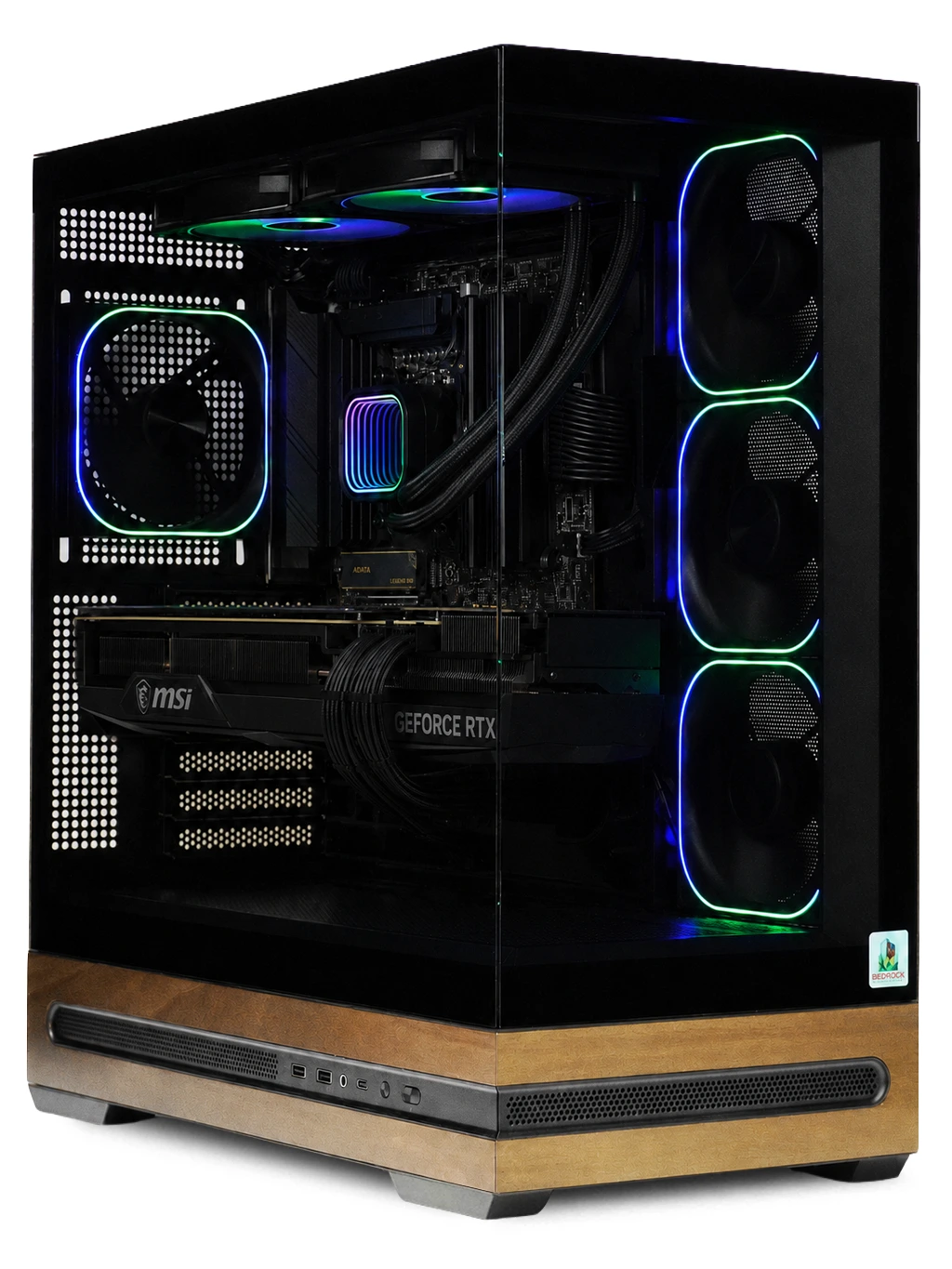
Model names carry useful CPU facts if you know the code. On Intel chips, a “K” means the processor is unlocked for overclocking, and an “F” means it has no integrated graphics, so a separate graphics card is required. The i7-12700KF in our Redline Gaming PC has both letters.
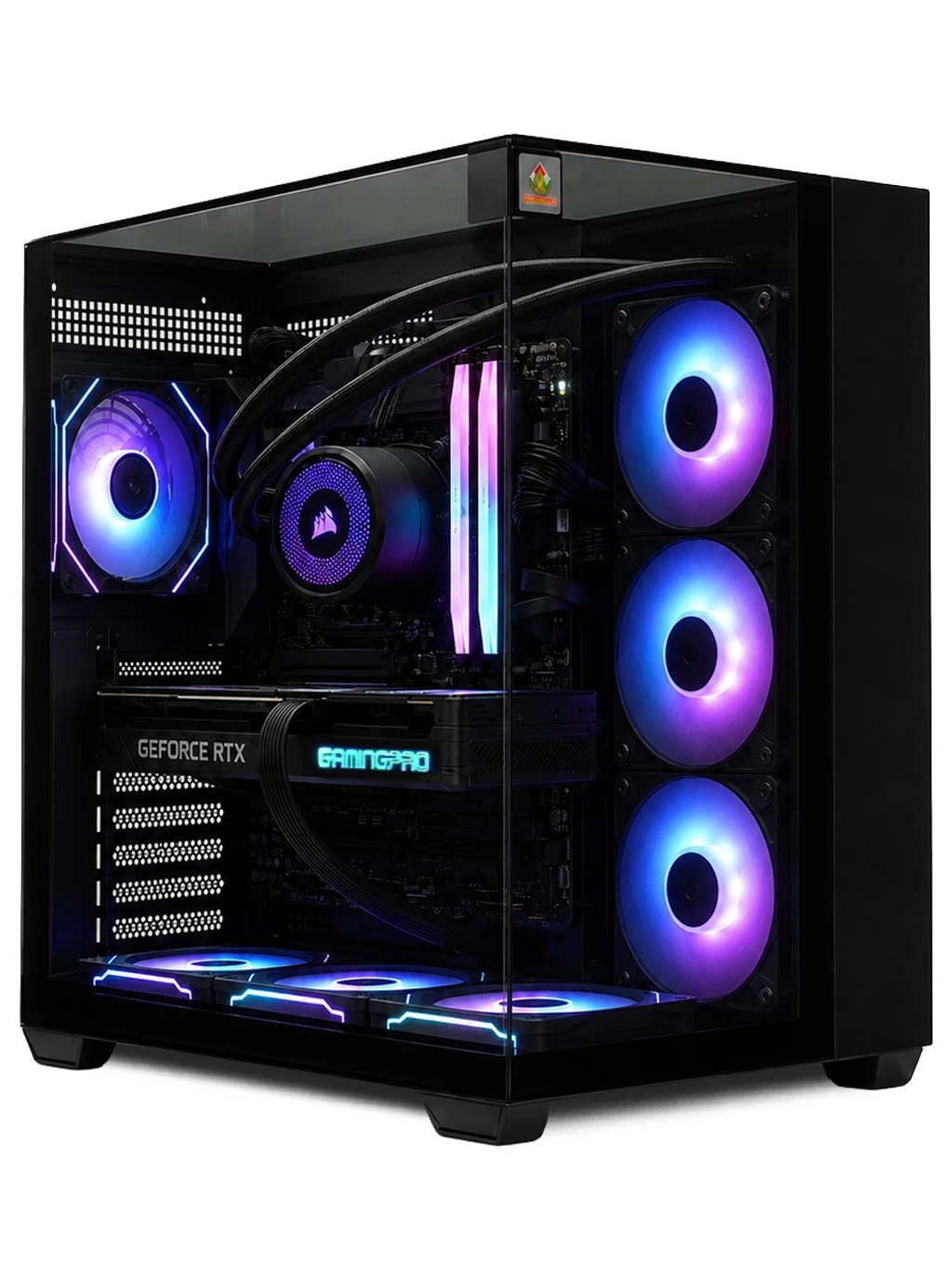
On AMD Ryzen, the “X3D” suffix marks chips with extra cache stacked on the processor, which can help in games that move a lot of data. The Hyperion Gaming PC uses a Ryzen 7 9800X3D. Within a brand, higher model numbers in the same generation usually mean more cores or higher clocks.
More CPU Facts Worth Knowing
- A CPU produces heat under load, so it needs a cooler and thermal paste between the chip and the cooler.
- More cores do not always mean more frames; many games rely on a few fast cores.
- The processor and motherboard socket must match, so upgrades depend on the platform.
- Integrated graphics, where present, are fine for office tasks but not demanding games.
- Processors slow themselves down if they get too hot, which is why good airflow matters.
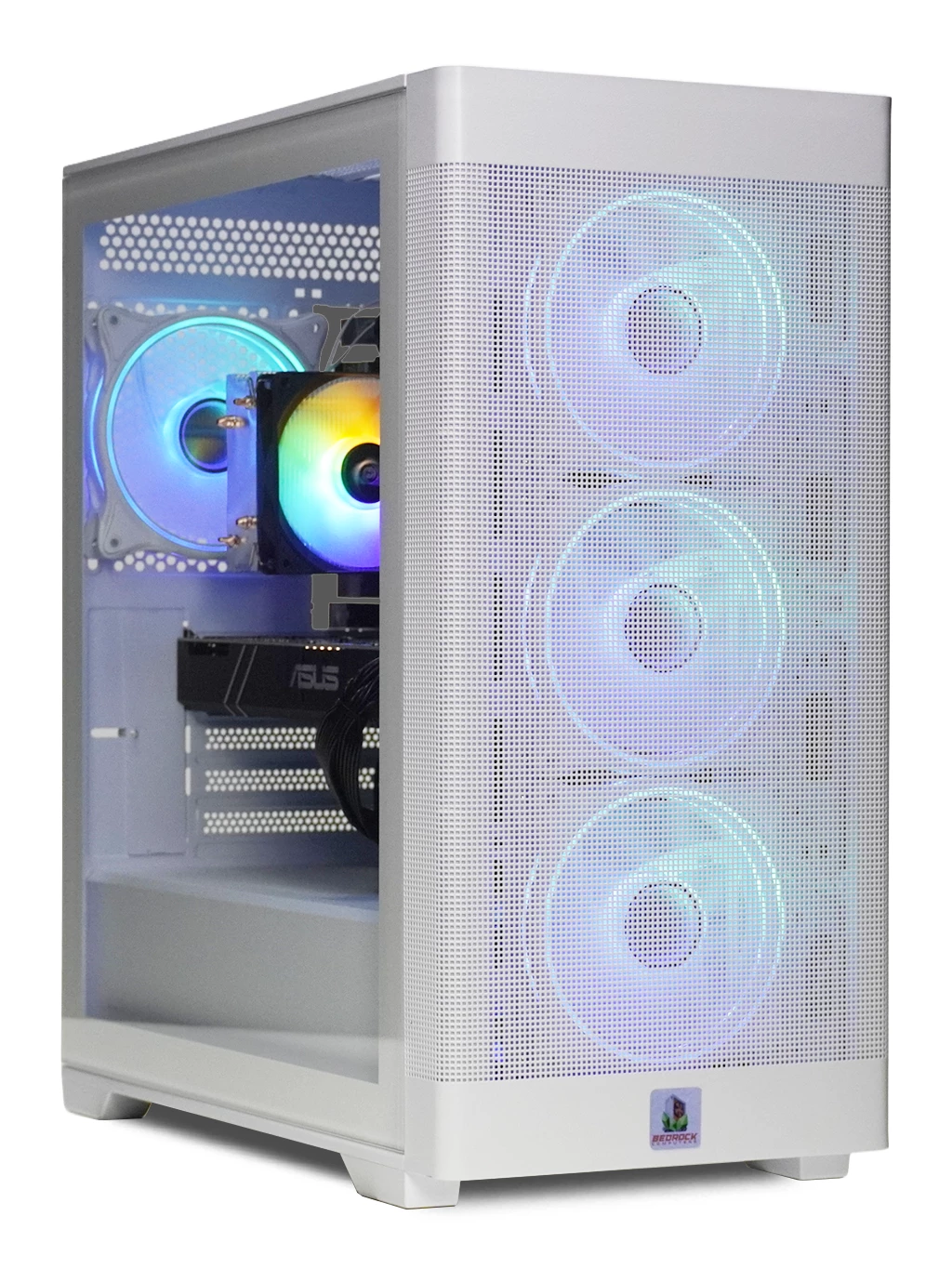
For a balanced 1080p system, the Bedrock Zircon Gaming PC uses a 6-core Ryzen with 16GB DDR4 and an M.2 SSD. You can compare more systems on our best gaming PCs under £1000 page or our streaming PCs page.
CPU Facts FAQs
How many cores do I need for gaming?
Six cores is a common, sensible starting point for modern games, with eight useful if you also stream or edit video.
Is clock speed the most important spec?
No. Architecture, cache and core count all matter, so compare chips from the same generation where possible.
Can I upgrade my CPU later?
Often, if the new chip fits the same socket and the motherboard supports it after a BIOS update.
Have a question these CPU facts did not answer? Get in touch and we will help you choose the right processor.