
A good graphics card comparison looks beyond the model name to the things that shape your games: generation, video memory, features and the resolution you play at. This guide sets out what to compare and uses graphics cards from our own range as examples.
What to Look At in a Graphics Card Comparison
- Generation: newer architectures usually bring better efficiency and features.
- VRAM: more video memory helps at higher resolutions and with detailed textures.
- Features: ray tracing and upscaling such as NVIDIA DLSS or AMD FSR.
- Resolution target: 1080p, 1440p or 4K.
- Power and cooling: faster cards often need a stronger power supply and more airflow.
For official details on current NVIDIA models, see the GeForce graphics cards page.
Comparing Model Numbers
Within one brand, the first digits usually show the generation and the last digits the tier. An RTX 4080 SUPER sits above an RTX 4060 in the same generation. Across generations it gets harder: a higher tier from an older generation can still outpace a lower tier from a newer one, so any graphics card comparison should use benchmarks for the games you play.
Comparing NVIDIA and AMD by name alone does not work, as the two numbering schemes differ.
Graphics Card Comparison Across Our Range
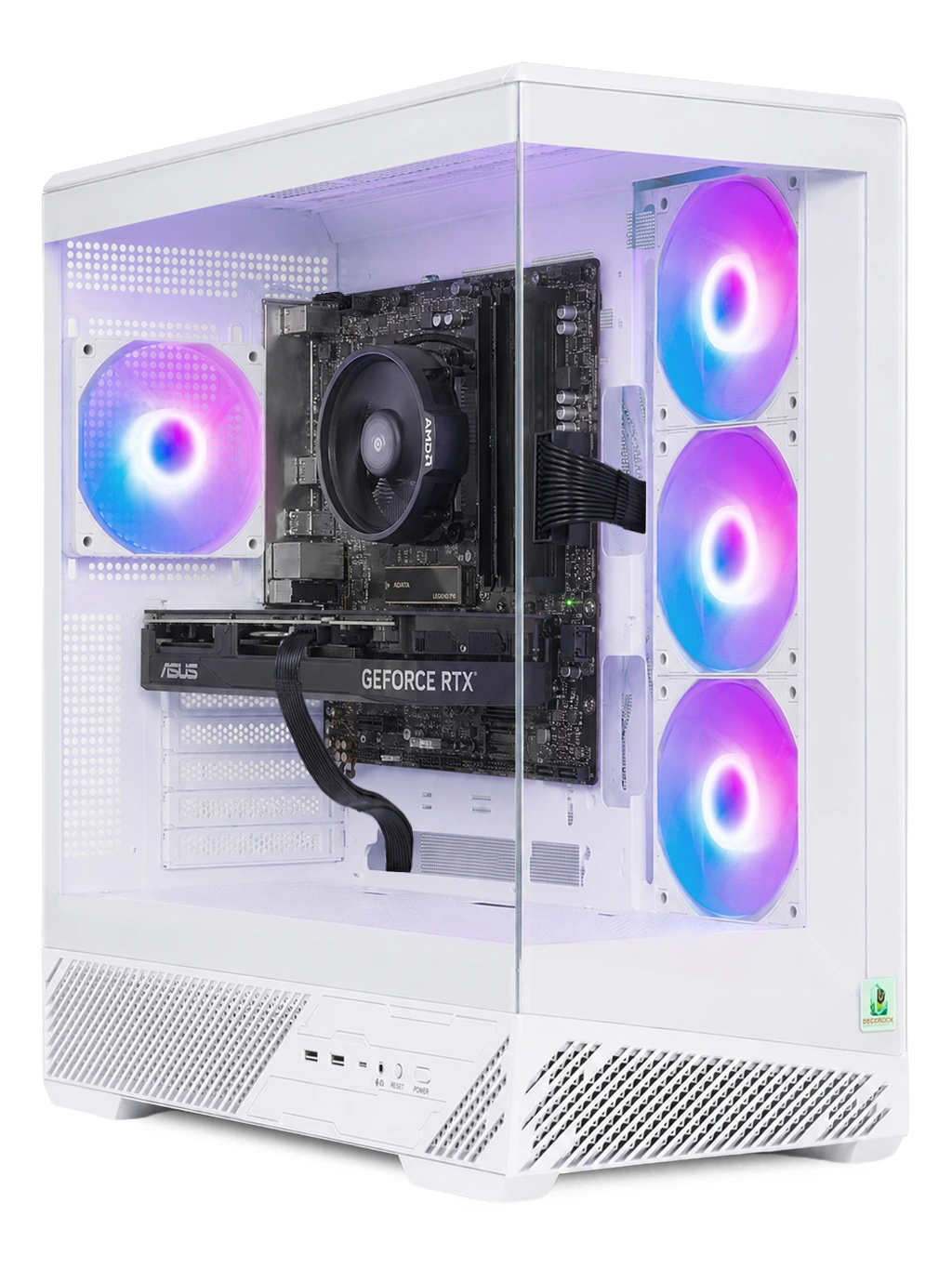
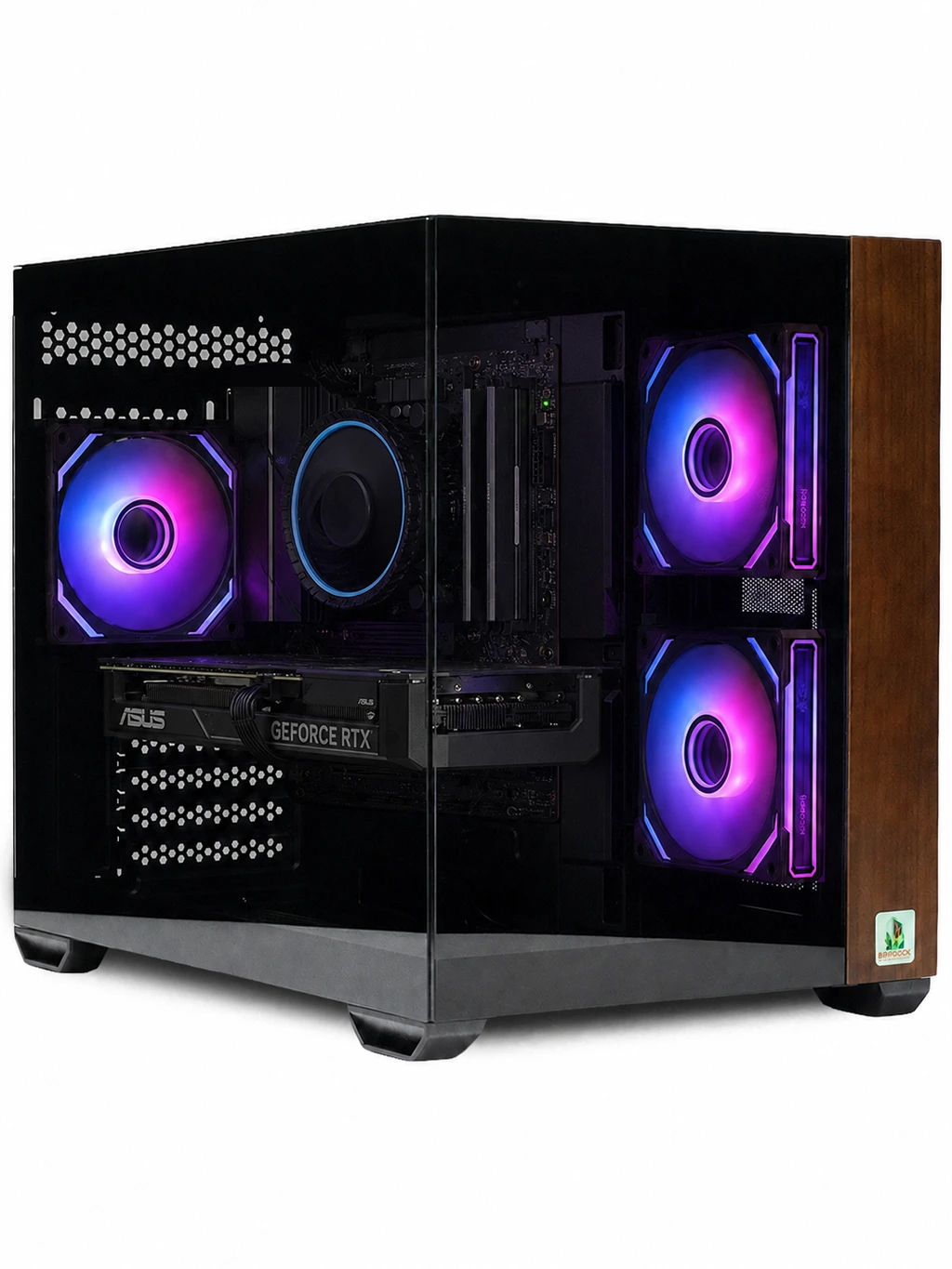
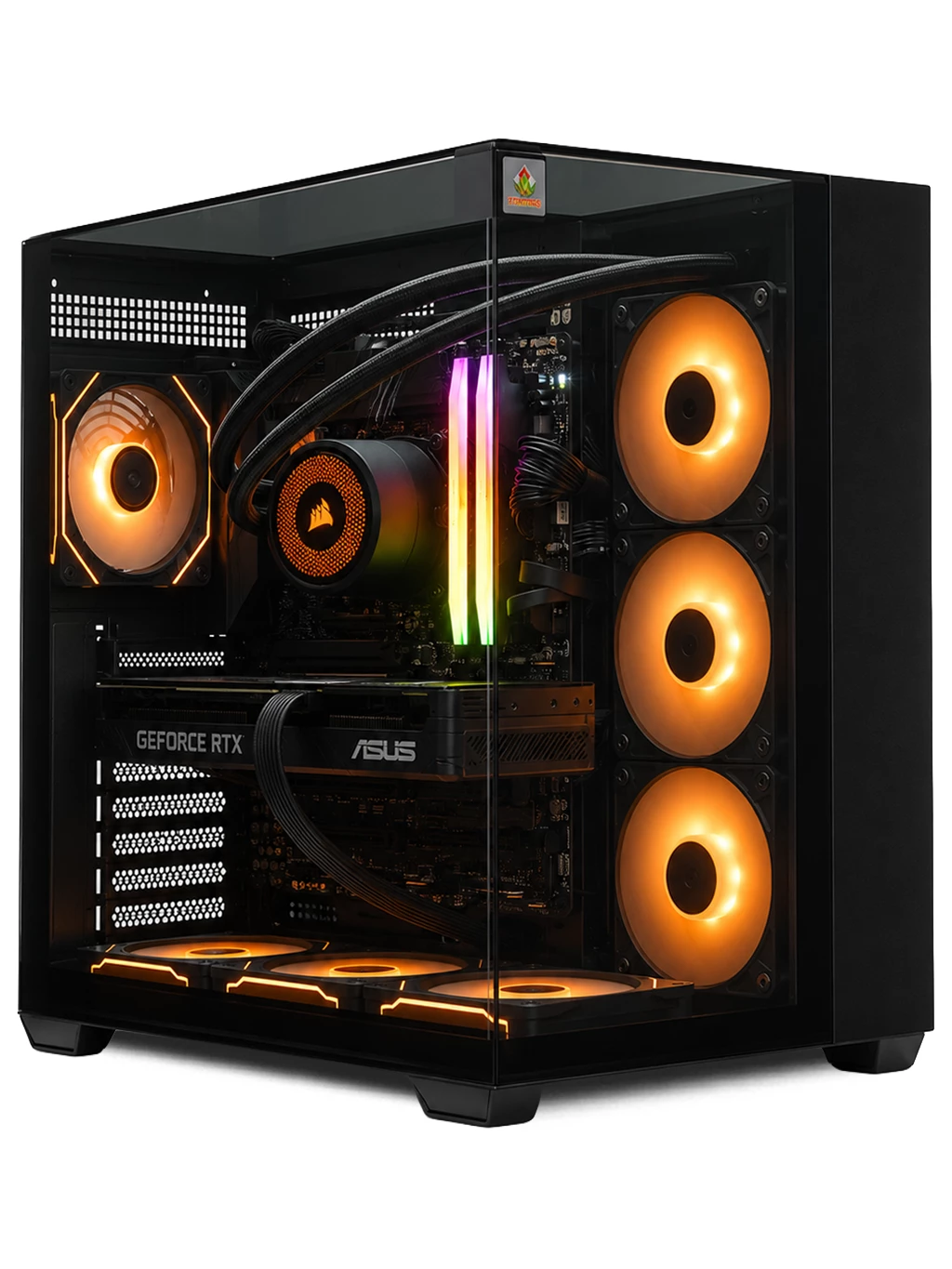
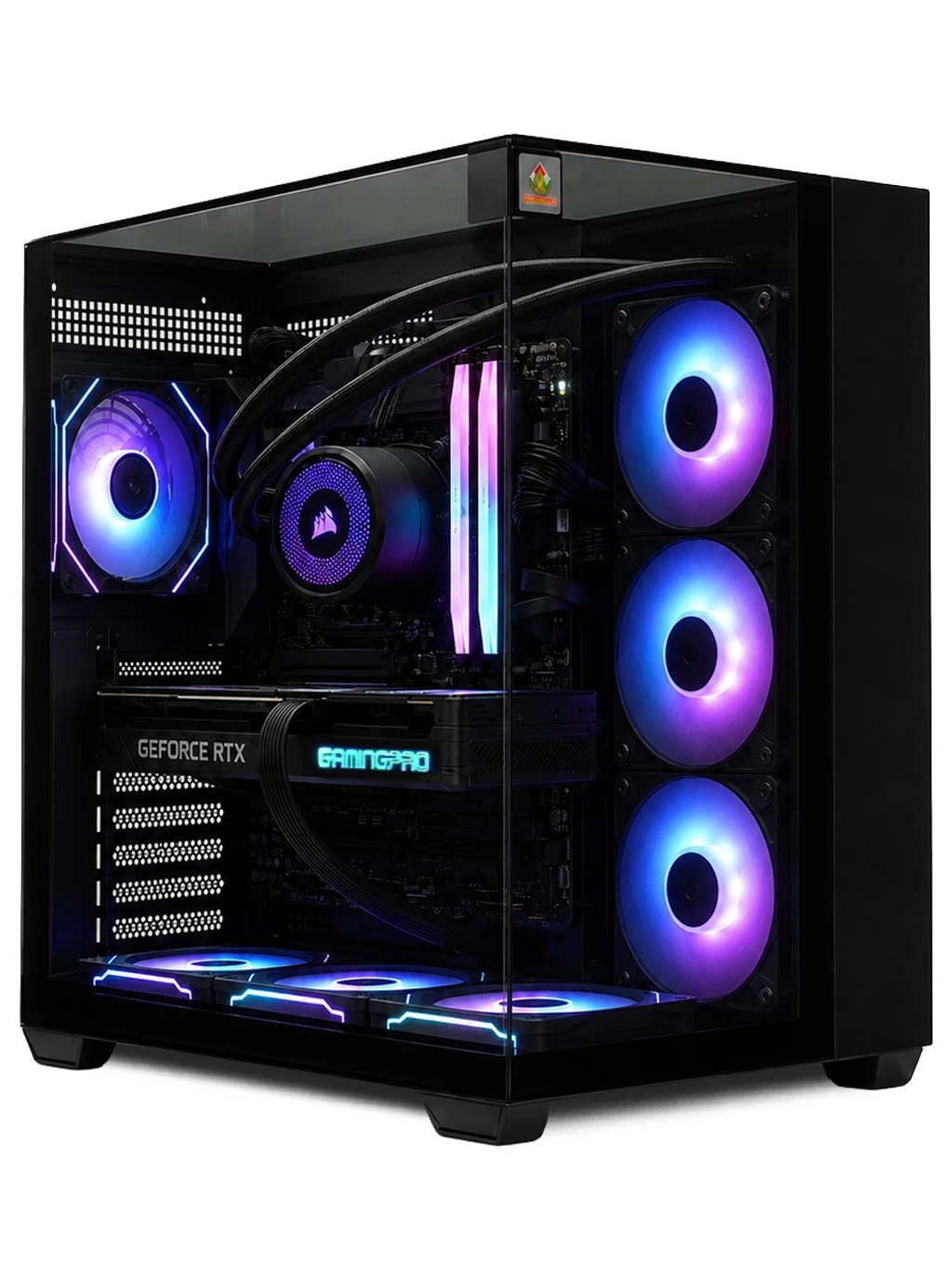
Here is how the cards in some of our systems line up by intended use, based on our product descriptions:
- 1080p and 1440p: the Spectre Gaming PC with an RX 6700 XT 12GB.
- 1440p: the Titan Gaming PC with an RX 9060 XT 16GB.
- 4K: the Prism Gaming PC with an RTX 4080 SUPER 16GB.
- Flagship-class: the Hyperion Gaming PC with an RTX 5080 16GB.
Older cards can still offer value. The GTX 1080 is capable at 1080p but lacks the dedicated ray tracing hardware found in RTX cards.
VRAM, Features and Value
VRAM is easy to compare but should not be the only deciding factor. A 24GB card such as the RTX 3090 or RTX 4090 suits heavy 4K and creative work, while 12GB to 16GB covers most gaming. DLSS works only on NVIDIA RTX cards, whereas FSR runs on a wide range of hardware from both brands.
Value means the right card for your monitor. A 4K card paired with a 1080p screen leaves performance unused, while a modest card on a 4K screen forces lower settings. See our RTX gaming PCs, 4K gaming PCs and monitors to match the two.
Graphics Card Comparison FAQs
What matters most in a graphics card comparison?
Performance in the games you play at your monitor’s resolution, followed by VRAM and features.
Is more VRAM always better?
Not on its own. A newer card with less VRAM can be faster than an older card with more.
Should I choose NVIDIA or AMD?
Both make strong cards. Compare benchmarks, features and price for your target resolution.
Want a graphics card comparison for your own games? Contact our team and we will help you choose.