
Choosing the best gaming headset PC players can wear for hours comes down to comfort, connection type, microphone quality and how you like your audio to sound. There is no single right answer, because a competitive shooter player and a single-player fan want different things. This guide explains what to look for so you can choose with confidence.
Wired Or Wireless?
A wired headset connects through a 3.5mm jack or USB. It needs no charging and avoids wireless interference. A wireless headset gives you freedom to move but needs regular charging.
- 2.4GHz wireless: uses a USB dongle and usually offers lower latency than Bluetooth, which suits gaming.
- Bluetooth: handy for phones, but latency can be noticeable in fast games.
- Wired: simple, reliable and no battery to manage.
Comfort: The Best Gaming Headset PC Priority
For long sessions, comfort matters more than almost anything else. Check the weight, how firmly it grips your head and the ear pad material. Fabric pads tend to stay cooler, while leatherette pads seal in more sound. If you wear glasses, softer pads reduce pressure on the arms. The best gaming headset PC gamers choose is one they forget they are wearing.
Microphone Quality
A clear mic matters for team chat and streaming. Look for a boom mic you can position near your mouth, ideally one that detaches or flips up to mute. Noise reduction helps keep keyboard clicks out of voice chat. If you stream seriously, many creators use a separate microphone instead.
Stereo Or Surround Sound?
Good stereo already gives useful positional cues in many games. Virtual surround, usually provided through software, can make direction easier to judge in some titles, though results vary by game and listener. When comparing the best gaming headset PC options, treat surround as a bonus rather than a must-have.
For the best gaming headset PC compatibility, also think about the connection on your PC. Many systems have a combined headset jack on the front panel, while USB headsets handle audio processing themselves.
Completing Your Setup
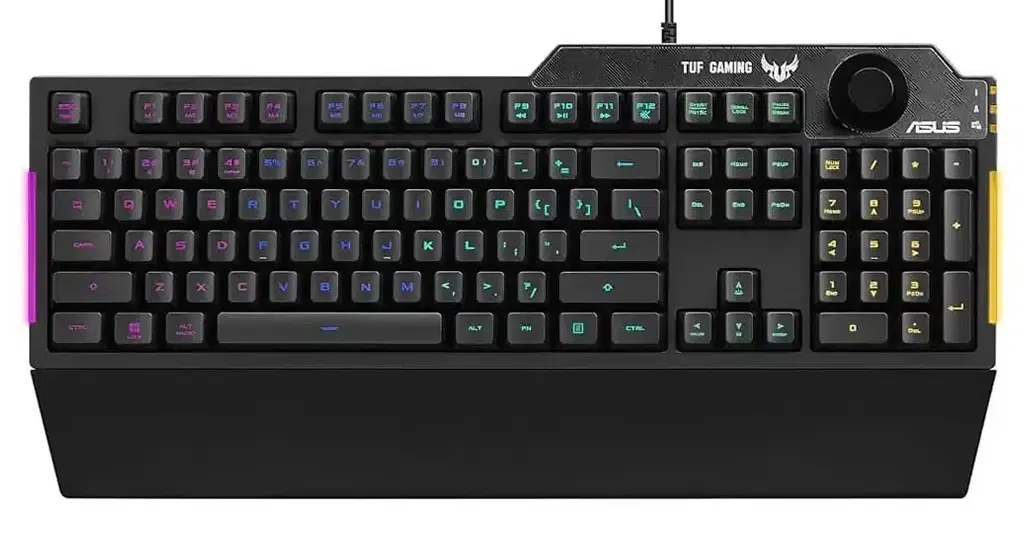
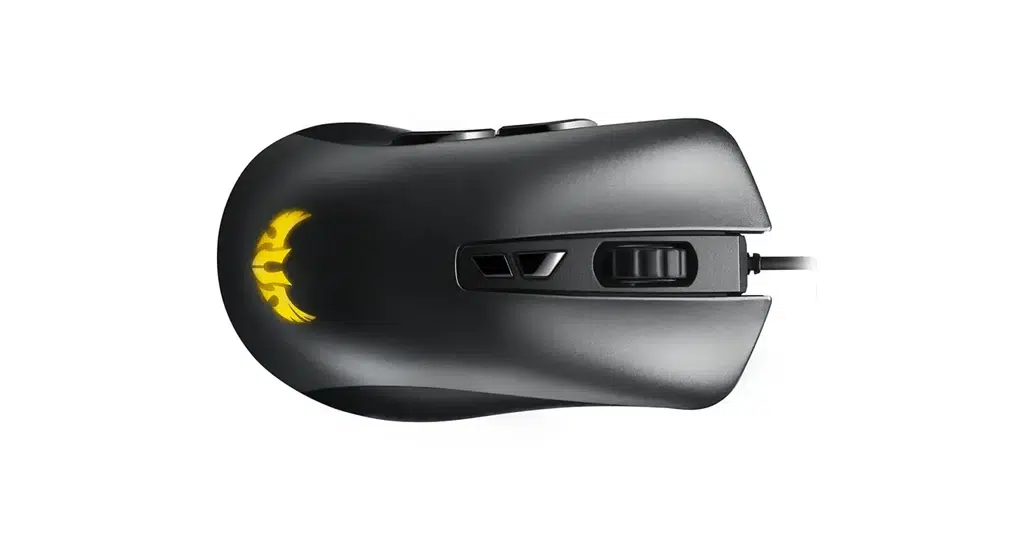
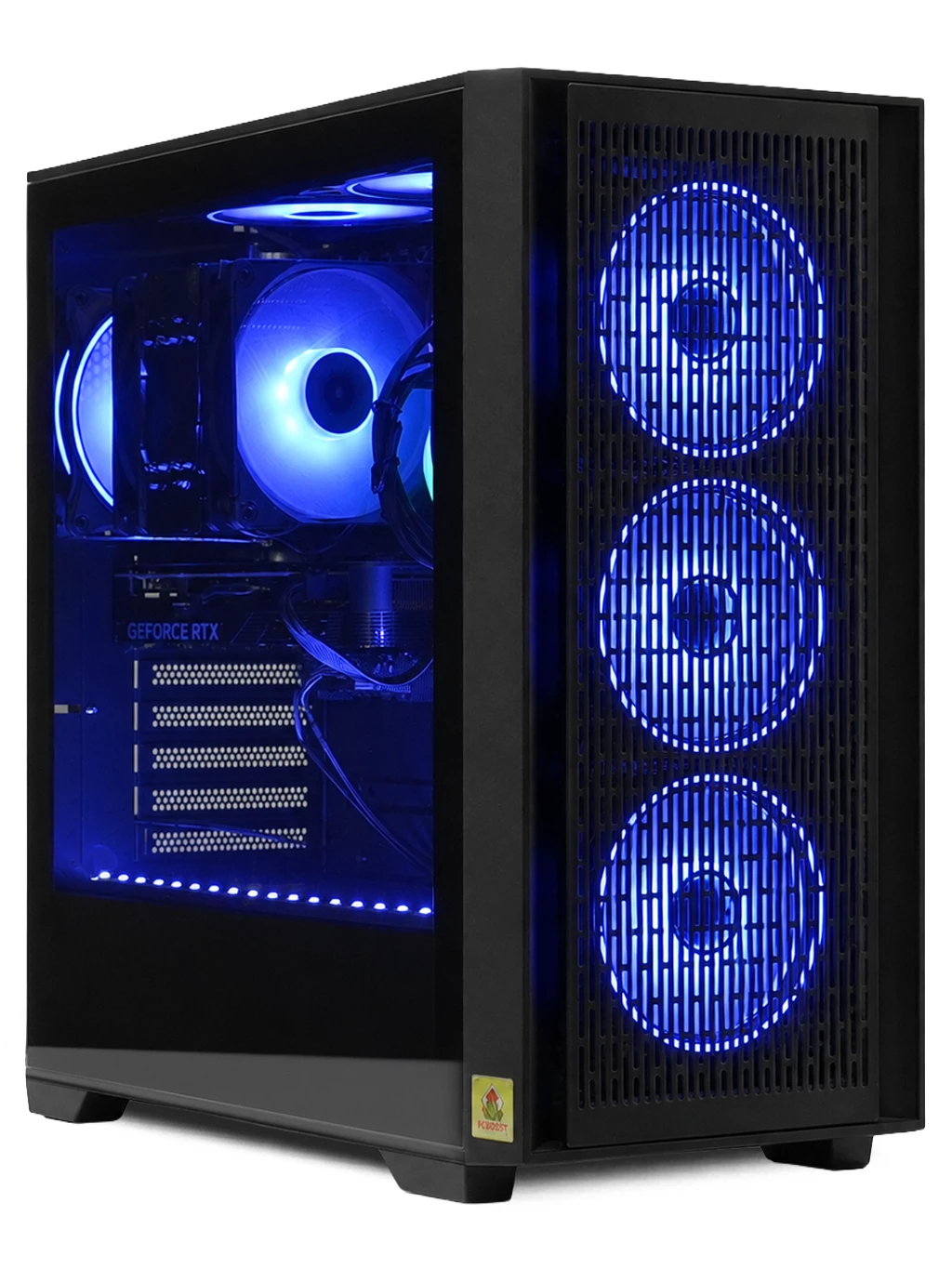
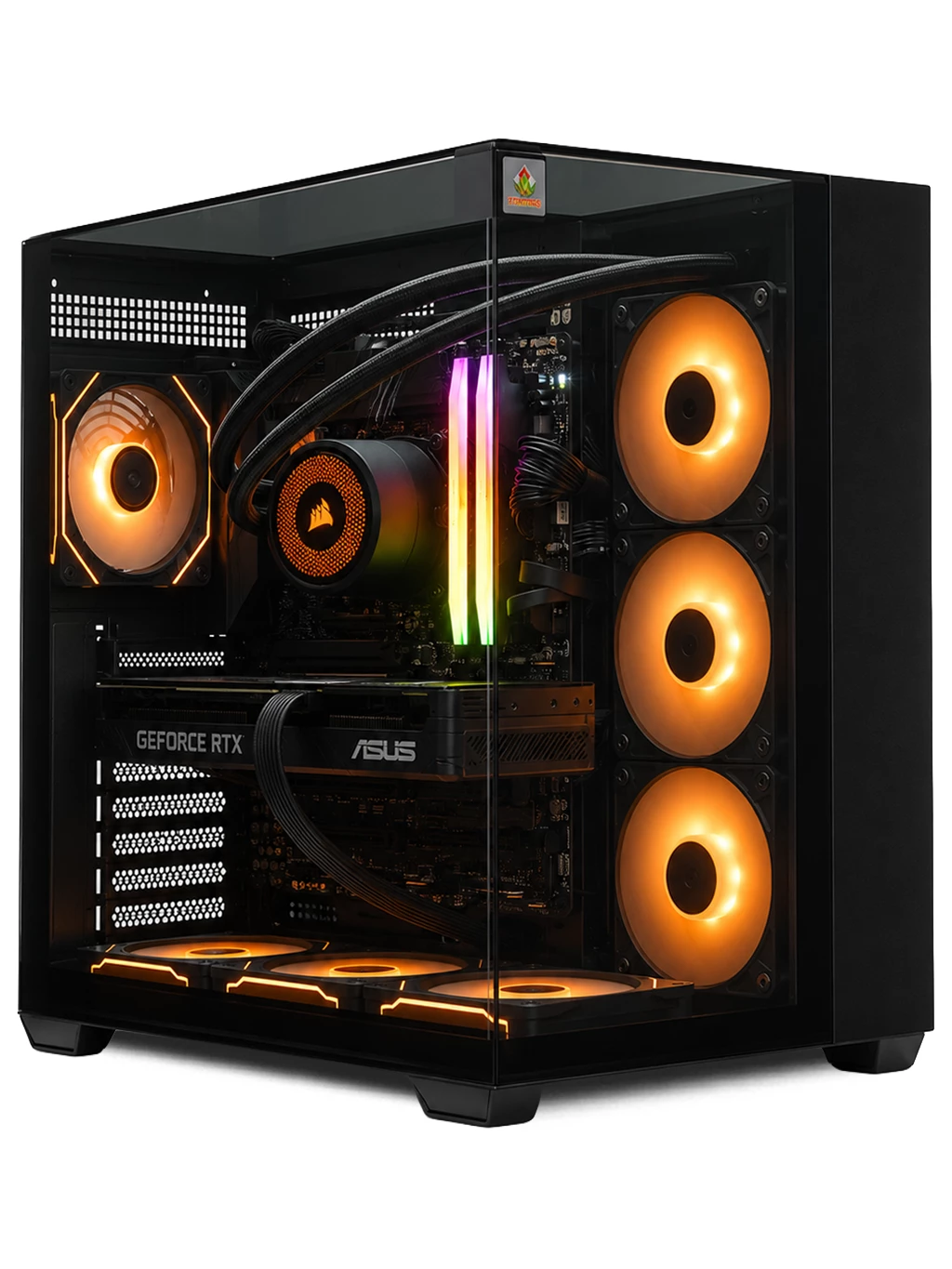
A headset works best as part of a complete setup. We do not sell headsets, but our peripherals range covers the rest of your desk, such as the ASUS TUF K1 Gaming Keyboard and the ASUS TUF M3 Gaming Mouse. If you also stream, a capable system such as the Orion Gaming PC gives you room for game, chat and capture software together. See our streaming PCs for more.
Best Gaming Headset PC FAQs
Is wireless good enough for competitive gaming?
A 2.4GHz wireless connection is usually responsive enough for most players. Bluetooth is less suited to fast games because of added latency.
Do I need a USB headset for PC?
No. Most PCs support 3.5mm headsets. USB can be handy if your PC lacks a convenient audio jack or you want software features.
Finding the best gaming headset PC setup starts with the right system. Browse our gaming PCs or contact our team for advice.