
A top gaming PC is the one that runs your favourite games smoothly at the resolution you play on, without paying for power you will never use. That sounds simple, but the right answer changes depending on your monitor, your games and whether you also stream or create content.
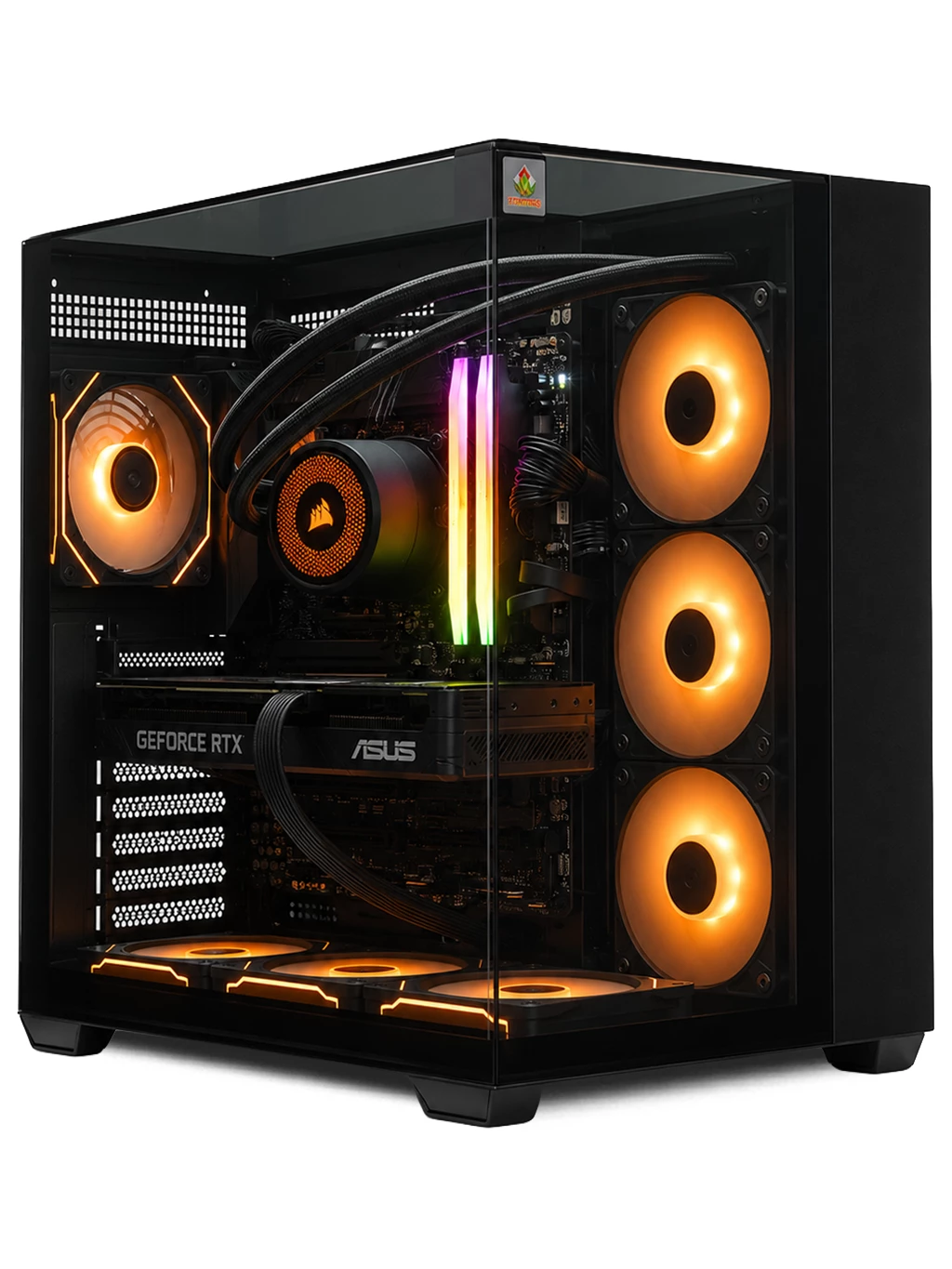
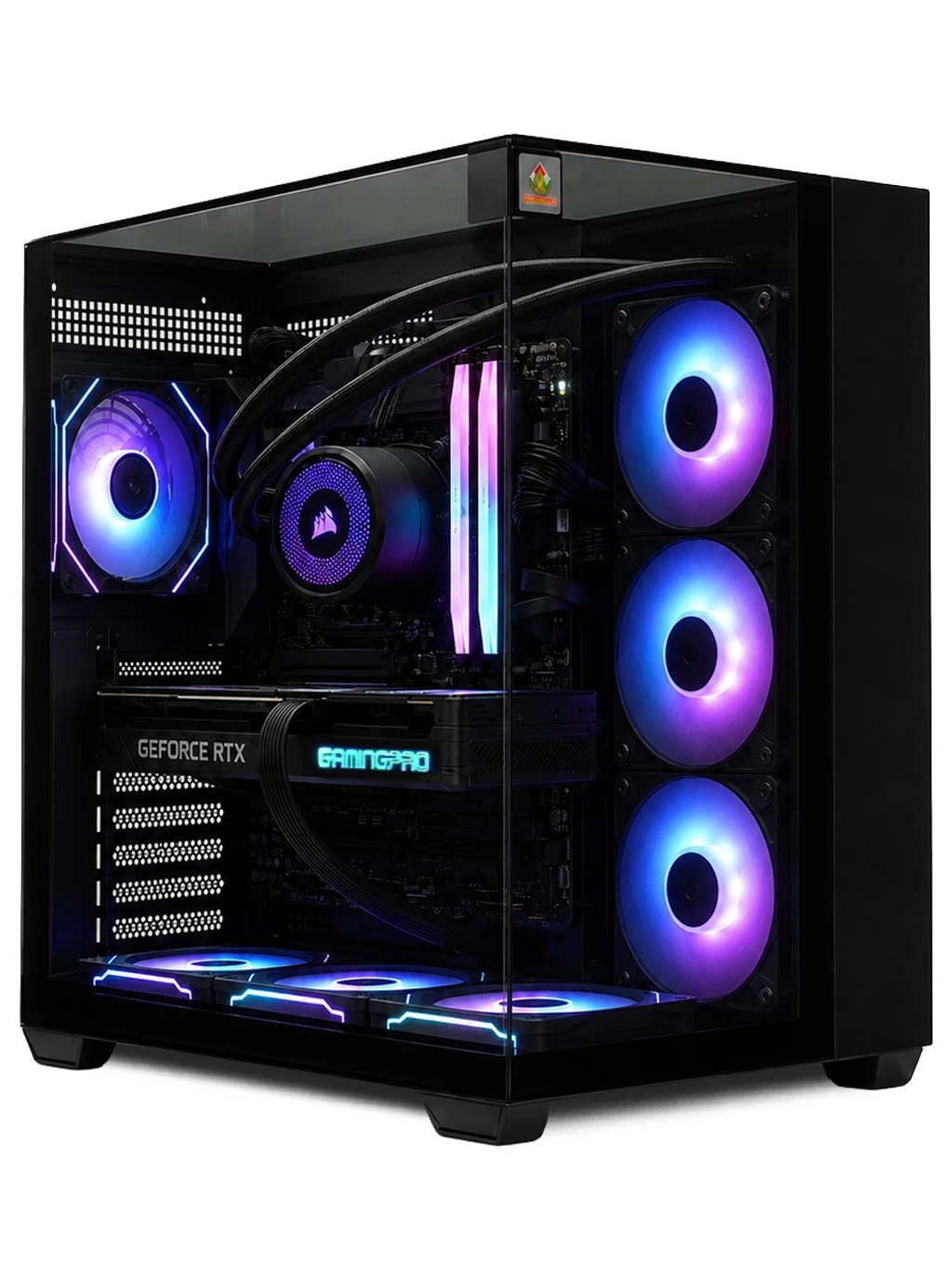
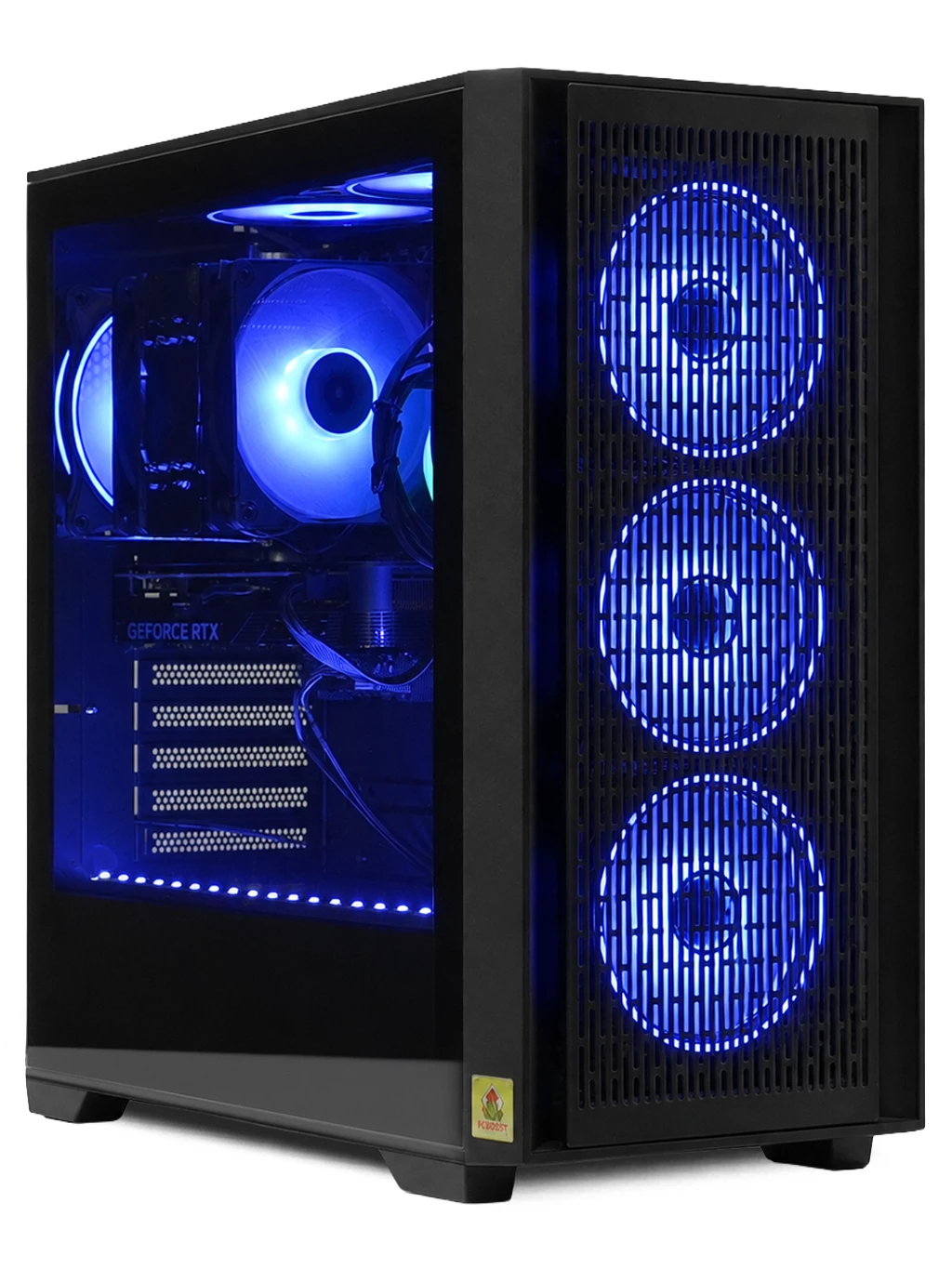
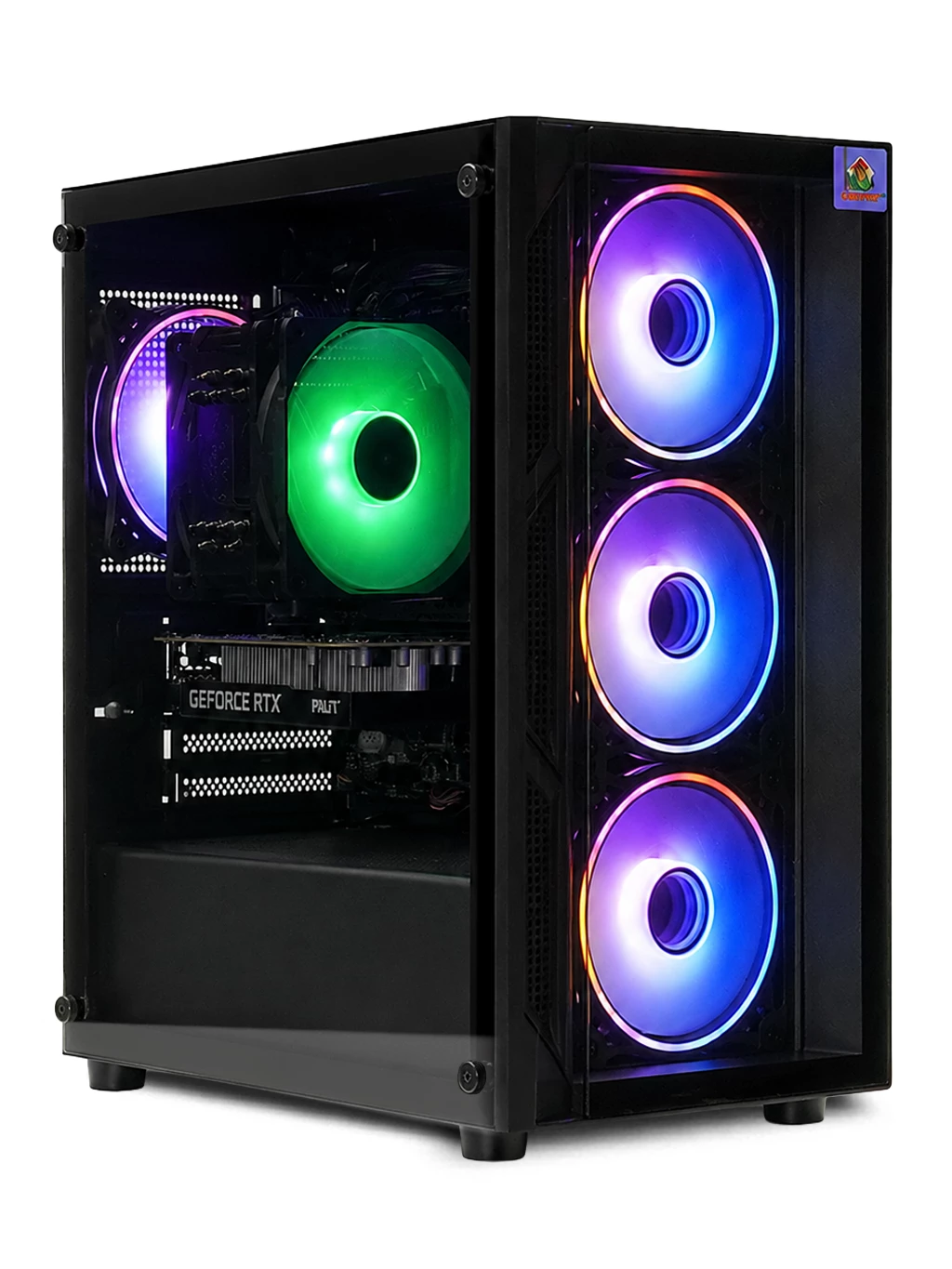
Below we look at the hardware in our own range and explain which machines suit which kind of player.
What Makes A Top Gaming PC?
The graphics card does most of the heavy lifting in games, so it is the first thing to check. The processor matters too, especially in fast competitive shooters and strategy games with lots of units on screen. After that, look at memory and storage.
- Graphics card: decides how high you can push resolution and detail.
- Processor: keeps frame rates steady in CPU-heavy titles.
- Memory: 16GB is a sensible baseline for modern games.
- Storage: a fast M.2 SSD cuts loading times.
A balanced build avoids one weak part holding back the rest, which is what separates a top gaming PC from a machine with one flashy component.
The Top Gaming PC For 4K Play
If you game on a 4K screen, you need a high-end graphics card. The Prism Gaming PC pairs an RTX 4080 SUPER 16GB with a Ryzen 7, DDR5 memory and a 1TB Gen4 M.2 drive, and it is available for next-day delivery. For a flagship-class build, the Hyperion Gaming PC uses an RTX 5080 16GB with a Ryzen 7 9800X3D.
You can compare more options on our 4K gaming PC page.
A Top Gaming PC For 1440p
1440p is a popular middle ground: sharper than 1080p, but far less demanding than 4K. The Orion Gaming PC combines an RX 9060 XT 16GB with a Ryzen 5 7500 on a modern AMD platform, and it also ships next day. The Tuff Gaming PC is a proven option with an RTX 3060 Ti, Ryzen 5 and 16GB DDR4.
For a wider view of quick-dispatch machines, see our next day gaming PC range.
How To Choose Your Top Gaming PC
Start with your monitor. There is little point buying a 4K-class machine for a 1080p screen, and a budget build will struggle on a high-resolution display. Next, list the games you play most and check their recommended specs. Finally, think about upgrades: a good case and power supply make it easier to add parts later.
If you want to understand what each component does, this overview of a gaming computer is a helpful starting point. You can also browse every machine in our gaming PCs category.
Top Gaming PC FAQs
Is the most expensive PC always the best choice?
No. The top gaming PC for you is the one matched to your screen and games. Extra power you cannot see on your monitor adds cost without adding much enjoyment.
Which part should I prioritise?
For most gamers, the graphics card has the biggest effect on visual quality and smoothness, followed by the processor.
Can I upgrade later?
Usually, yes. Graphics cards, memory and storage are the most common upgrades in a desktop PC.
Not sure which top gaming PC suits your setup? Contact our team and we will help you choose.