
A CPU processor is the brain of your PC, running the game logic, physics, AI and everything happening in the background. This guide explains the specs that matter for gaming and shows how to get the right chip inside a complete system.
What A CPU Processor Does For Gaming
The CPU processor prepares each frame by working out what is happening in the game world, then passes the drawing work to the graphics card. If the processor is too slow, the graphics card waits, and frame rates drop. The central processing unit article explains the basics in more depth.
6 Tips For Choosing A CPU Processor
- Cores and threads: six cores is a sensible starting point for modern games, with eight giving more room for streaming and multitasking.
- Clock speed: higher speeds help, but only compare within the same generation.
- Cache: extra cache, as on AMD’s X3D chips, often helps in games.
- Platform: newer platforms support DDR5 and offer more upgrade options.
- Balance: pair the chip with a graphics card of a similar tier.
- Cooling: a capable cooler keeps clock speeds steady under load.
Matching Your CPU Processor To Resolution
At 1080p, and especially at high refresh rates, the processor does more of the heavy lifting, so a stronger chip pays off. At 4K, the graphics card usually becomes the limit, so a mid-range CPU processor is often enough unless you also stream or edit video.
High refresh monitors raise the bar further. To show 144 or 240 frames per second, the processor has to prepare every one of those frames, so competitive players often benefit more from a faster chip than from a bigger graphics card. Background apps such as voice chat, browsers and game launchers also take a share of processor time.
If you stream while you play, more cores help keep everything smooth. Our streaming PC range is built with that in mind.
Complete PCs By CPU Processor
We do not sell standalone processors, but every CPU processor we offer comes fitted inside a complete gaming PC:
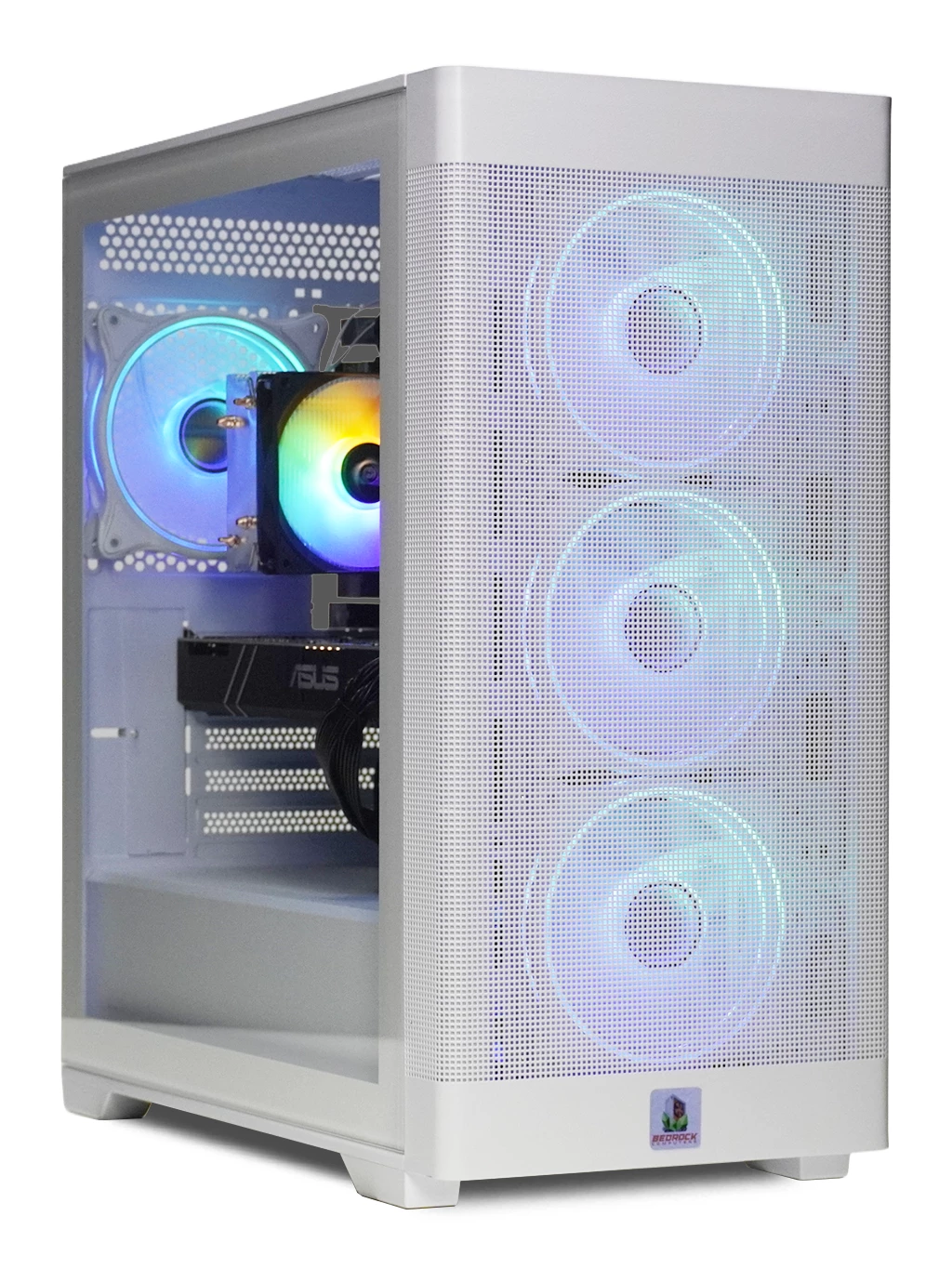
- Bedrock Zircon Gaming PC: 6-core Ryzen, 16GB DDR4 and an M.2 SSD, at £590.
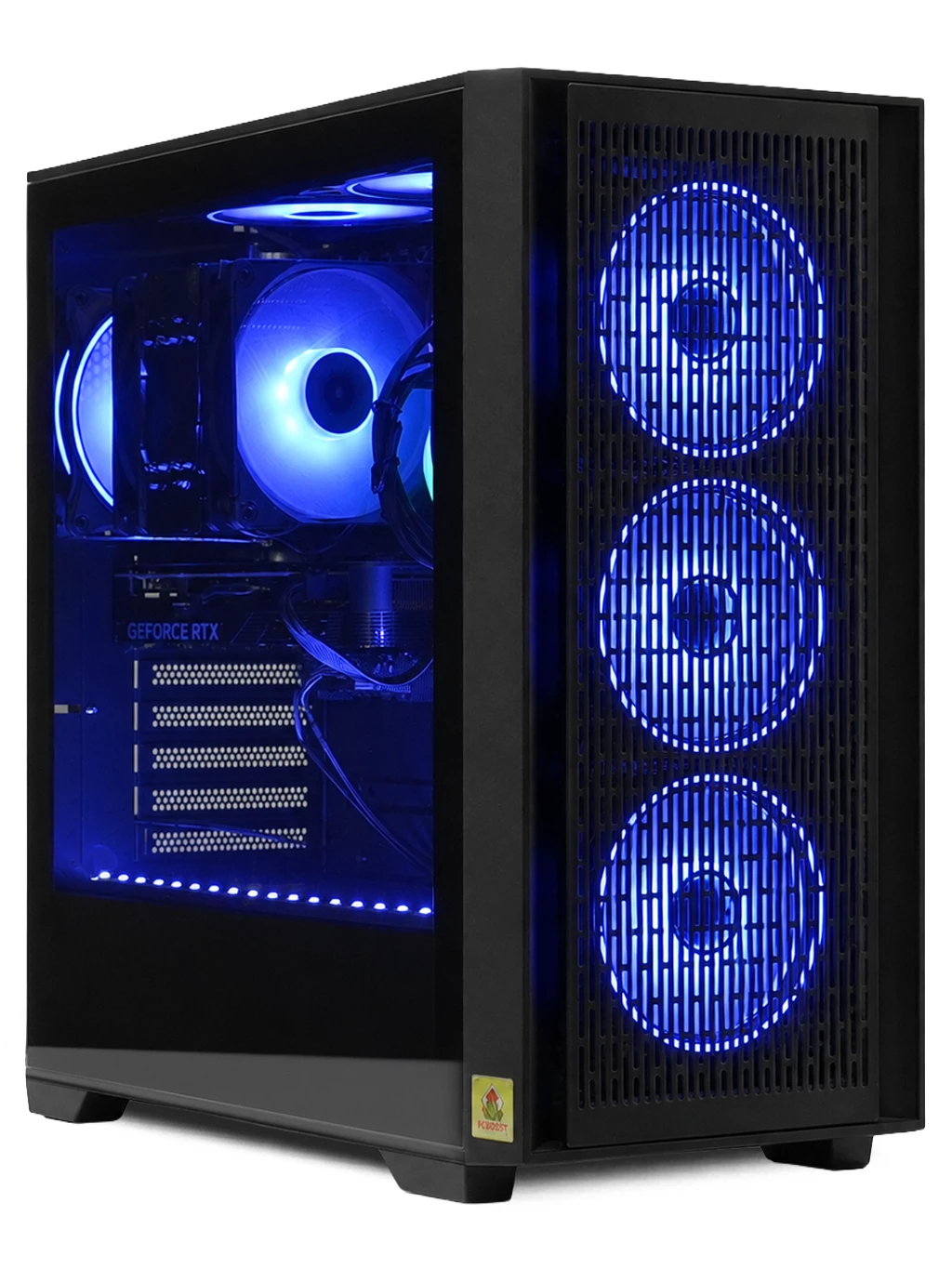
- Orion Gaming PC: Ryzen 5 7500 with an RX 9060 XT 16GB, at £1,375.
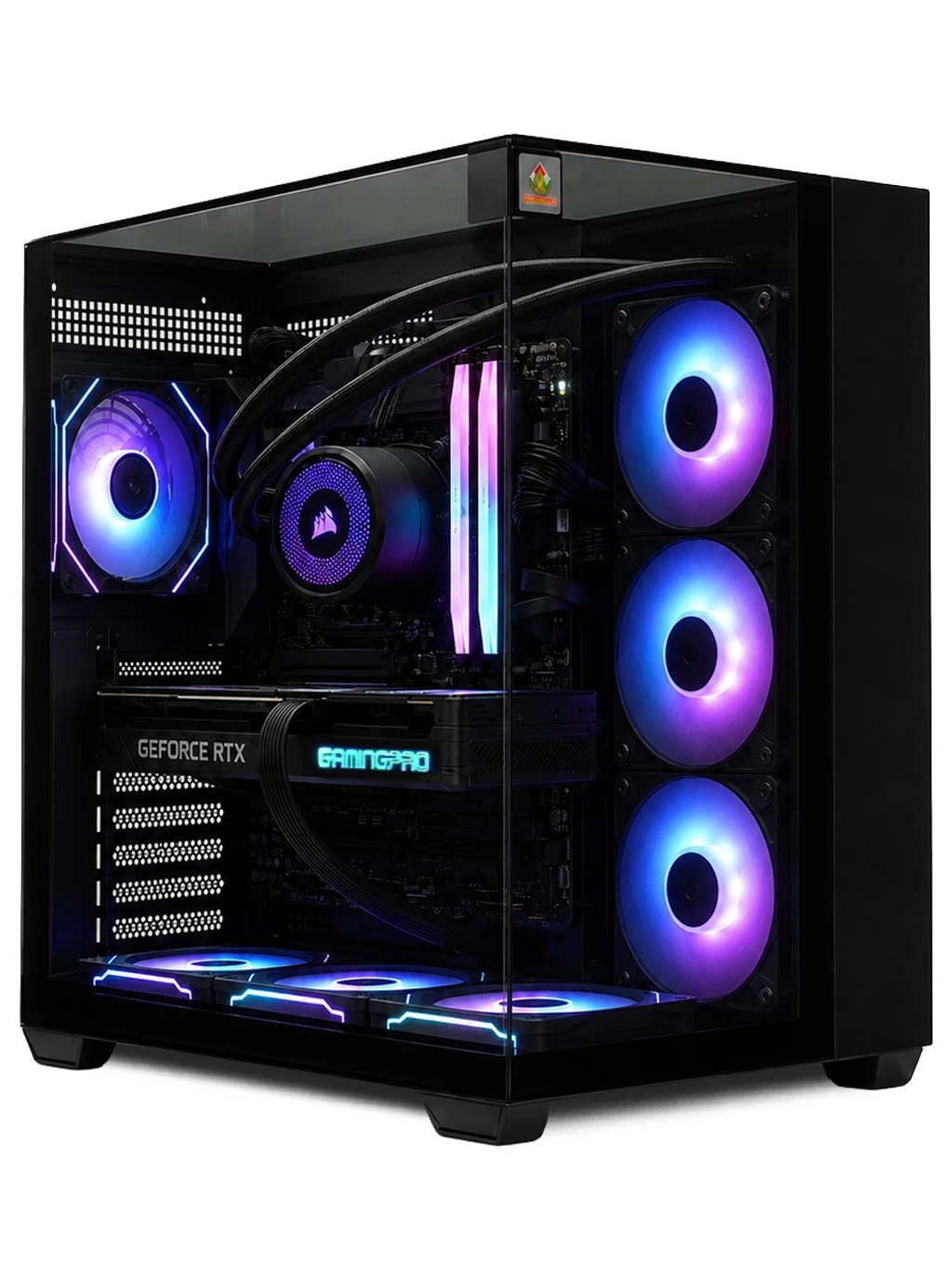
- Redline Gaming PC: Intel i7-12700KF with an RTX 3090 24GB, at £2,150.
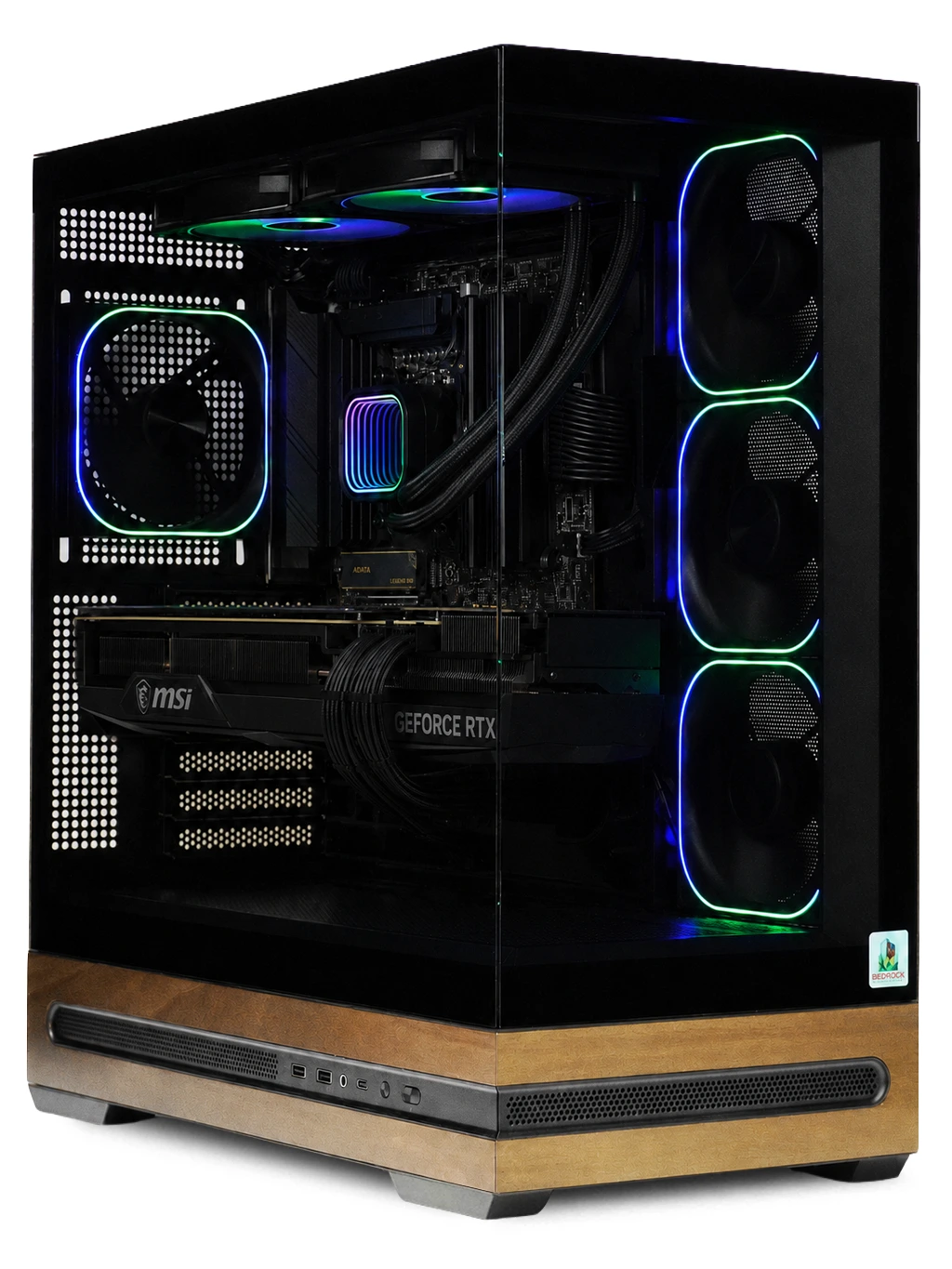
- Hyperion Gaming PC: Ryzen 7 9800X3D with an RTX 5080 16GB, at £3,250.
For tighter budgets, see our best gaming PCs under £1000, or browse every gaming PC we sell.
CPU Processor FAQs
Is AMD or Intel better for gaming?
Both make excellent gaming chips. Compare specific models at your budget rather than choosing on brand alone.
Do I need a high-end CPU processor for 4K?
Not usually. At 4K the graphics card does most of the work, so a strong mid-range processor is often enough.
Can I upgrade my processor later?
Often, if the motherboard supports newer chips. Newer platforms tend to offer longer upgrade paths.
Want help finding a PC with the right processor? Get in touch and tell us what you play.