
A gaming CPU is the processor that feeds every frame with game logic, physics, AI and draw calls, so the graphics card always has work to do. This guide is not a ranked list of chips. Instead, it explains what makes a processor suit games and shows which of our pre built PCs use which CPU, so you can match the hardware to the way you play.
What Makes A Gaming CPU Good?
Games lean on a handful of fast threads more than on huge core counts. That is why clock speed, instructions per clock (IPC) and cache size matter so much. A modern six-core or eight-core chip covers most current titles, while extra cores mainly help with streaming, video editing and heavy multitasking.
- Per-core speed: higher clocks and better IPC lift minimum frame rates in busy scenes.
- Cache: a large L3 cache keeps game data close to the cores, which can smooth out frame times.
- Platform: newer sockets support faster memory such as DDR5 and usually leave more room for upgrades.
- Cooling: a chip that stays cool can hold its boost clocks for longer.
For the textbook background, the central processing unit article covers how processors work.
When Does The Gaming CPU Become The Bottleneck?
At 1080p with a high refresh rate, the processor does more of the heavy lifting, because the graphics card finishes each frame quickly and then waits for the next set of instructions. At 1440p and 4K the balance shifts towards the GPU. So a strong gaming CPU matters most for competitive shooters and high-refresh 1080p play, and a little less for cinematic 4K gaming.
Strategy games, simulators and large multiplayer titles also stress the processor, whatever the resolution.
Which Of Our PCs Use Which Gaming CPU?
Here is how the processors line up across our range, based on the listed specs:
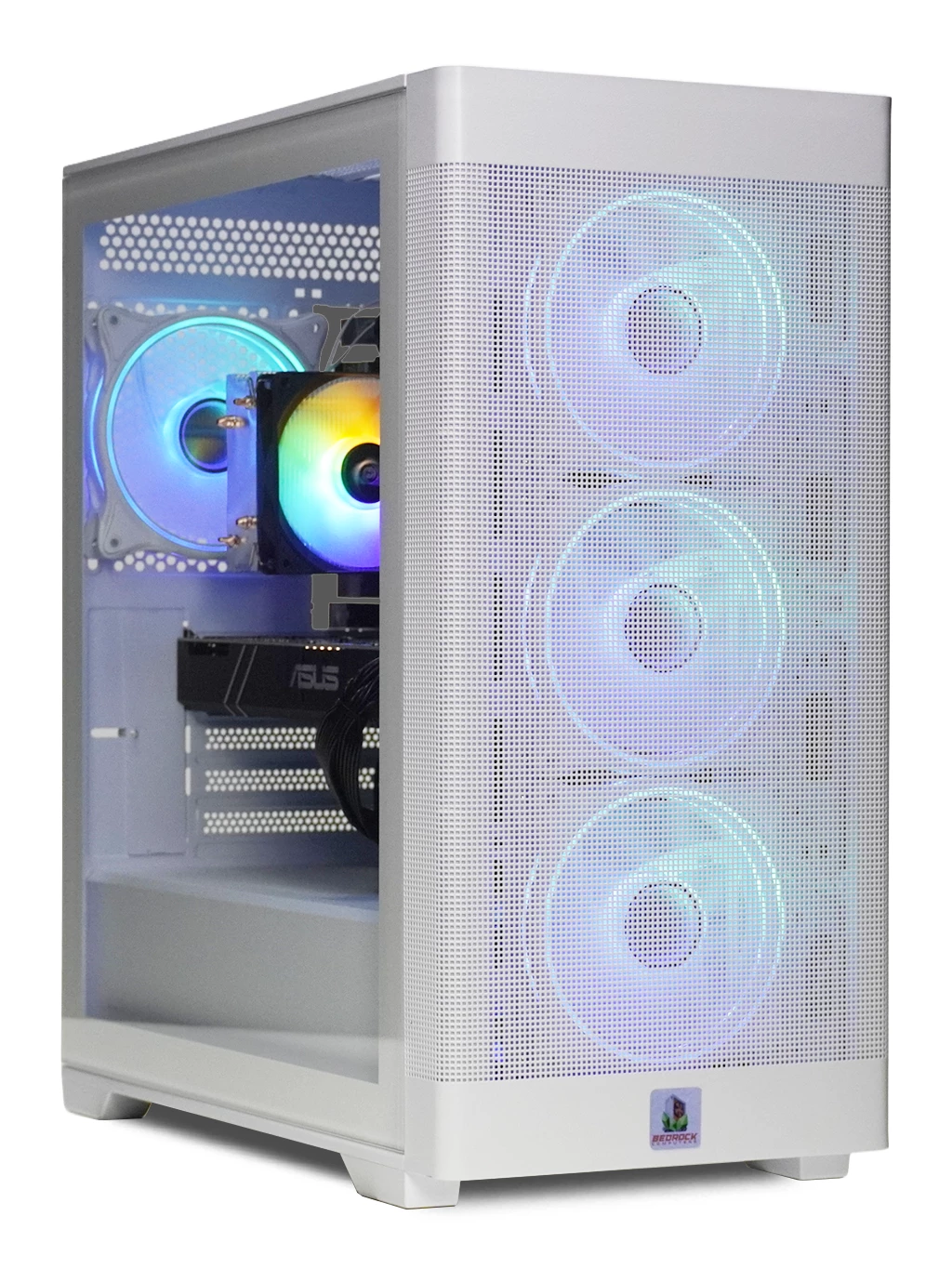
- 6-core Ryzen: the Bedrock Zircon Gaming PC pairs a 6-core Ryzen with 16GB DDR4 and an M.2 SSD, a sensible base for 1080p.
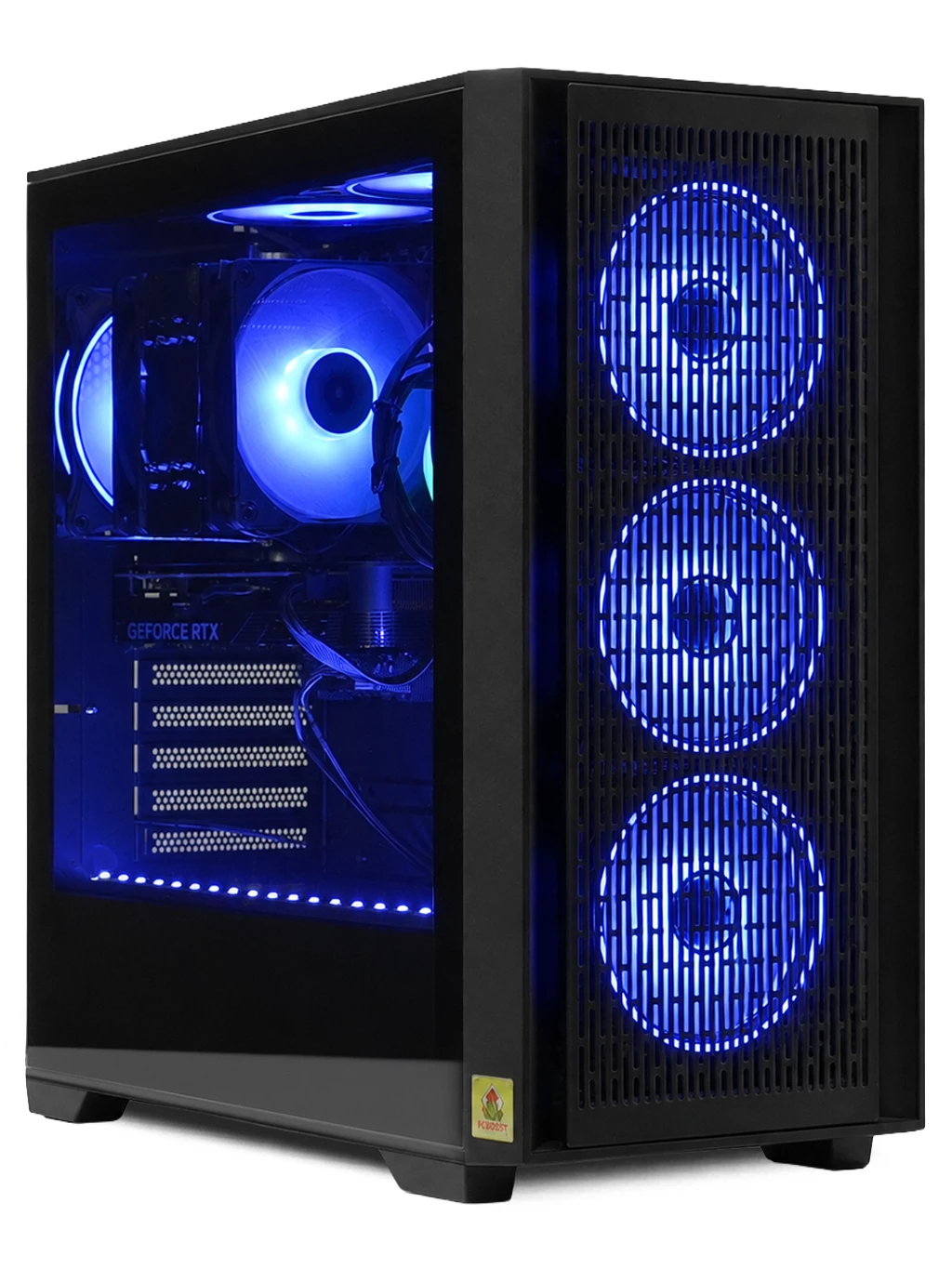
- Ryzen 5 7500: the Orion Gaming PC matches this modern AMD chip with an RX 9060 XT 16GB for 1440p.
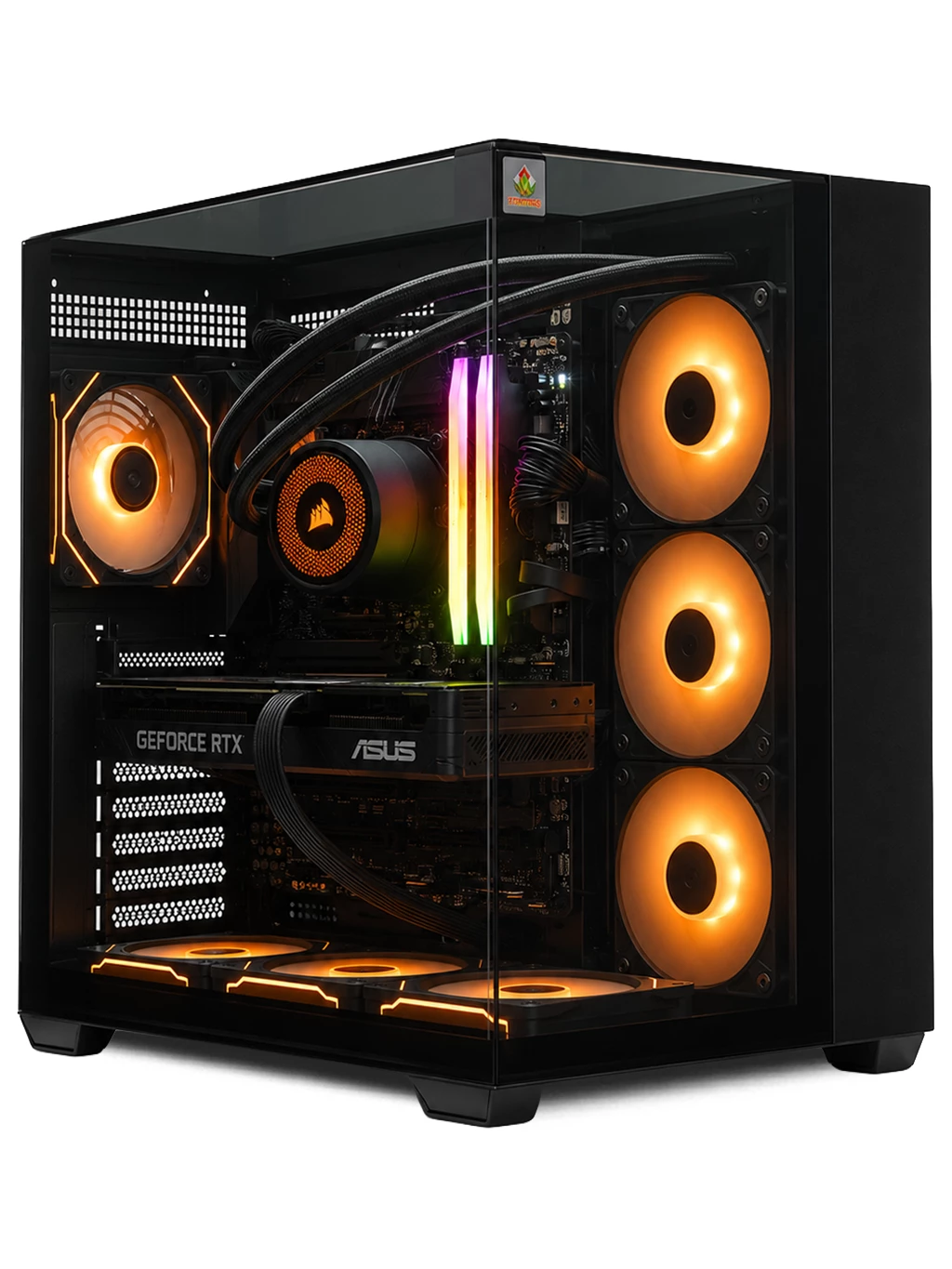
- Ryzen 7: the Prism Gaming PC combines a Ryzen 7 with an RTX 4080 SUPER 16GB and DDR5 for 4K.
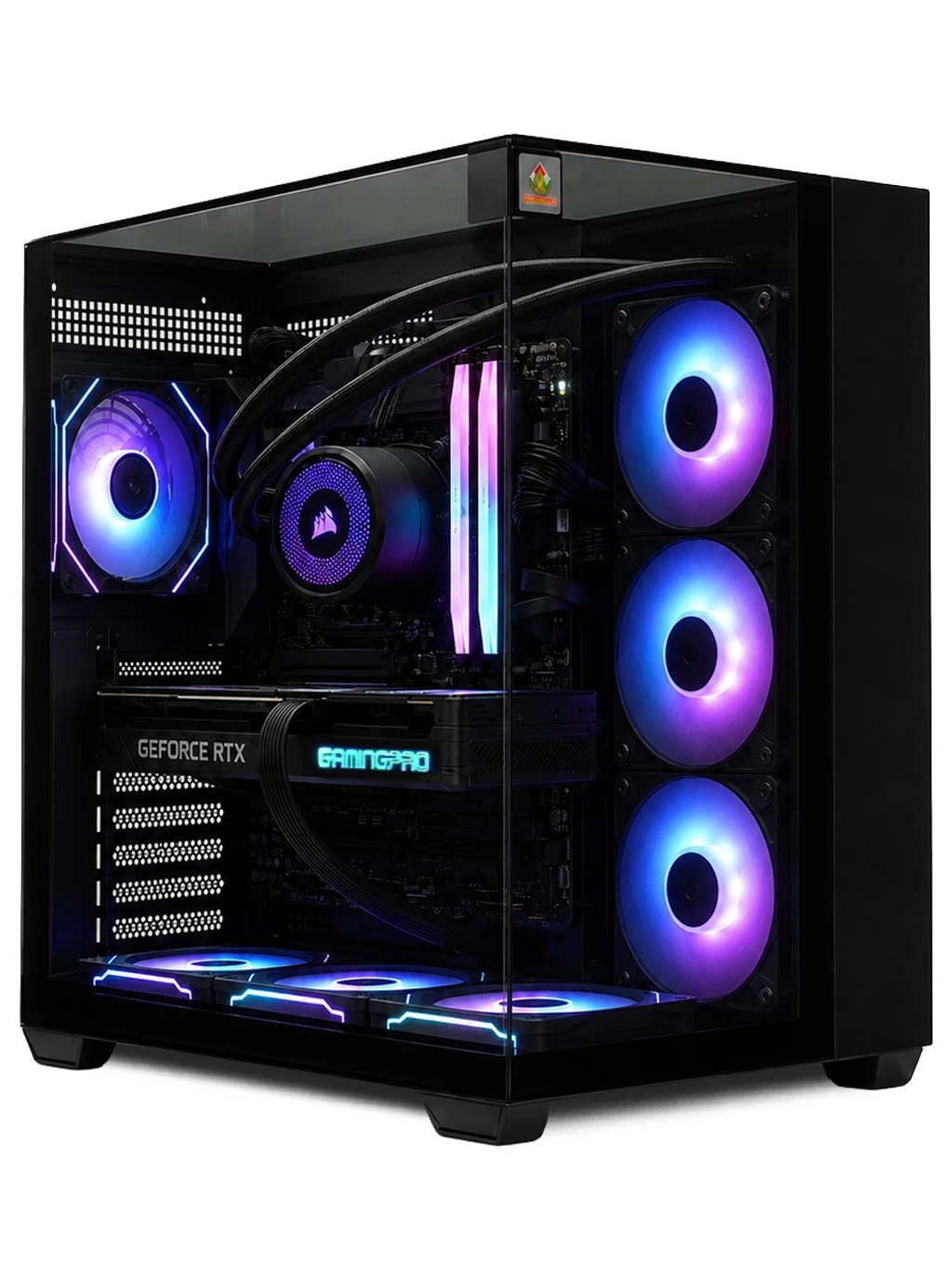
- Ryzen 7 9800X3D: the Hyperion Gaming PC uses AMD’s large-cache X3D chip alongside an RTX 5080 16GB.
- Intel Core i7-12700KF: the Redline Gaming PC pairs it with an RTX 3090 24GB.
Balancing Your Gaming CPU With The Graphics Card
A balanced system beats a lopsided one. Pairing a flagship processor with an entry-level GPU wastes money, and the reverse can leave a fast card waiting. Our ranges are built around sensible pairings, from the best gaming PC under £1000 options up to dedicated 4K gaming PCs. On a tight budget, the cheap gaming PC range is a good place to start.
Gaming CPU FAQs
Is an X3D processor worth it?
For high-refresh gaming, the extra cache on chips like the Ryzen 7 9800X3D often helps, especially in CPU-heavy titles. At 4K the graphics card usually matters more.
How many cores does a gaming CPU need?
Six cores handle most games well. Eight cores give extra headroom for streaming or running apps in the background while you play.
Can I upgrade the processor later?
Often, yes, if the motherboard socket supports newer chips. Newer platforms usually offer a longer upgrade path than older ones.
Not sure which gaming CPU suits your games? Contact our team and we will help you pick the right PC.