
Picking the best graphics card is the biggest single decision in any gaming PC, because the GPU does most of the work that decides how smooth and detailed your games look. The right choice depends on your monitor, your games and your budget. Below we explain the cards used across our range and who each one suits.
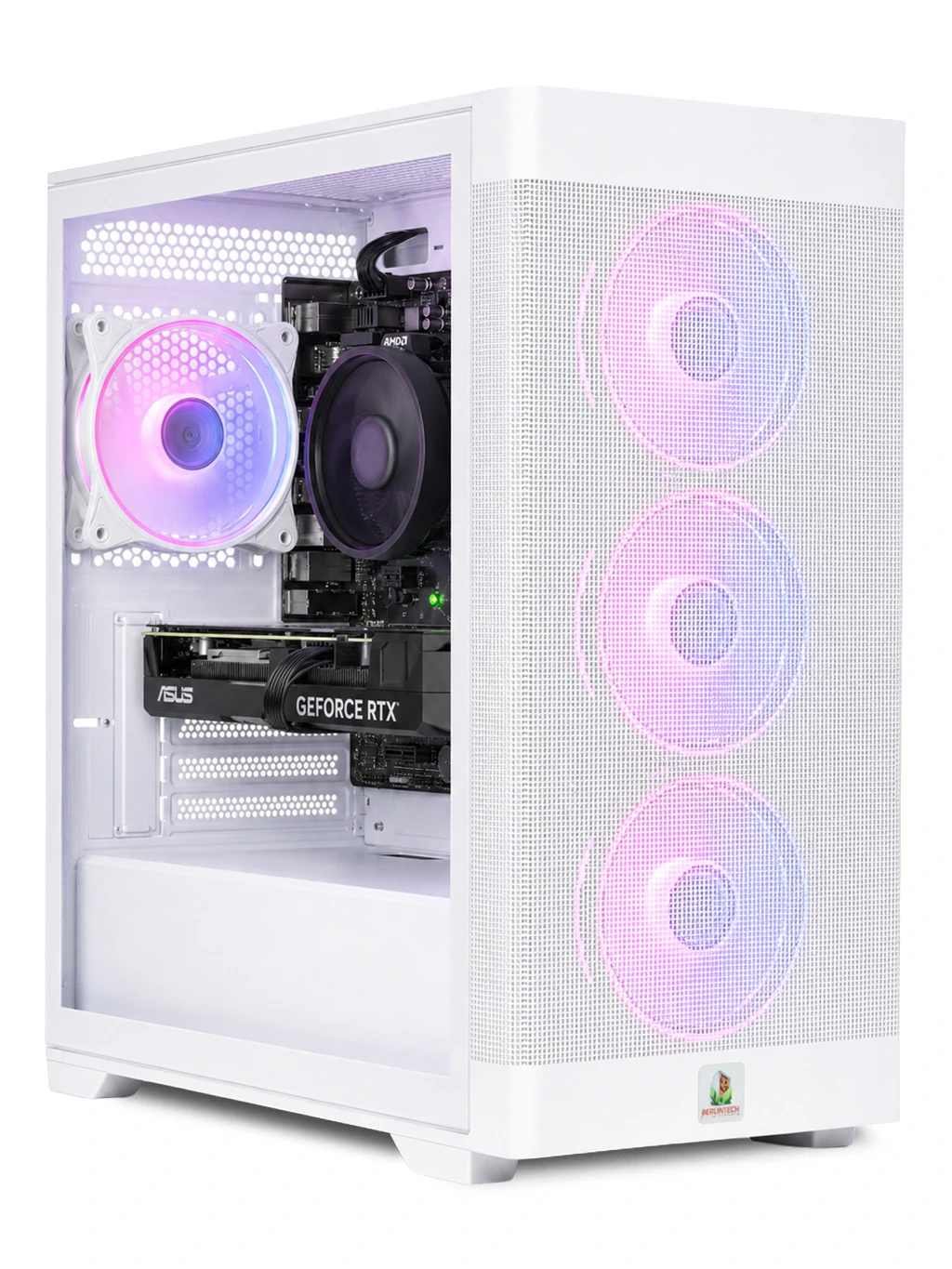
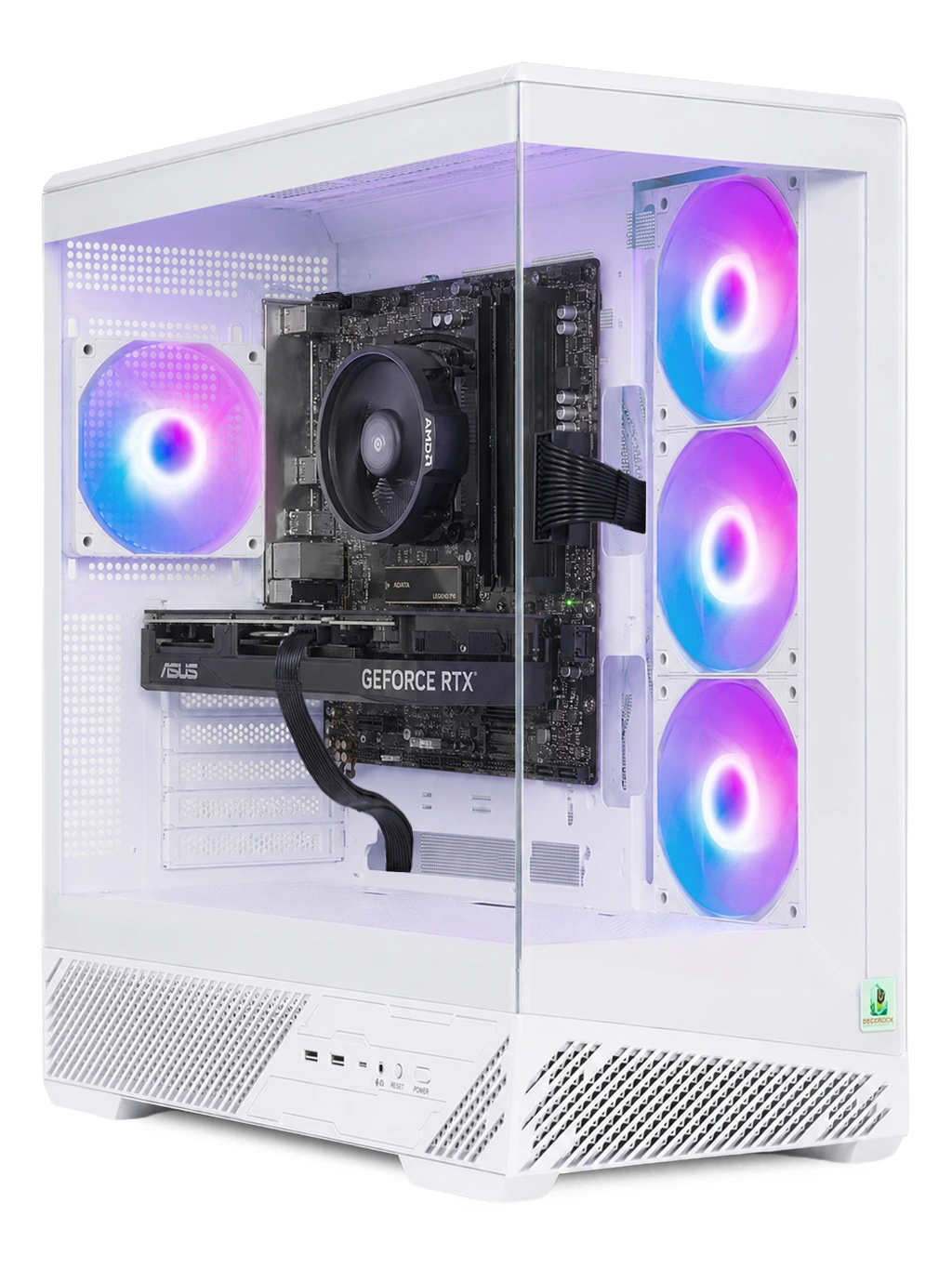
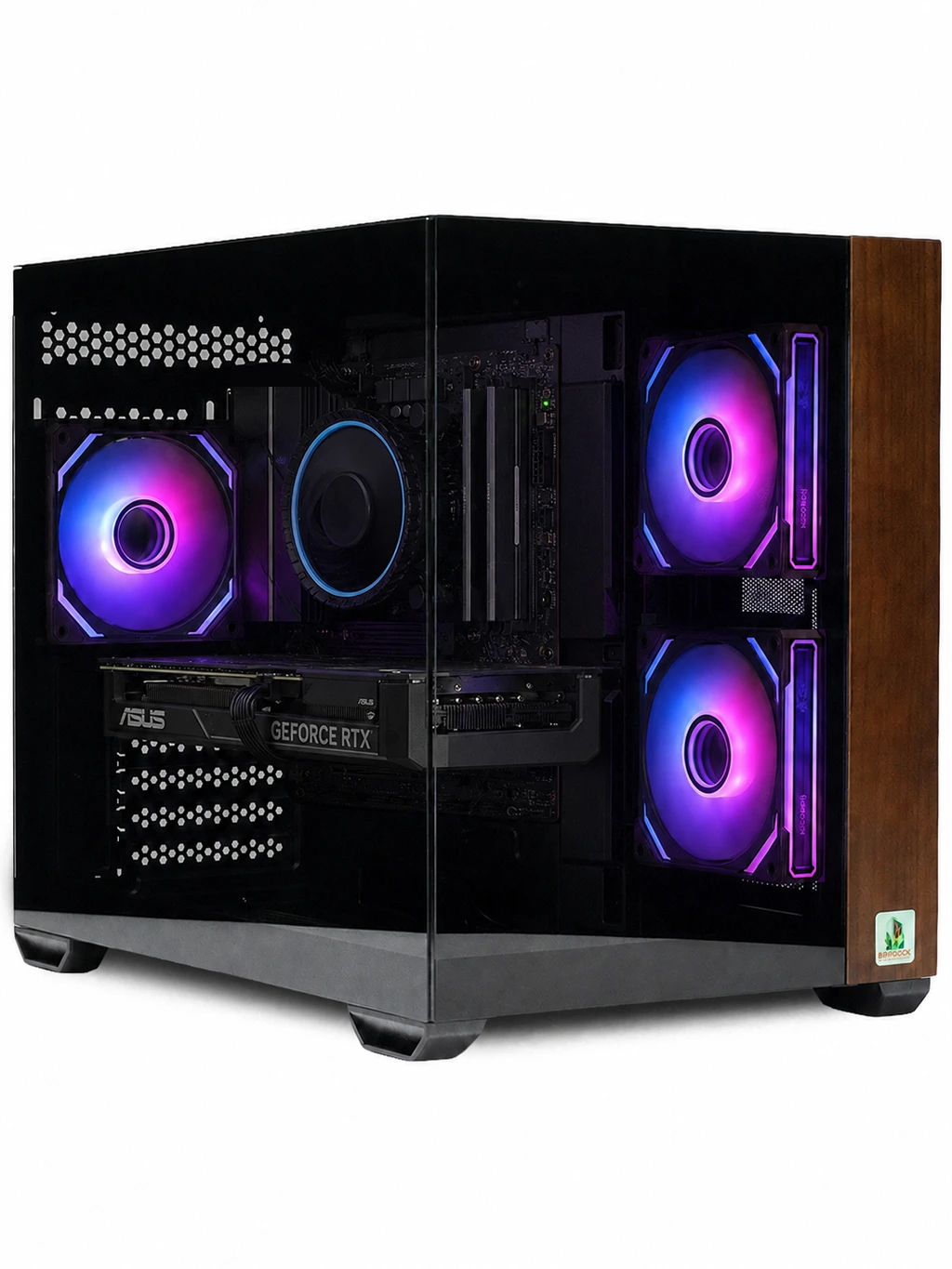
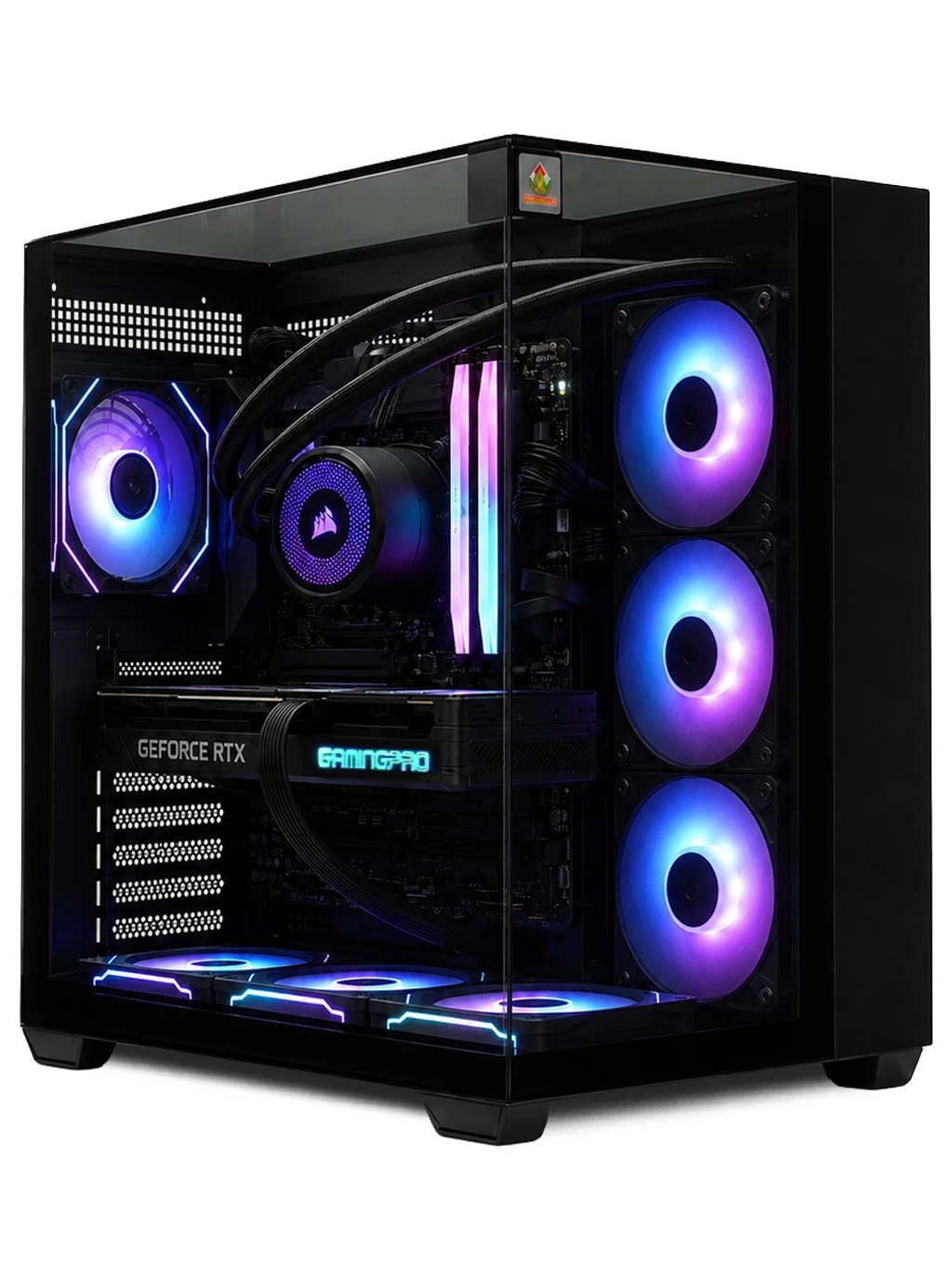
How To Choose The Best Graphics Card
A graphics processing unit renders every frame you see. Three things matter most when comparing cards for gaming:
- Resolution: 1080p, 1440p and 4K each need a different level of GPU power.
- VRAM: video memory holds textures. More helps with high settings and higher resolutions.
- Features: NVIDIA DLSS and AMD FSR upscaling, plus ray tracing support, can change how a card performs in modern titles.
The Best Graphics Card For 1080p
For 1080p gaming, the RTX 5060 and RTX 4060 are sensible choices with DLSS support and modern ray tracing hardware. The RTX Gaming PC uses an RTX 5060 with a 1TB Gen4 M.2 drive. If you want more video memory, the RX 6700 XT 12GB in the Spectre Gaming PC handles 1080p and many 1440p games well.
The Best Graphics Card For 1440p
1440p is where many players find the best balance of sharpness and frame rate. The RX 9060 XT 16GB gives plenty of VRAM for high texture settings, and it powers the Titan Gaming PC. Stepping up, the RTX 4070 SUPER 12GB and the RX 9070 handle demanding 1440p games and lighter 4K workloads, making either a strong best graphics card candidate for high refresh monitors.
The Best Graphics Card For 4K
4K asks the most of any GPU. The RTX 4080 SUPER 16GB and RTX 5080 16GB are built for it, with the RTX 5080 powering the Hyperion Gaming PC alongside a Ryzen 7 9800X3D. At the top of our range sits the RTX 4090 24GB, the card to choose if you want maximum headroom for 4K, ray tracing and creative work.
When the best graphics card for you is a high-end model, make sure the processor, power supply and cooling are up to the job. Our 4K gaming PCs are built with that balance in mind.
NVIDIA Or AMD?
Both brands make excellent cards. NVIDIA GeForce RTX models offer DLSS and have a strong record in ray tracing. AMD Radeon cards often give more VRAM at a given level and support FSR upscaling. The best graphics card is the one that fits your resolution and budget rather than a particular badge. Browse our RTX gaming PCs if you prefer NVIDIA.
Best Graphics Card FAQs
How much VRAM do I need?
8GB covers most 1080p gaming. 12GB to 16GB gives more room at 1440p and 4K, especially with high texture settings in newer games.
Is ray tracing worth it?
Ray tracing improves lighting and reflections but costs performance. Upscaling such as DLSS or FSR helps recover frame rate, so it is most useful on mid-range and high-end cards.
Should I buy a GPU or a full gaming PC?
If your current system is old, a full PC avoids bottlenecks from an older processor or power supply. A balanced build helps you get the most from the best graphics card you can afford.
Want help matching a GPU to your games? Get in touch or browse all our gaming PCs.