
Getting your gaming monitor PC pairing right means the screen can show what the computer produces, and the computer can keep up with the screen. A fast PC on a slow display wastes performance, while a high-refresh panel on an entry-level PC never reaches its potential. Here is how to balance the two using products from our range.
Refresh Rate And Frame Rate
Refresh rate, measured in hertz (Hz), is how many times per second the monitor redraws the image. A 100Hz screen can show up to 100 frames per second, and a 240Hz screen up to 240. To feel the benefit, your PC needs to produce frame rates close to that figure in the games you play.
The computer monitor article explains more about how displays work.
Screen Size And Desk Space
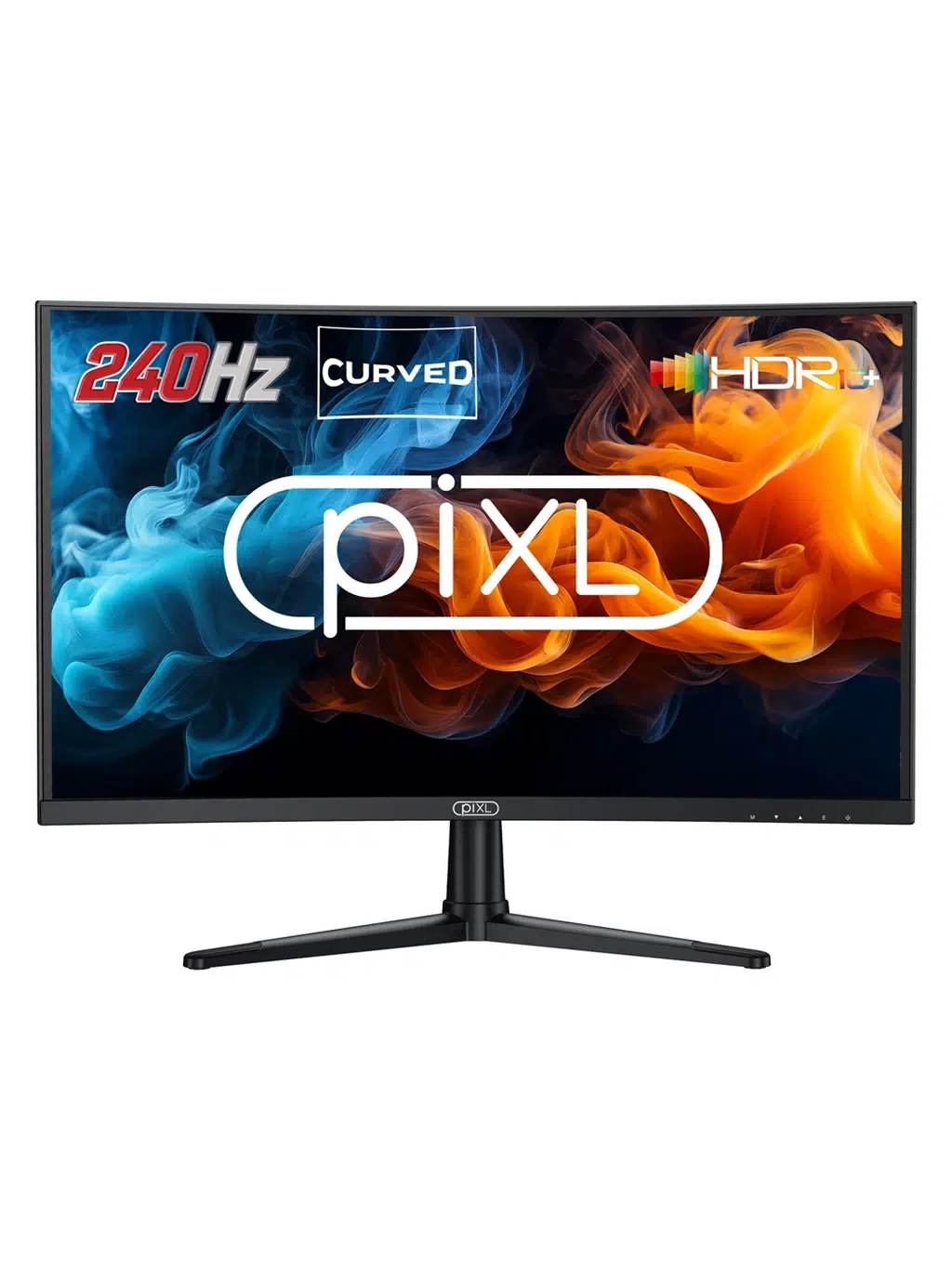
Larger screens are more immersive but need more desk depth. Around 22 to 24 inches suits close-up competitive play, while 27 inches gives more room for open-world games. Curved panels wrap the image around your view, which many players like at larger sizes.
Smart Gaming Monitor PC Pairings
These combinations make sense based on the names and listed specs of our products:
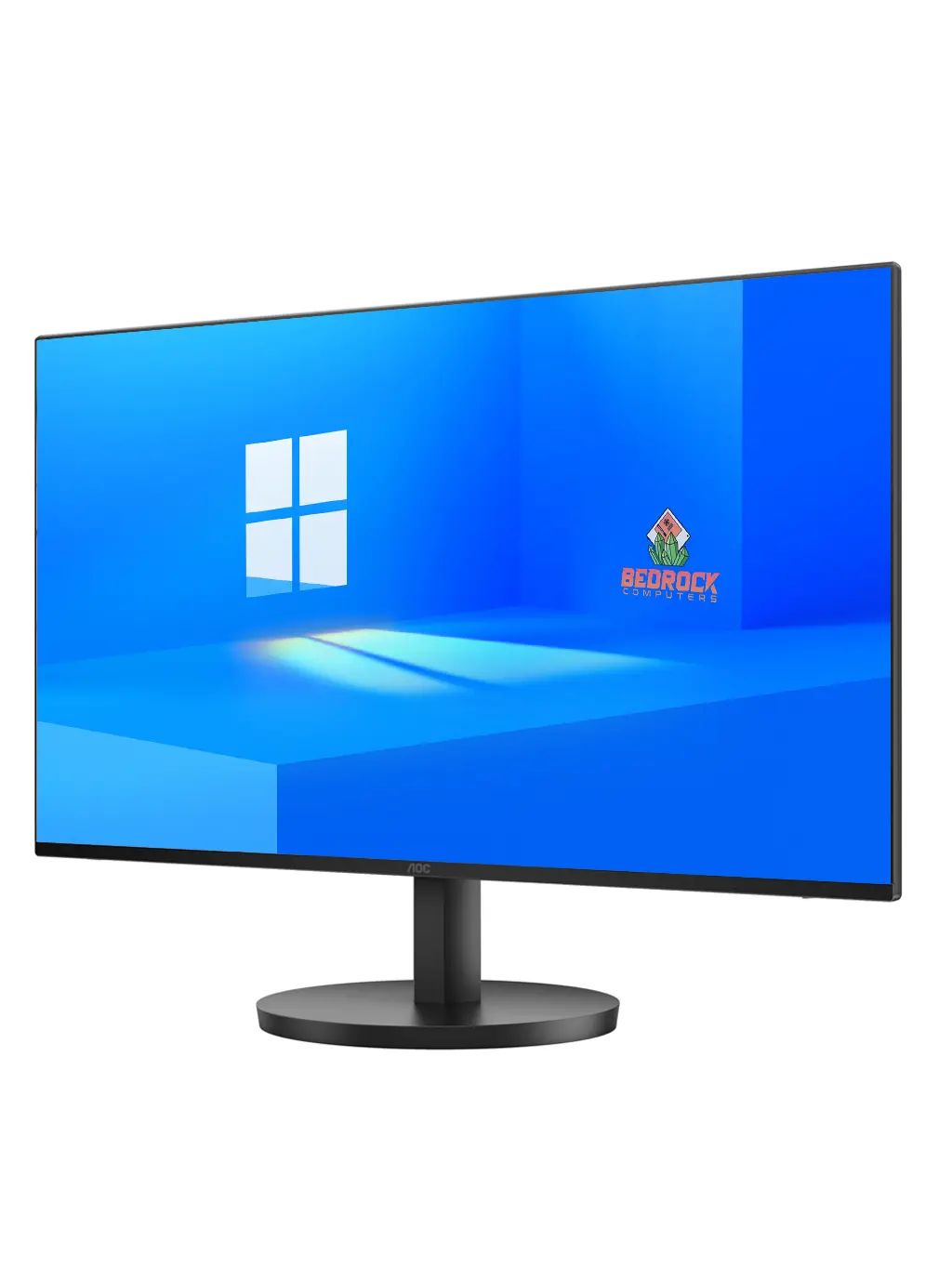
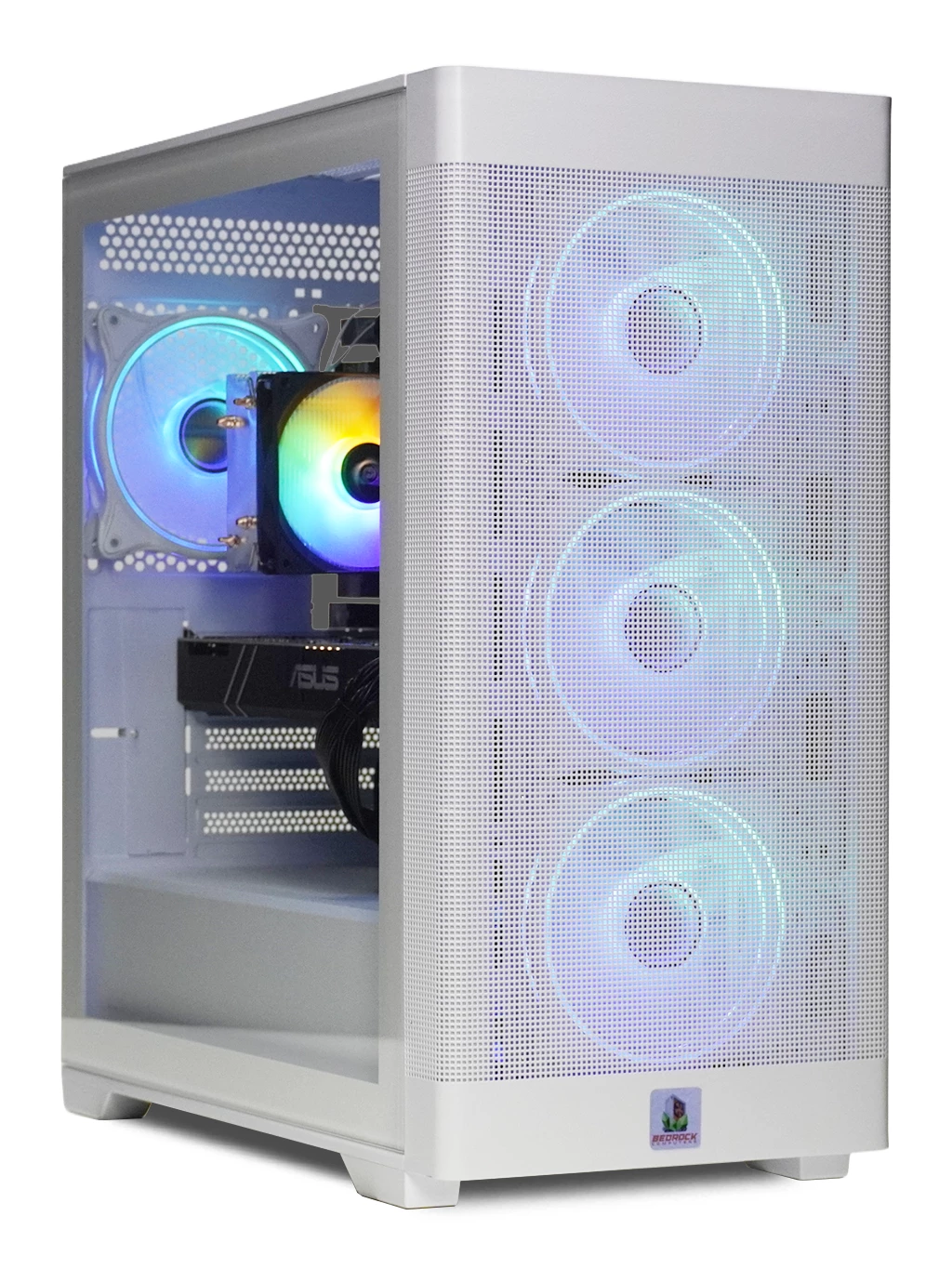
- Entry level: the AOC 24 Inch 100Hz Gaming Monitor with a 1080p-focused system such as the Bedrock Zircon Gaming PC. A 100Hz target is realistic in many games.
- Budget office or casual: the Dahua 22 Inch 100Hz Monitor suits smaller desks and lighter games.
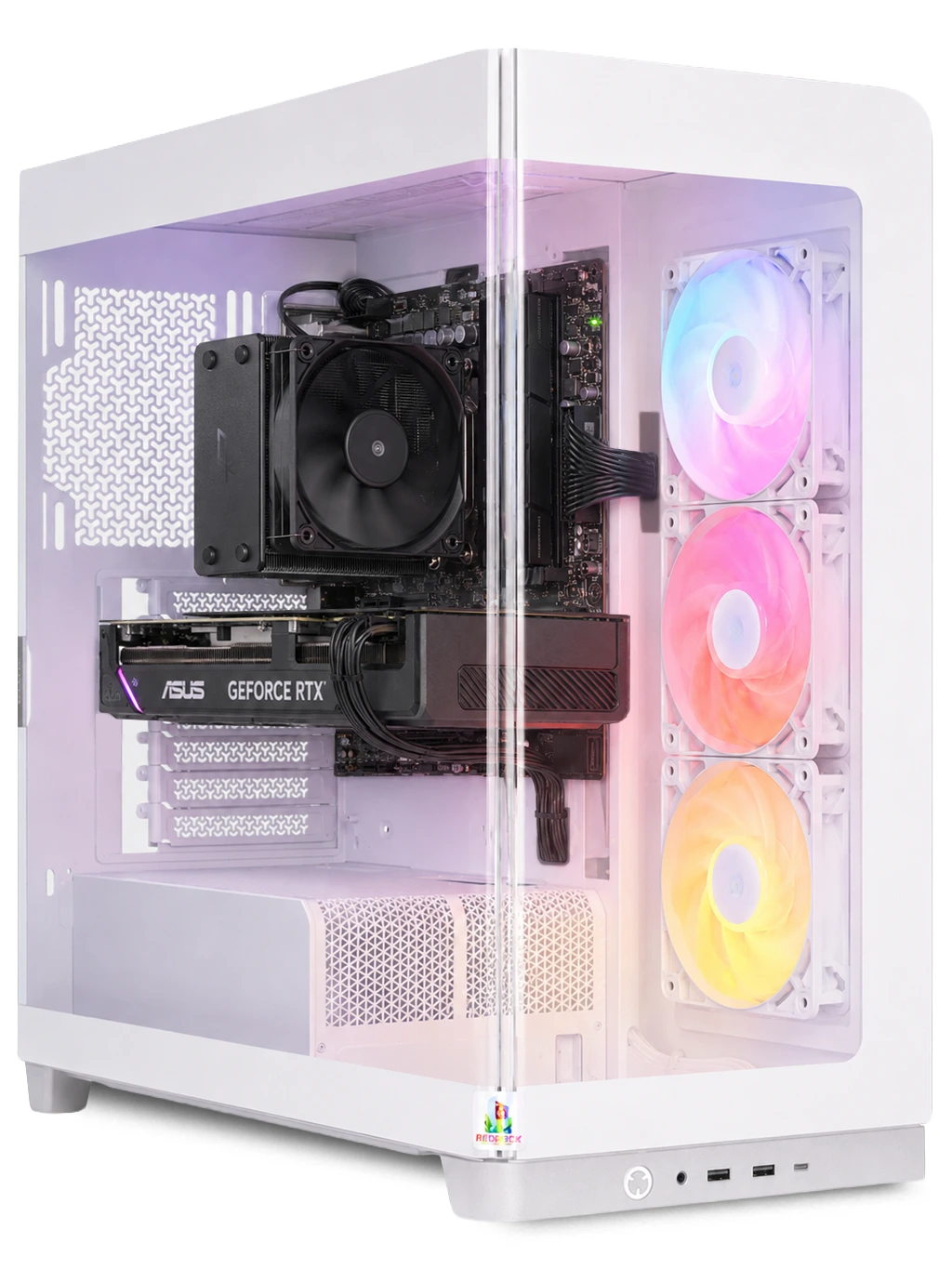
- High refresh: the piXL 27 Inch 240Hz Curved Monitor rewards a stronger PC like the Ultra Gaming PC, with its RTX 3080 10GB and Ryzen 5 7500, built for high-refresh gaming.
Browse every screen in our monitors range, or look at 4K gaming PCs if you want more GPU power.
Buying A Gaming Monitor PC Bundle
Buying a gaming monitor PC combination together saves working out compatibility on your own. Our gaming PC bundle range brings the PC and peripherals together, which is the simplest route for a first setup. Check each bundle listing for exactly what is included.
Whatever you choose, connect the monitor to the graphics card ports rather than the motherboard, and set the refresh rate in Windows display settings.
Gaming Monitor PC FAQs
Do I need a 240Hz screen?
Only if your PC can push high frame rates in your games. Fast shooters benefit most; slower games feel fine at 100Hz.
Why does my new monitor feel no smoother?
The refresh rate may still be set to 60Hz. Check Windows display settings and use the cable from the graphics card.
Is a curved screen better for a gaming monitor PC setup?
It is a matter of taste. Curves suit larger screens and immersive games more than small competitive setups.
Want a matched gaming monitor PC setup? Contact our team and we will help you pair the right screen and system.