
How much RAM do I have is a quick question to answer on Windows 11, and the result helps you judge whether your PC can handle new games, more browser tabs or creative software. RAM is short-term working memory that holds the data your programs are using right now. Here are four simple ways to check it.
Method 1: Settings > System > About
- Open Settings with Win+I.
- Select System, then scroll down and choose About.
- Under Device specifications, read the Installed RAM line.
This also lists your processor, so it is a good first stop. If the figure shows a small amount marked as usable, part of the memory may be reserved for integrated graphics.
Method 2: How Much RAM Do I Have In Task Manager?
Task Manager shows more detail than Settings:
- Press Ctrl+Shift+Esc.
- Open the Performance tab and select Memory.
- Check the total in the top-right corner, then look below for speed, slots used and form factor.
The usage graph shows how much memory is in use right now. If it stays close to full while you game, more RAM may help.
Method 3: System Information
Press Win+R, type msinfo32 and press Enter. The System Summary page lists Installed Physical Memory (RAM), along with total and available memory. It is a useful view when you are already collecting details for support, and it works on older versions of Windows too.
How Much RAM Do I Have Versus How Much I Need
Once you know how much RAM do I have, consider what you use the PC for:
- Office work and browsing: 8GB is workable, though 16GB gives more breathing room.
- Gaming: 16GB is a common, sensible amount for modern titles.
- Streaming and creative work: more memory helps when several heavy apps run together.
Speed and type matter too. Slots used tells you whether there is room to add more, and the type, such as DDR4 or DDR5, must match the motherboard. The Wikipedia article on RAM explains the technology.
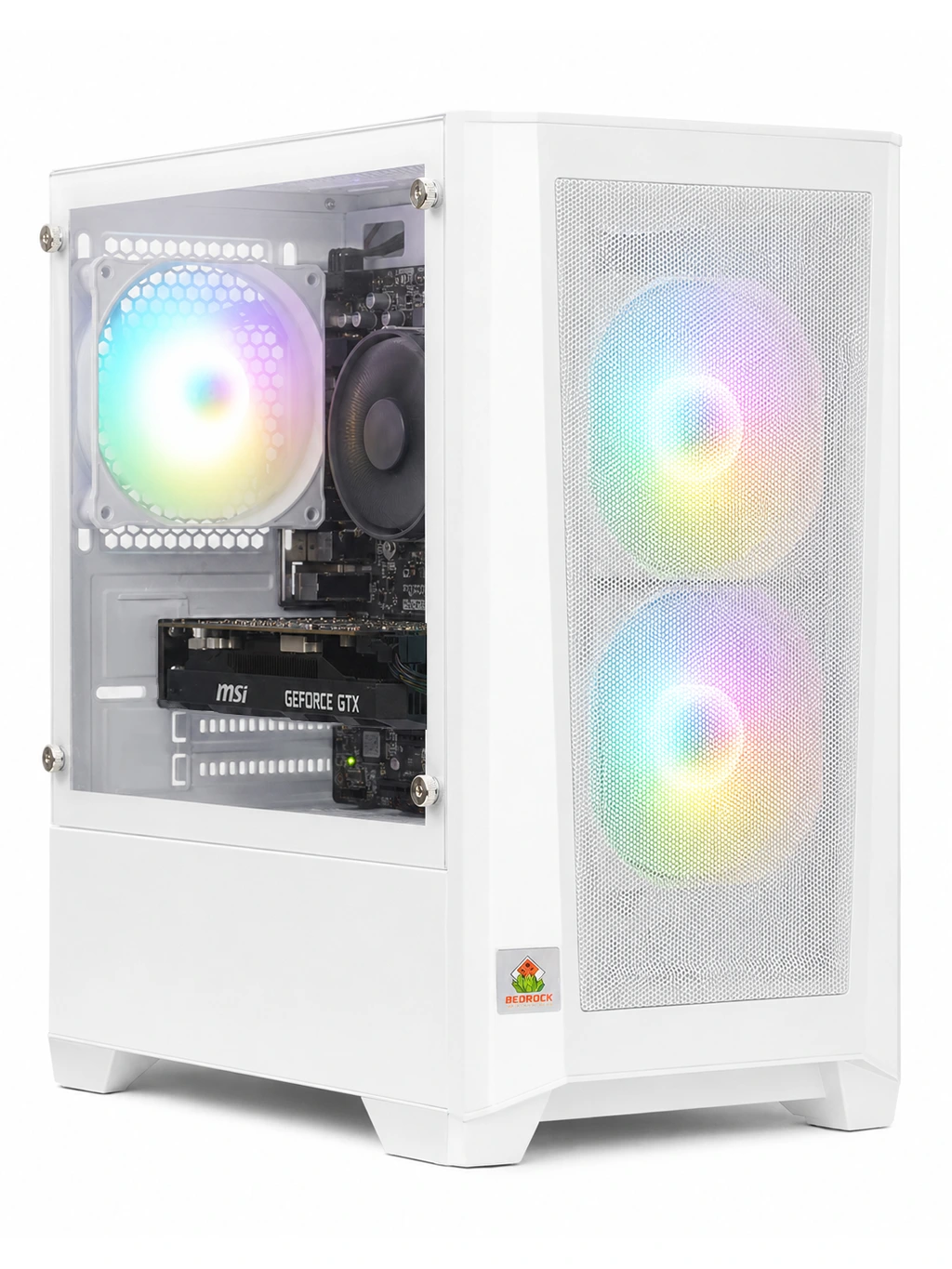
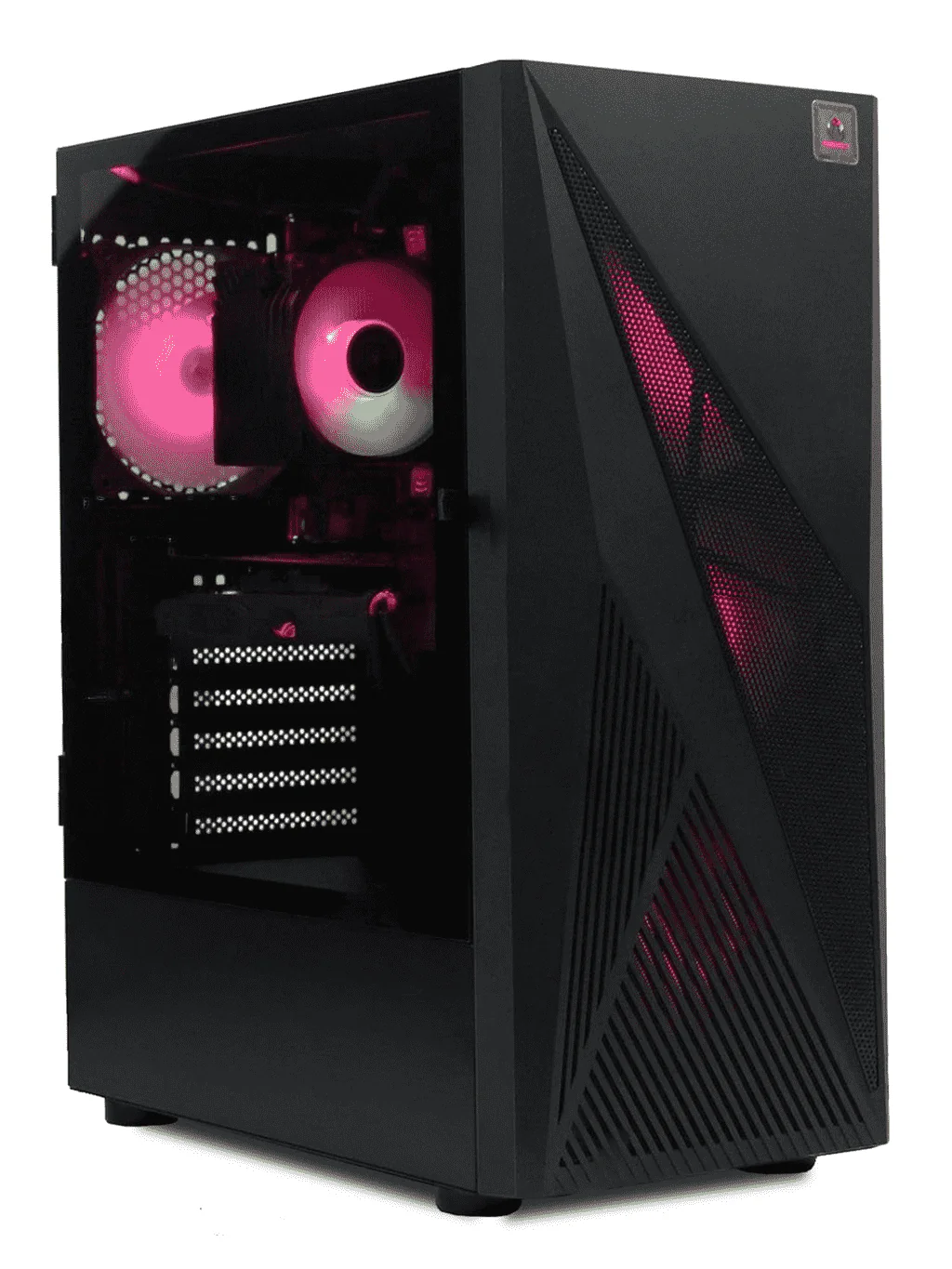
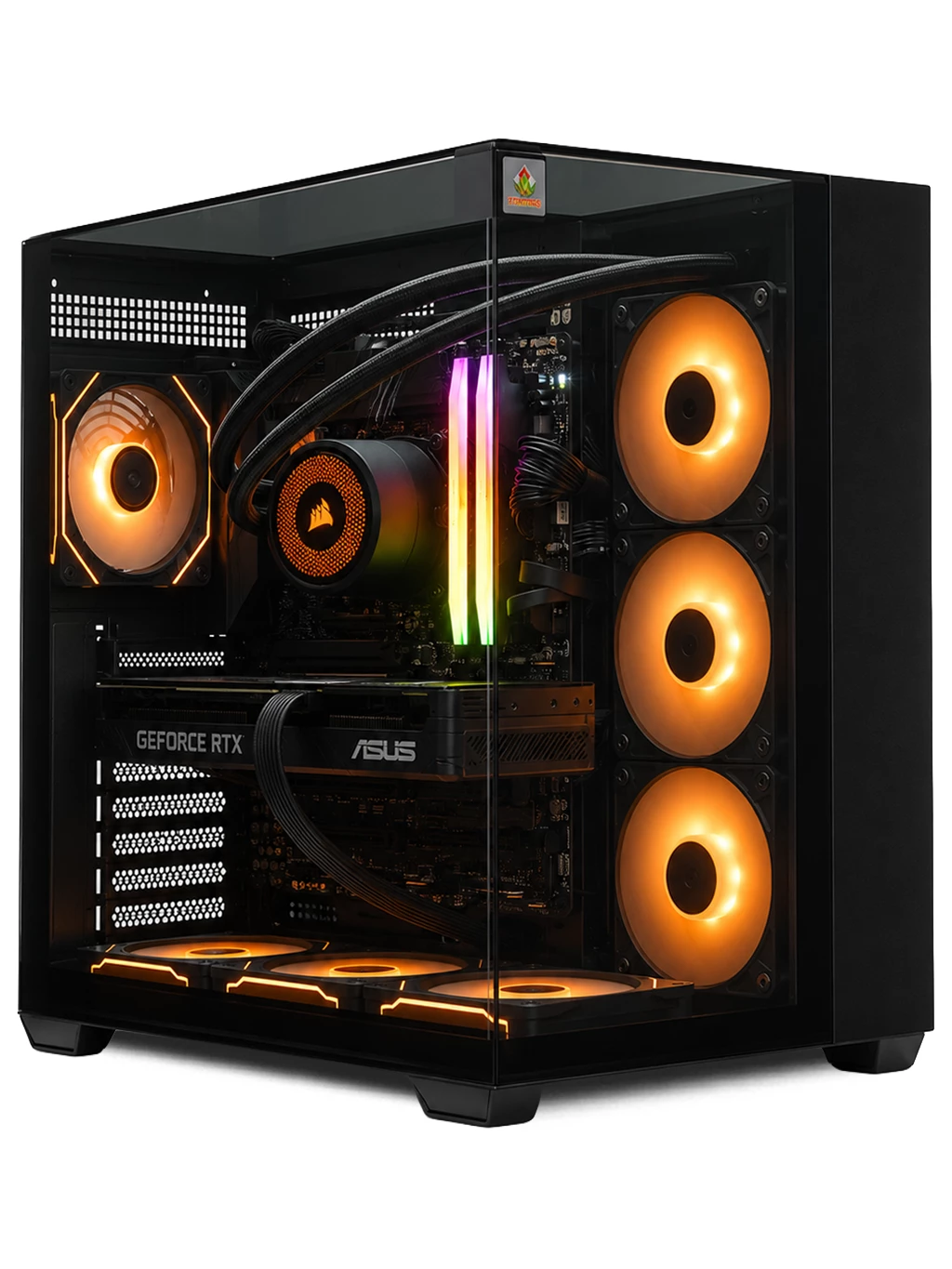
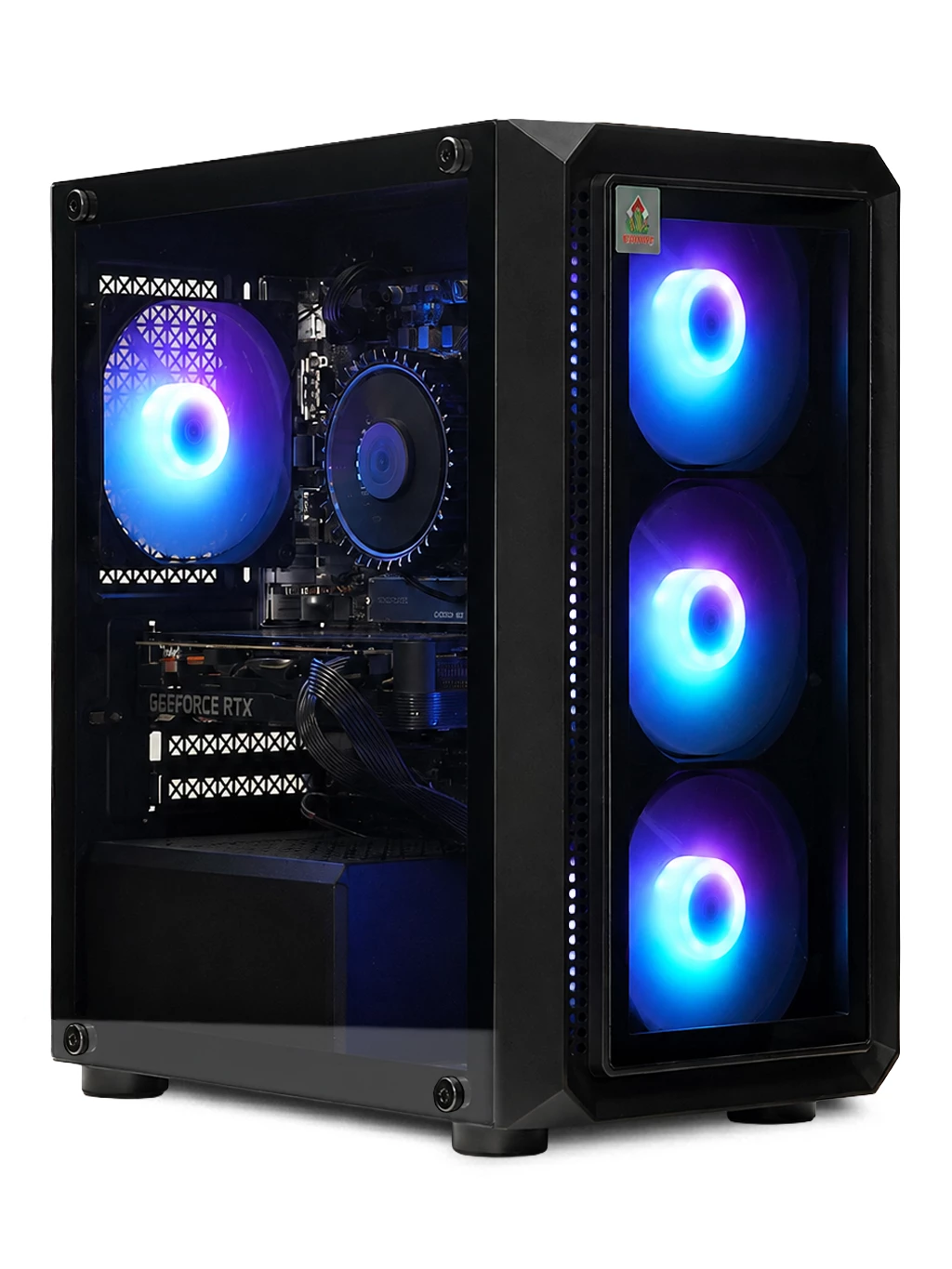
If your check shows too little memory, our systems make this simple. The Vector Gaming PC and Bedrock Garnet Gaming PC both list 16GB DDR4, and the Prism Gaming PC uses DDR5. See more in our best gaming PC under £1000 guide.
How Much RAM Do I Have FAQs
Why is usable RAM lower than installed RAM?
Some memory can be reserved for integrated graphics or hardware, so the usable figure may be slightly lower.
How much RAM do I have if one stick is faulty?
Windows only reports working memory, so a faulty or loose stick can make the total lower than expected. Reseating it often helps.
Can I mix different RAM sticks?
It can work, but matching sticks of the same size and speed is more reliable.
Still unsure how much RAM do I have or how much you need? Contact us or browse our gaming PCs.