
Thermal paste for CPU coolers fills the tiny gaps between the processor and the cooler so heat can move away from the chip efficiently. Without it, air pockets trap heat and temperatures rise. This guide covers how to apply it and how to stay safe while you work.
What Thermal Paste for CPU Coolers Does
Metal surfaces look flat but have microscopic bumps. Thermal paste for CPU cooling fills those gaps with a material that conducts heat better than air. You can read more about how thermal paste works on Wikipedia.
A thin, even layer is the goal. Too little leaves gaps; too much can spill over the edges of the chip and makes cleaning harder next time.
Safety First
- Shut down, switch off at the wall and unplug the PC before opening it.
- Touch a bare metal part of the case to discharge static before handling parts.
- Use isopropyl alcohol in a well-ventilated room, away from flames and heat sources.
- Keep paste and alcohol away from eyes and skin; wash your hands afterwards.
- Avoid electrically conductive compounds, such as liquid metal, unless you are experienced.
- Keep paste off the socket, pins and surrounding components.
- Store paste and cleaning products out of reach of children.
- Check your warranty terms before removing the cooler on a pre built PC.
How to Apply Thermal Paste for CPU Coolers
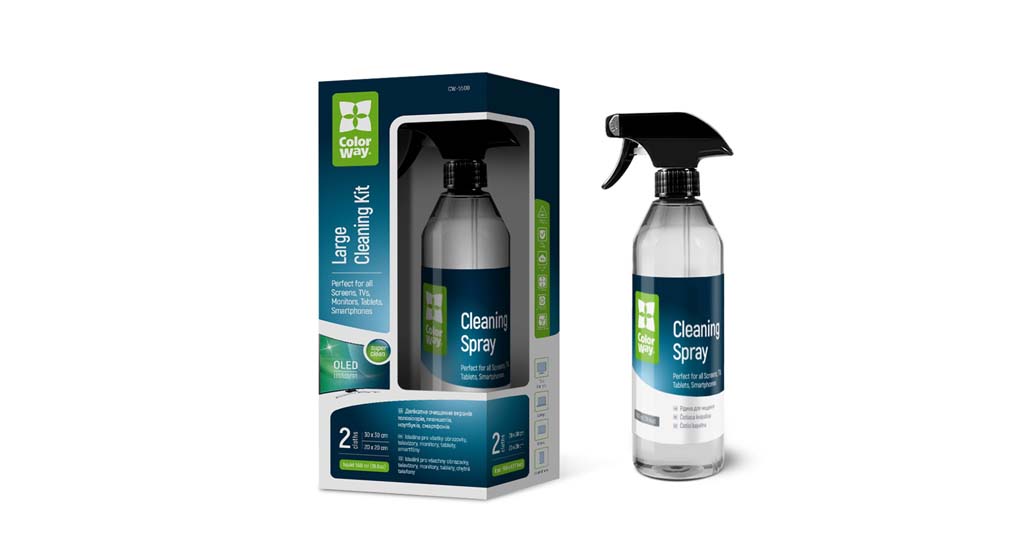
Remove the cooler gently; twisting it slightly can help free old paste. Wipe the old paste from the CPU and the cooler base with isopropyl alcohol and a lint-free cloth until both are clean and dry. The Electronics Cleaning Kit is handy for this step.
Apply a pea-sized dot of paste to the centre of the CPU. Some people prefer a thin line or a cross on larger chips. You do not need to spread it; the cooler pressure does that.
Lower the cooler straight down and tighten the screws a little at a time in a diagonal pattern so the pressure stays even. Do not overtighten. Reconnect the fan cable, close the case and check temperatures in the BIOS or a monitoring tool.
When to Replace Thermal Paste for CPU Cooling
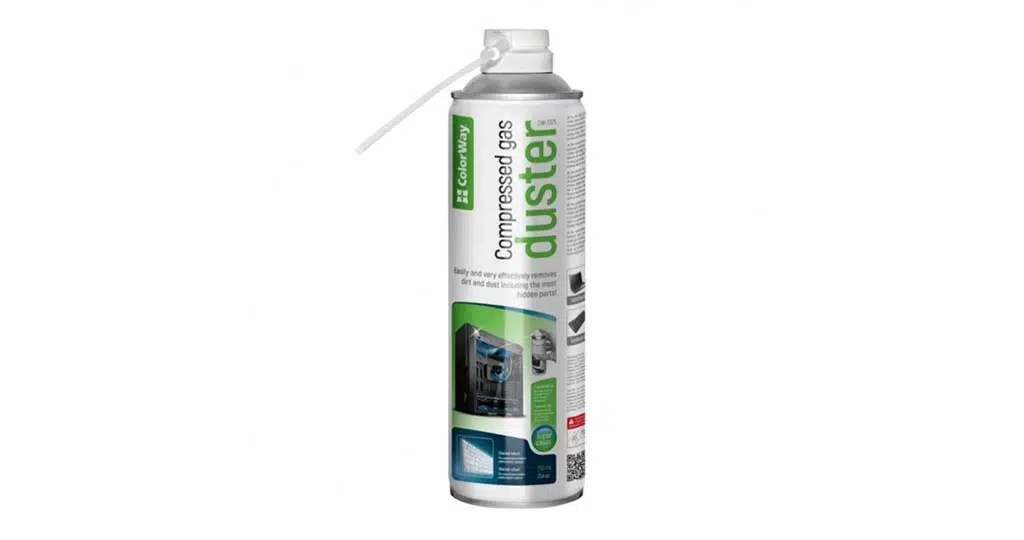
There is no fixed schedule. Replace it whenever you remove the cooler, because the old layer will not reseat properly. Rising temperatures over time can also be a sign, although dust is a more common cause. A can of Multipurpose Air Duster 750ml clears dust from heatsinks and fans.
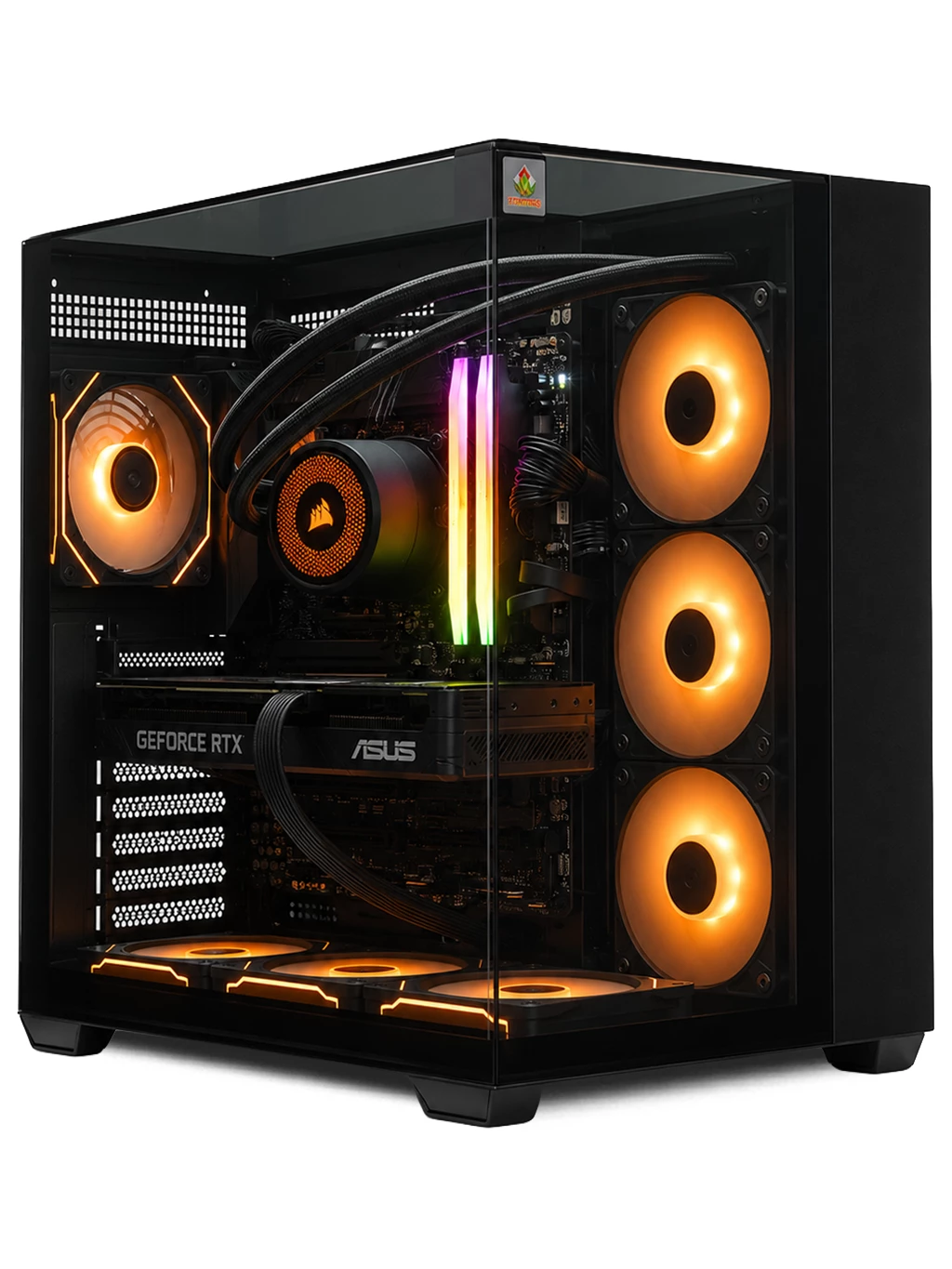
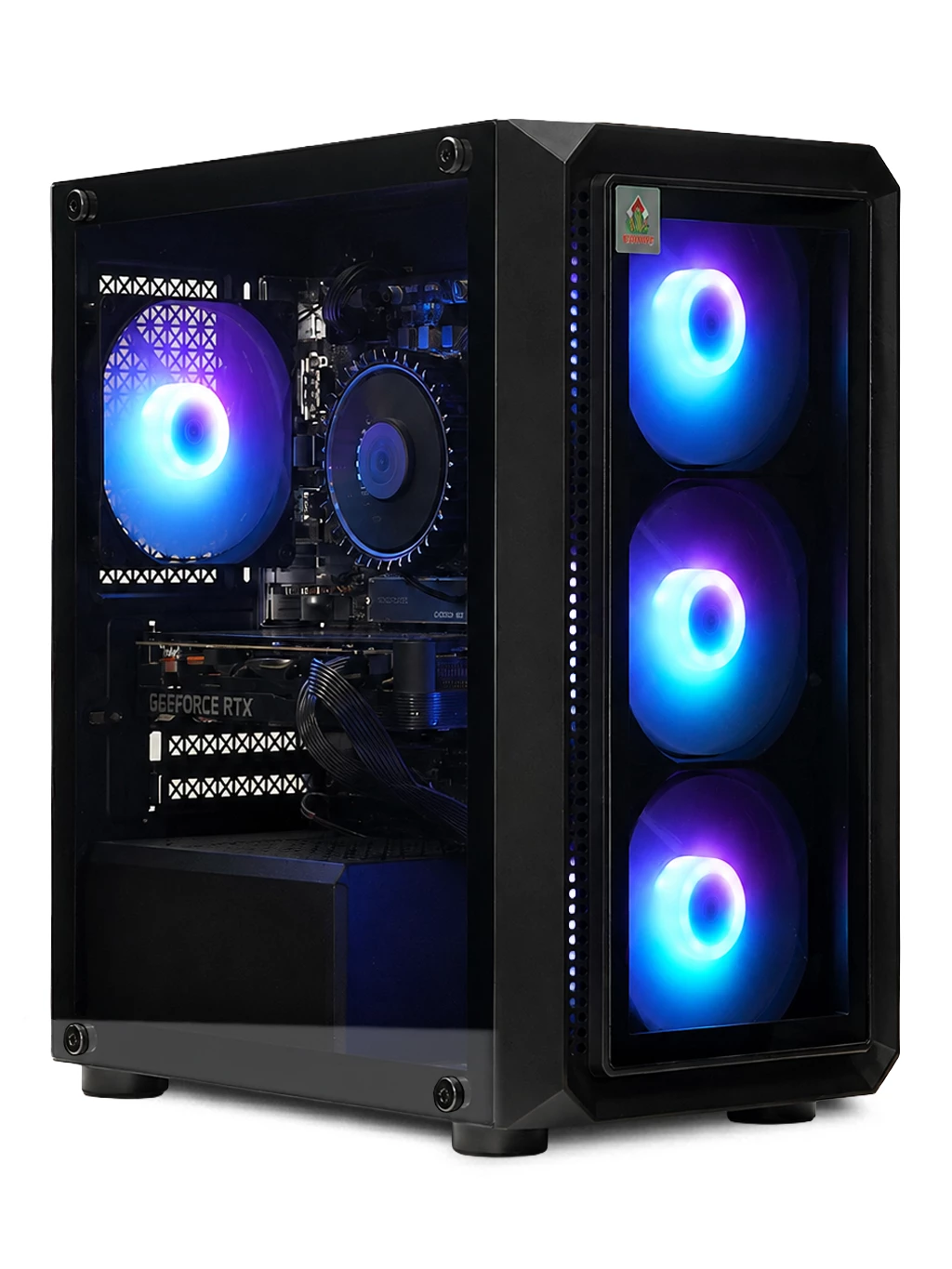
If you would rather not open a PC, our systems arrive assembled with coolers fitted. See our gaming PCs or office PCs.
Thermal Paste for CPU FAQs
How much thermal paste for CPU coolers is enough?
A pea-sized dot suits most desktop processors. The cooler spreads it into a thin layer.
Can I reuse old paste?
No. Clean it off and apply a fresh layer whenever the cooler is removed.
Is toothpaste a substitute?
No. Only use a product made as thermal paste for CPU cooling, as household pastes are not designed to transfer heat.
Unsure about opening your PC? Contact our team for advice before you start.