
Choosing RAM for gaming PC use comes down to three things: capacity, memory type and speed. Get those right and your games load smoothly without stutter from running out of memory. This guide explains each point in plain terms, with examples from our own range.
What RAM Does in a Gaming PC
RAM (random-access memory) is short-term storage that holds the data your processor needs right now, such as game assets, Windows and background apps. It is much faster than an SSD but clears when the PC is switched off. You can read more about random-access memory on Wikipedia.
When a game needs more memory than you have, the system falls back to slower storage, which can cause stutter and longer loading.
How Much RAM for Gaming PC Use?
- 8GB: enough for light games and office tasks, but tight for modern titles.
- 16GB: a common, sensible baseline of RAM for gaming PC builds today.
- 32GB: useful if you stream, edit video or keep many apps open while you play.
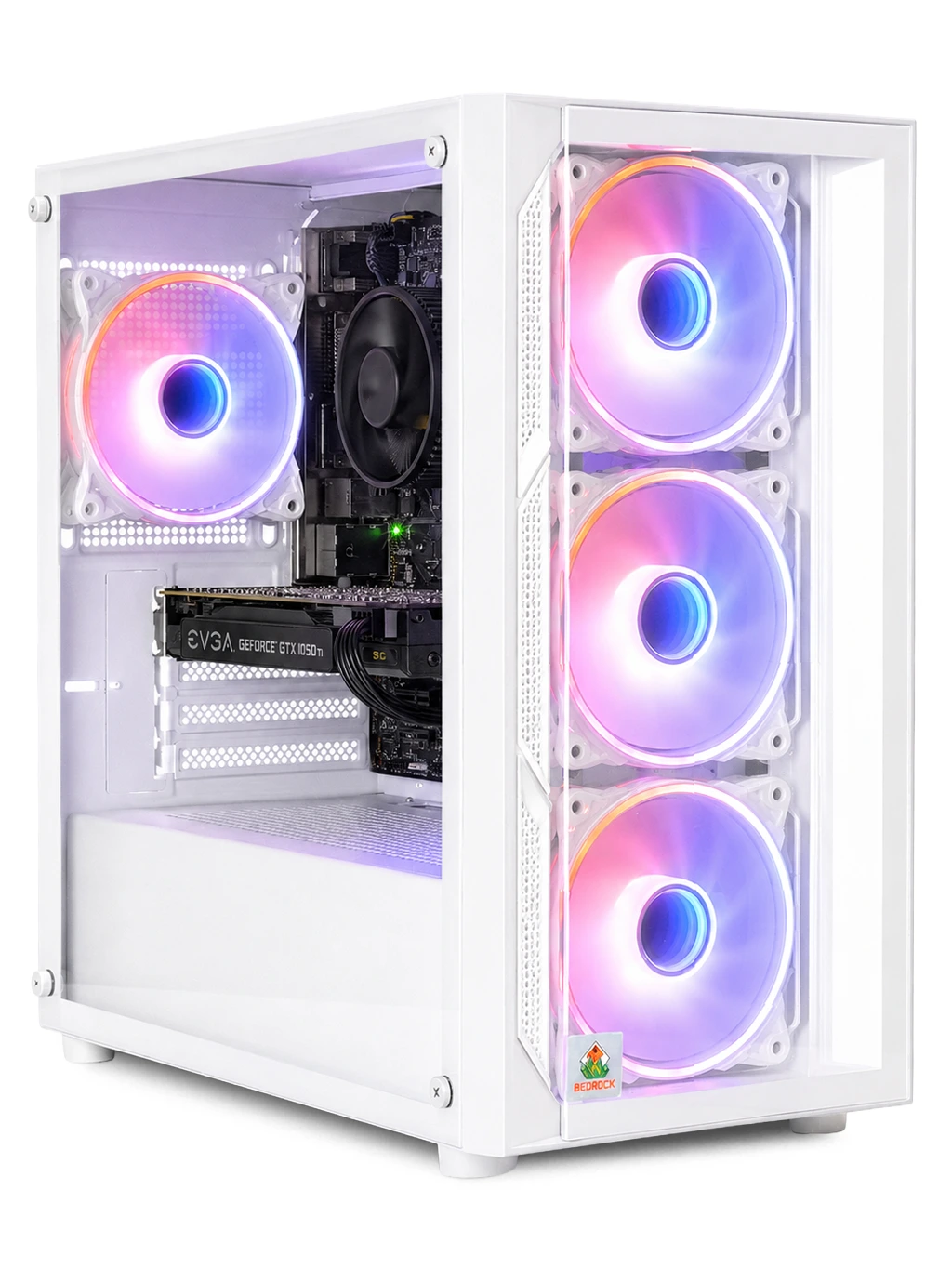
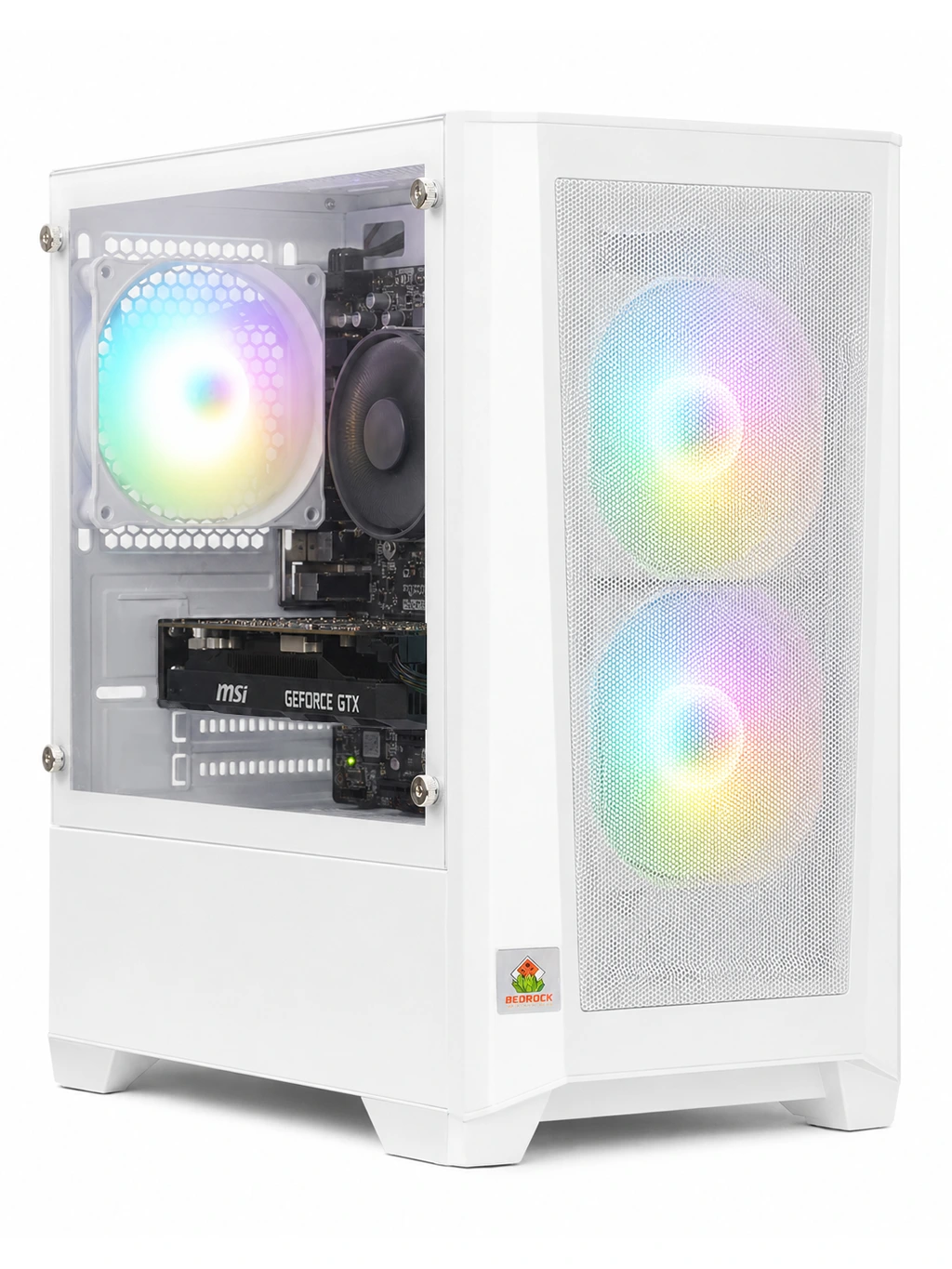
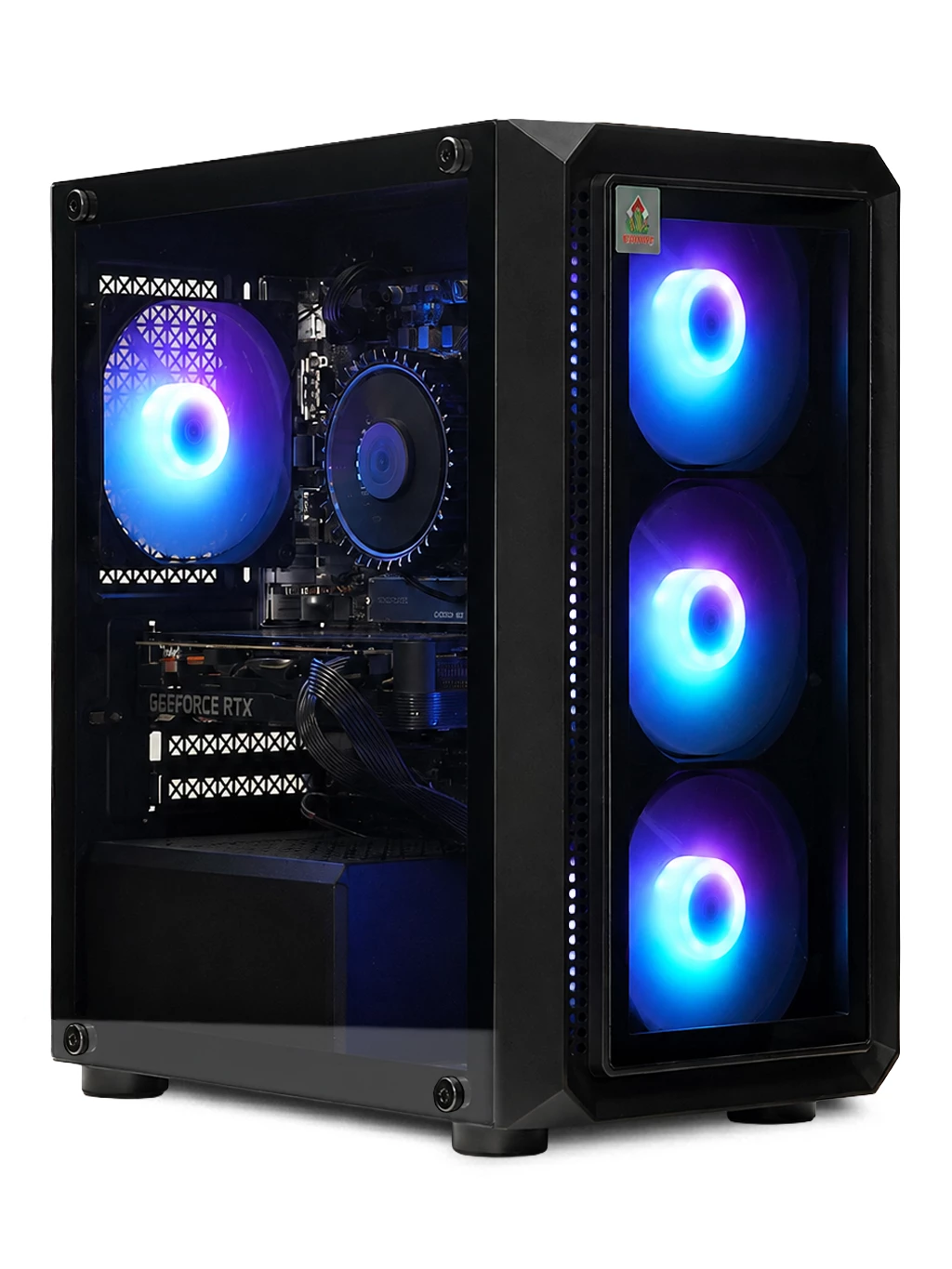
Many of our gaming systems include 16GB. The Carbon Gaming PC has 16GB memory and a fast SSD, and the Vector Gaming PC uses 16GB DDR4.
DDR4 vs DDR5
DDR5 is the newer standard and offers higher bandwidth. DDR4 remains common and capable for gaming. The two are not interchangeable: your motherboard supports one type or the other, so check the platform before buying RAM for gaming PC upgrades.
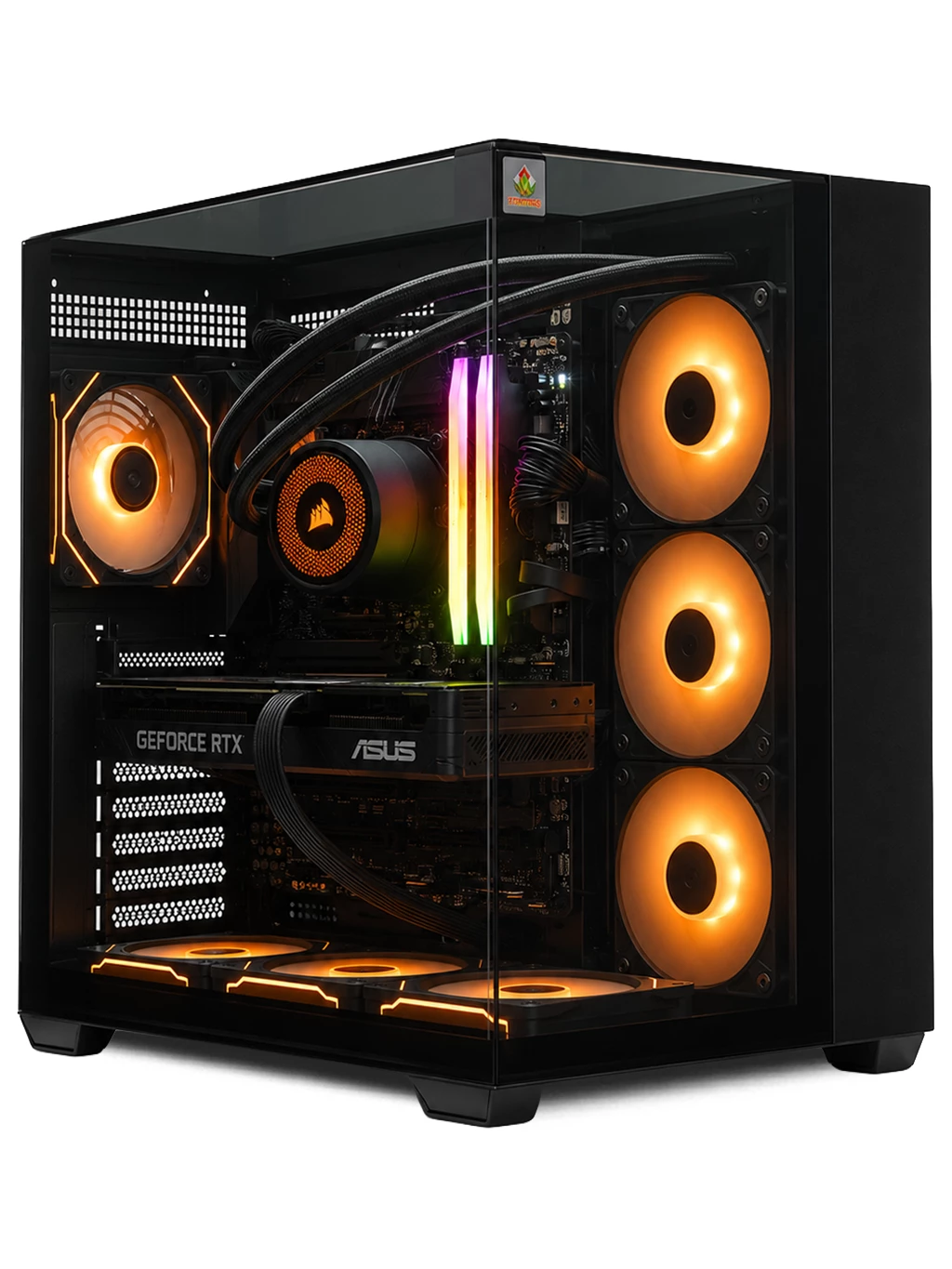
The Prism Gaming PC uses DDR5 with a Ryzen 7 and an RTX 4080 SUPER 16GB, while many of our 1080p systems use 16GB DDR4.
Speed, Channels and Settings
Memory works best in dual-channel mode, which usually means two matching sticks rather than one. This doubles the paths between the RAM and processor and can improve frame rates in some games.
Speed is measured in MT/s, often listed as MHz. Many kits run below their rated speed until you enable a memory profile, called XMP on Intel and EXPO on AMD, in the BIOS. Latency also matters, but for most players capacity and dual-channel setup make the bigger difference.
When adding more RAM for gaming PC upgrades, match the type, speed and capacity of your existing sticks where possible.
RAM for Gaming PC FAQs
Is 16GB of RAM enough for gaming?
For most current games, yes. Choose 32GB if you also stream or edit video.
Can I mix different RAM sticks?
It can work, but mismatched sticks may run at the slower speed or cause instability. Matching kits are safer.
Does faster RAM increase FPS?
Sometimes, especially when the processor is the bottleneck, but the gains are usually smaller than a graphics card upgrade.
Need help picking RAM for gaming PC builds or upgrades? Contact our team, browse our gaming PCs or see our streaming PCs.