
A PC gaming mouse is the part of your setup you touch most, so it is worth choosing with care. A good fit helps your aim, reduces wrist strain and makes long sessions more comfortable. This guide explains what to look for and points you to the mice and mouse pads we stock.
What To Look For In A PC Gaming Mouse
Specs only tell part of the story. These are the points that make the biggest difference day to day:
- Shape and size: pick something that suits your hand. Larger hands often prefer a fuller body, smaller hands a compact one.
- Grip style: palm, claw and fingertip grips each favour different shapes.
- Sensor and DPI: DPI sets how far the cursor moves per inch of movement. Higher is not always better; consistency matters more.
- Polling rate: how often the mouse reports its position to the PC.
- Buttons: side buttons are handy for reloads, push-to-talk or abilities.
- Weight: lighter mice are quicker to flick; heavier ones can feel steadier.
For background on how the device works, see the computer mouse overview.
Wired Or Wireless?
A wired PC gaming mouse never needs charging and is usually cheaper. Modern wireless gaming mice can be very responsive too, but you will need to manage battery life. For competitive play on a budget, wired remains a safe choice.
Gaming Mice We Stock
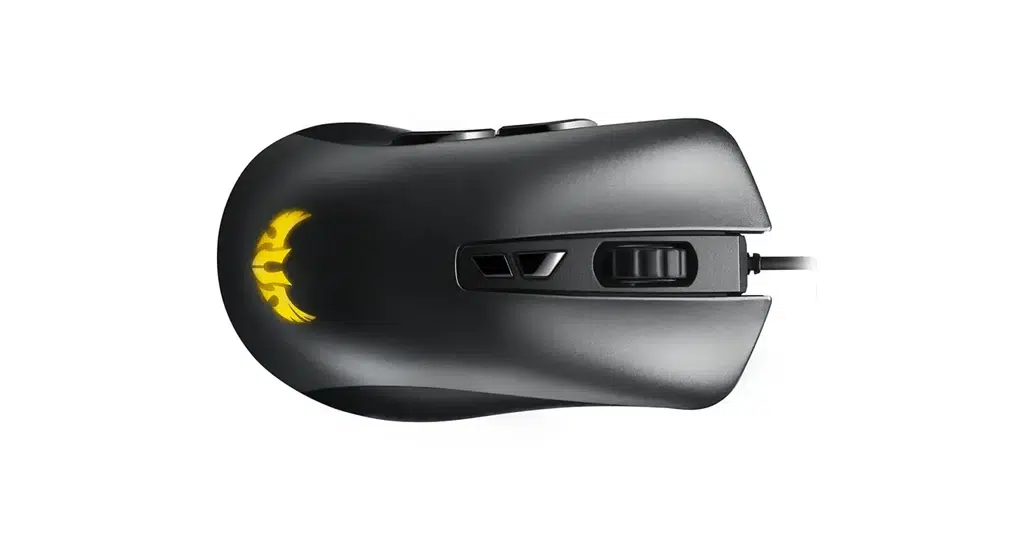
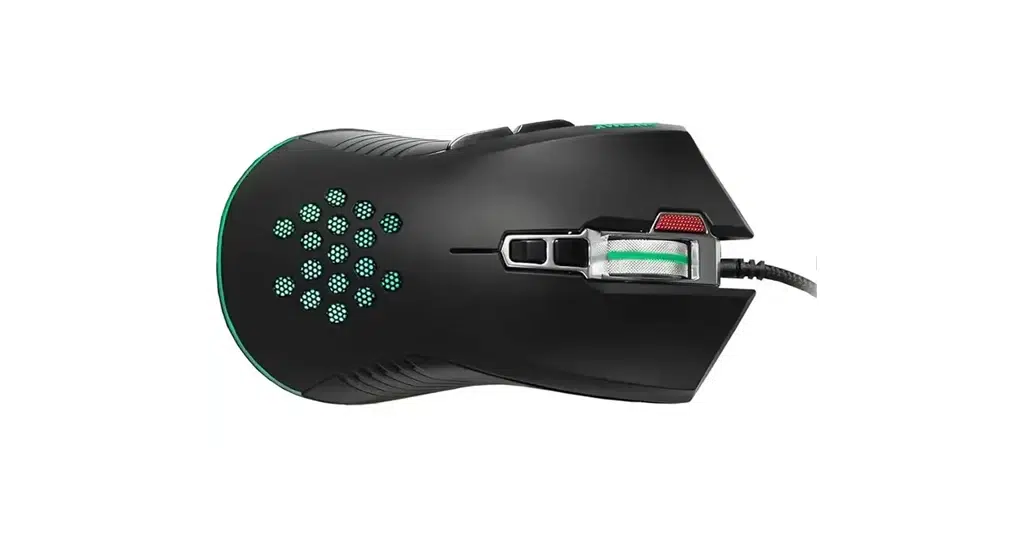
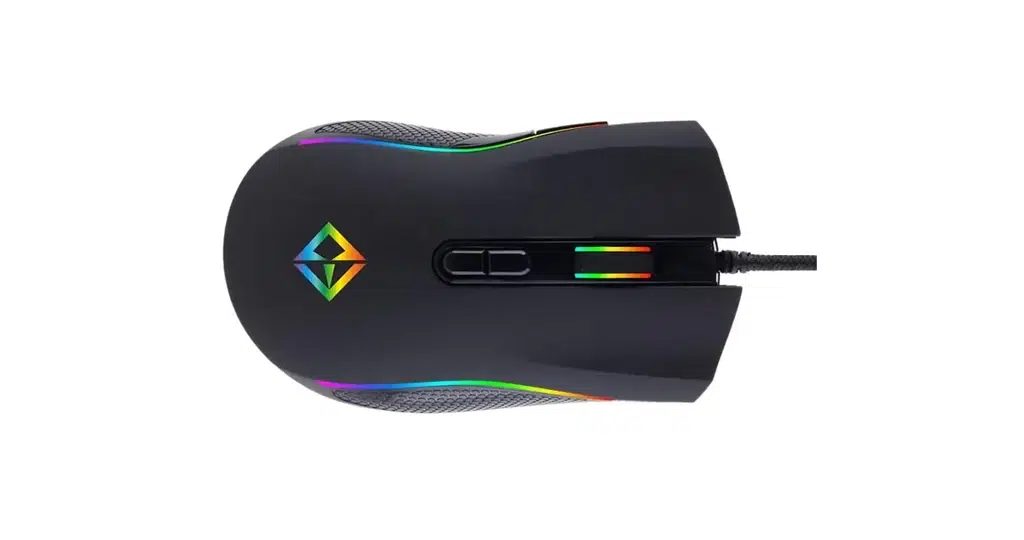
Our gaming mice range includes:
Check each product page for the exact sensor, DPI and connection details before you buy, so the PC gaming mouse you pick matches your grip and games.
Do Not Forget The Mouse Pad
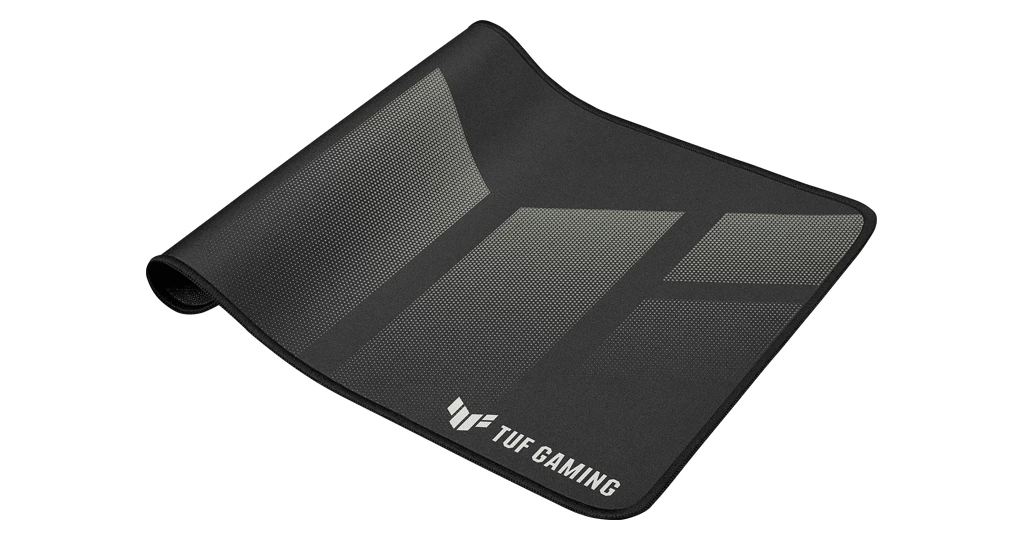
A decent pad gives the sensor a consistent surface and your arm room to move. The ASUS TUF P1 Gaming Mousepad and Jedel RGB Gaming Mousepad are both in our peripherals section. If you want everything in one go, a gaming PC bundle brings the PC and the essentials together.
Low sensitivity players need more space to sweep, so a larger pad is the smarter pick for them. Keep the pad clean, as dust and grime can make glide feel uneven over time.
PC Gaming Mouse FAQs
What DPI should a PC gaming mouse use?
Many players settle between 400 and 1600 DPI and fine-tune with in-game sensitivity. Pick what feels controllable rather than the highest number.
Does an expensive mouse improve aim?
Comfort and consistency matter more than price. A mouse that fits your hand, used on a good pad, helps most.
Will any mouse work with my PC?
Almost every USB mouse works with Windows without extra setup, though some have optional software for buttons and lighting.
Need help pairing a PC gaming mouse with the rest of your setup? Contact us and we will gladly advise.