
An FPS booster sounds like a magic fix, but the most reliable gains come from free, safe changes you can make yourself. Before you download anything that promises double the frames, work through the steps below. They cost nothing, and they target the real reasons frame rates drop.
Be Wary Of FPS Booster Software
Many downloadable “booster” or “optimiser” tools do little more than close apps you could close yourself. Some bundle adware, change system settings without explaining them, or ask for payment to fix problems that do not exist. Only install software from sources you trust, and skip registry cleaners. A good FPS booster is usually a settings change, not an app.
7 Safe Ways To Raise Your Frame Rate
- Update graphics drivers: NVIDIA, AMD and Intel regularly release drivers with fixes and game-specific improvements.
- Lower demanding settings: shadows, volumetric effects and ray tracing are often the heaviest. Reduce them first.
- Use upscaling: DLSS, FSR or XeSS render at a lower resolution and upscale, often with a large frame rate gain.
- Turn on Game Mode: Windows Game Mode prioritises your game. Find it under Settings, then Gaming.
- Close background apps: browsers, launchers and recording tools all use resources.
- Check the display: make sure Windows is set to your monitor’s full refresh rate.
- Keep it cool: dust blocks airflow, and a hot PC lowers its own clock speeds.
To understand what you are measuring, read about frame rate and why consistency matters as much as the average.
What About Frame Generation?
Frame generation, part of newer DLSS and FSR versions, inserts generated frames between rendered ones. It can make motion look smoother, but it adds a little input latency and works best when the base frame rate is already reasonable. Treat it as a finishing touch rather than a fix for a struggling PC.
When The Best FPS Booster Is New Hardware
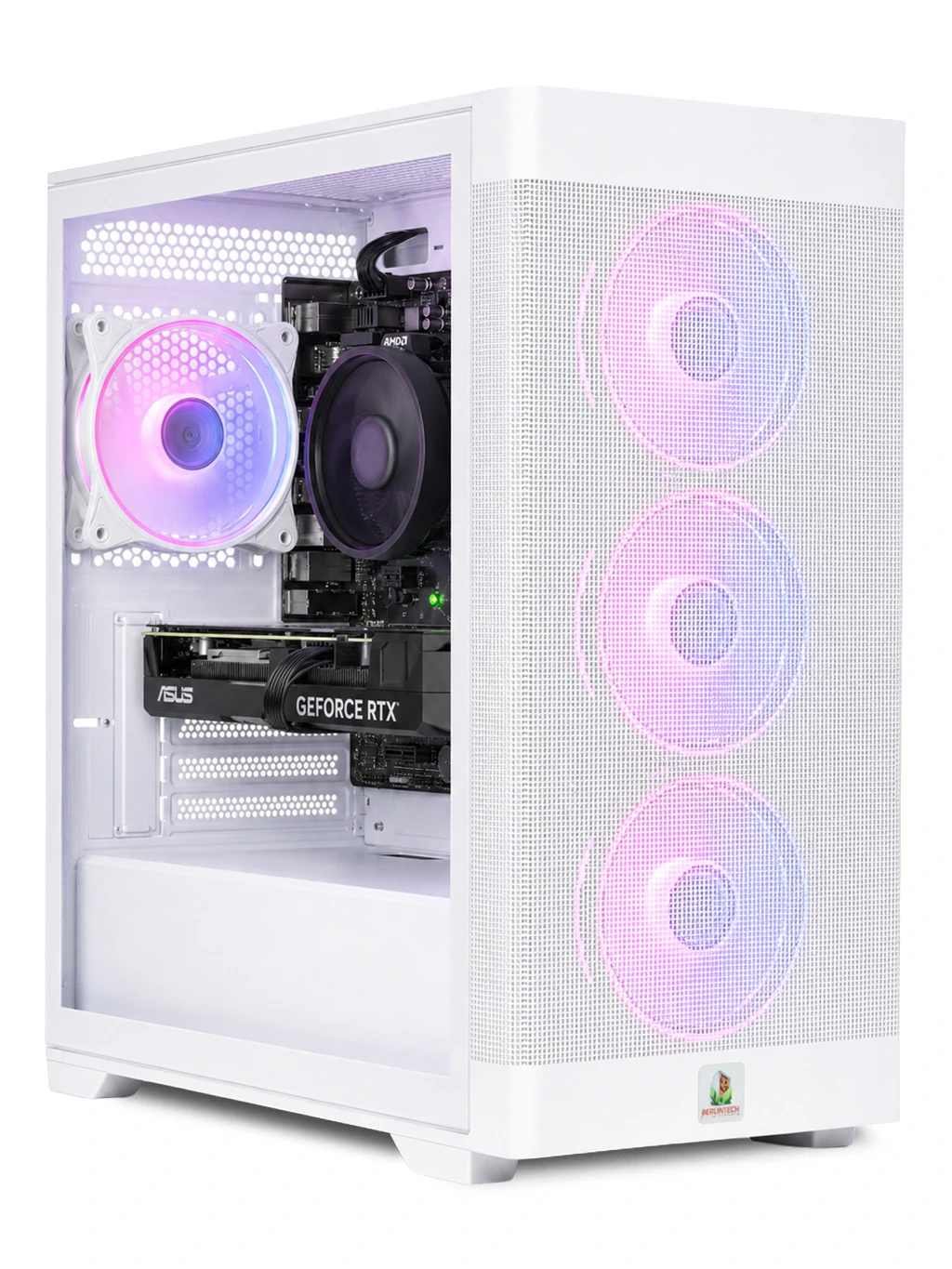
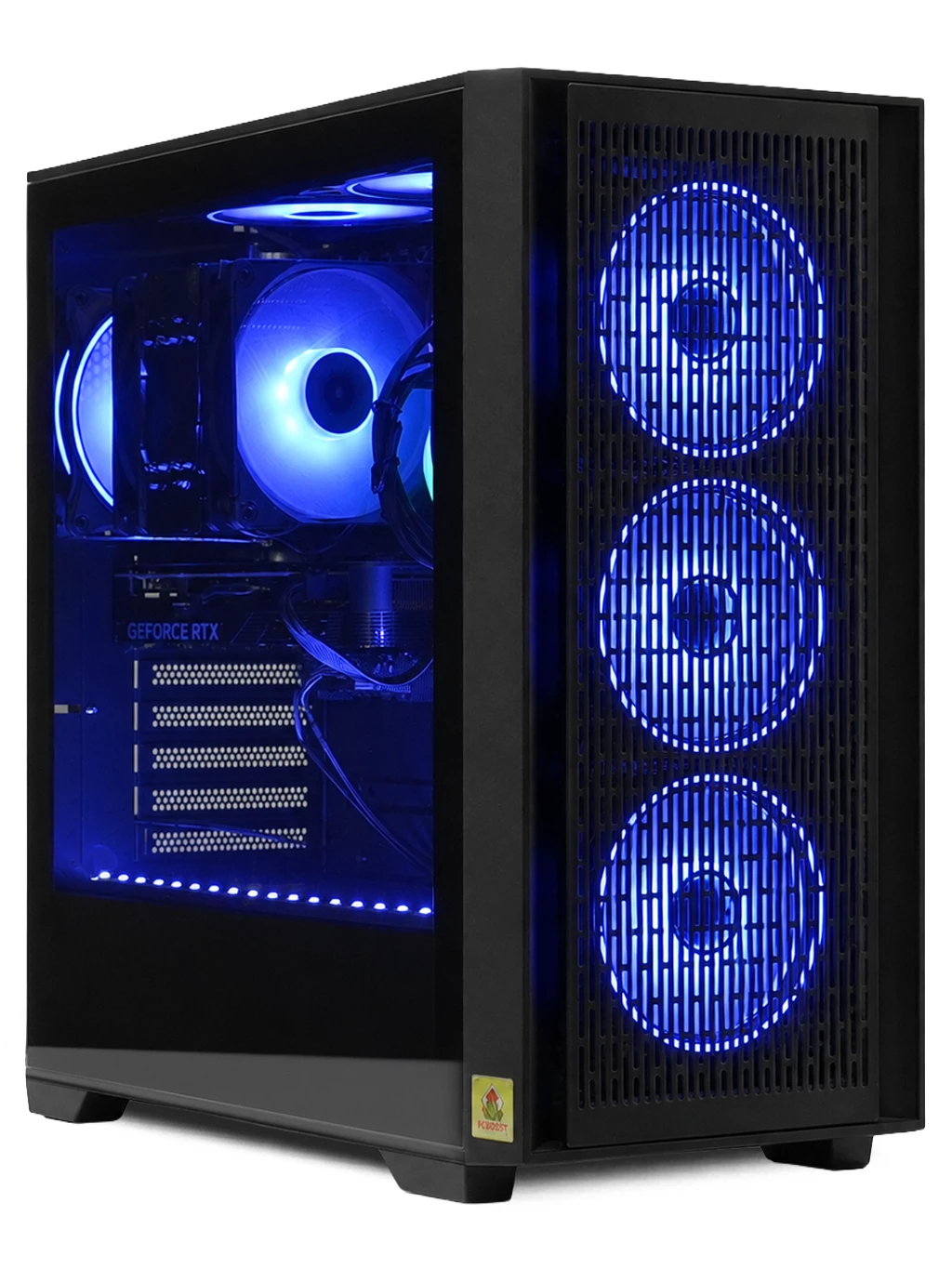
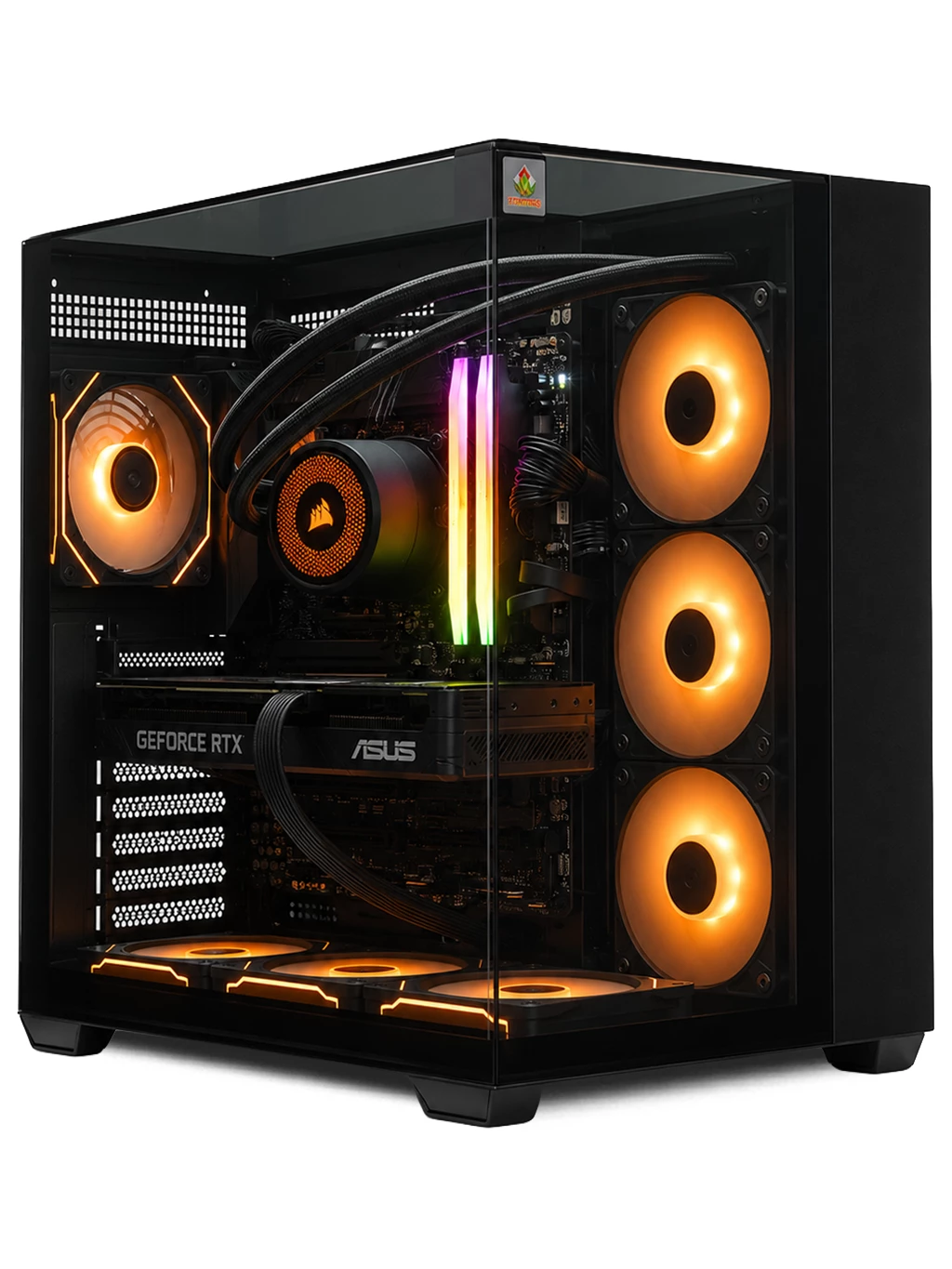
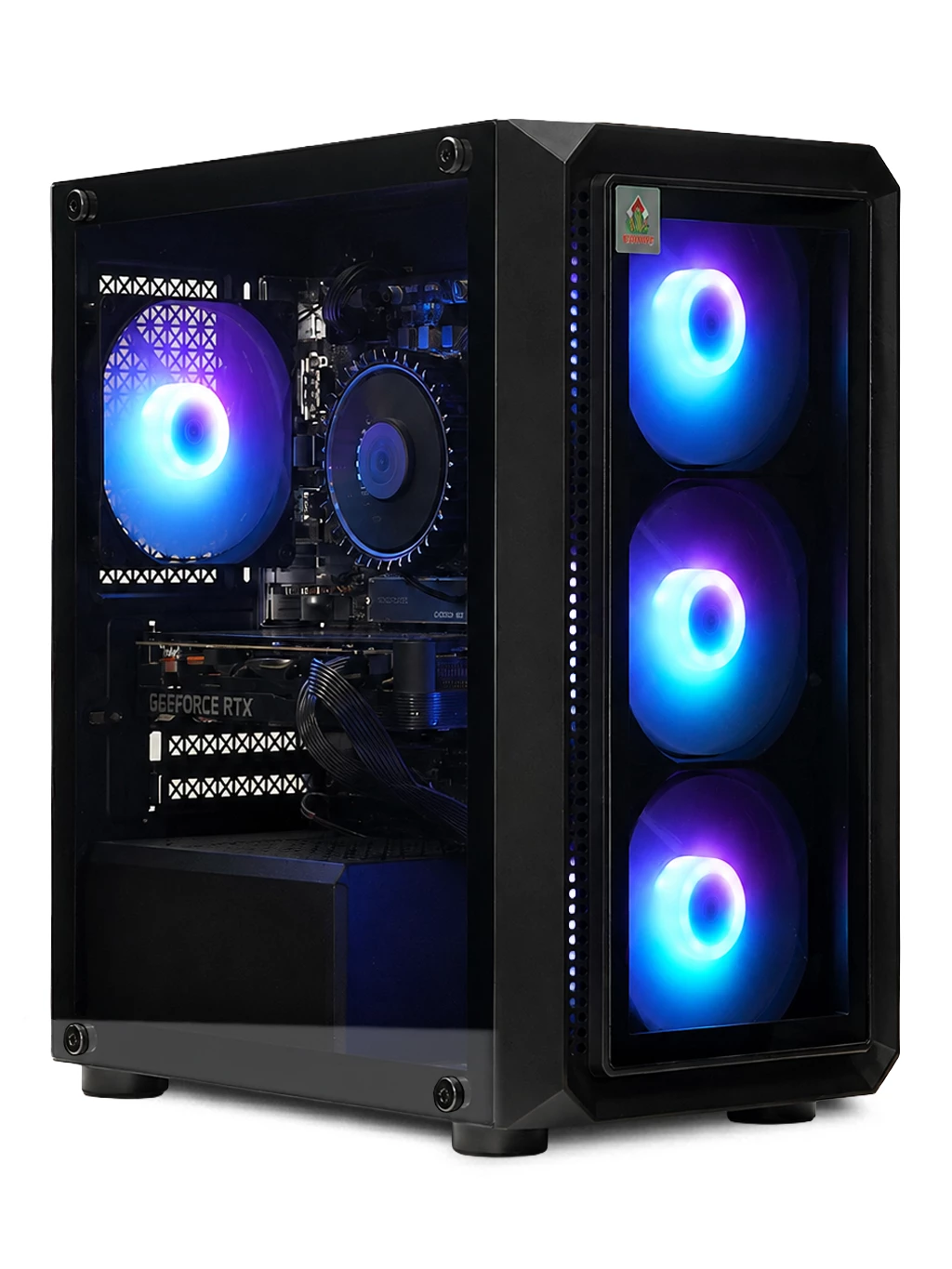
If you have tried everything and games still stutter, the hardware may simply be outmatched. An upgrade is the most effective FPS booster there is. The RTX Gaming PC uses an RTX 5060 with DLSS support, while the Orion Gaming PC pairs a Ryzen 5 7500 with an RX 9060 XT 16GB for 1440p.
See more options on our RTX gaming PC page and current gaming PC deals.
FPS Booster FAQs
Do FPS booster apps work?
Most offer little that you cannot do yourself, and some carry unwanted software. Driver updates and settings changes are safer.
Does Game Mode help?
It can help a little, mostly by limiting background activity while you play. It is safe to leave on.
Is upscaling a real FPS booster?
Yes. DLSS, FSR and XeSS can raise frame rates noticeably, with a small trade in sharpness in some games.
Still short of frames? Contact us and we will help you find a PC that suits your games.