
Building a gaming PC is a rewarding project that lets you pick every part and learn how your system works. It takes planning, patience and care, but no special skills. This guide covers the parts, compatibility checks and the basic order of assembly.
The Parts You Need
- Processor: handles game logic and everyday tasks.
- Motherboard: connects everything and must match the processor socket.
- Memory: 16GB is a sensible starting point for gaming.
- Graphics card: the biggest factor in frame rate and visuals.
- Storage: an SSD for fast loading.
- Power supply: enough capacity for your parts, from a reputable brand.
- Case and cooling: good airflow keeps temperatures under control.
You will also need Windows, a monitor and peripherals.
Checking Compatibility
Compatibility is the area where people building a gaming PC most often slip up. Confirm the processor and motherboard share a socket and chipset, that the memory type (DDR4 or DDR5) matches the board, that the graphics card fits the case, and that the power supply has the right connectors. Check every manufacturer’s specification rather than assuming. The Wikipedia guide to power supply units is a useful primer.
Building A Gaming PC Step By Step
- Work on a clear, hard surface and touch a metal object to discharge static.
- Fit the processor, memory and M.2 SSD to the motherboard outside the case.
- Attach the cooler, using thermal paste if it is not pre-applied.
- Install the motherboard in the case, then the power supply.
- Fit the graphics card and connect all power cables.
- Connect front panel cables using the motherboard manual.
- Power on, enter BIOS/UEFI and confirm all parts are detected.
- Install Windows, then the latest chipset and graphics drivers.
After The Build
Check temperatures with a monitoring tool and run a few games to test stability. Enable the memory’s rated profile in BIOS/UEFI if appropriate. Tidy cables to help airflow, and keep the manuals and spare screws somewhere safe for future upgrades.
Building Vs Buying Pre-Built
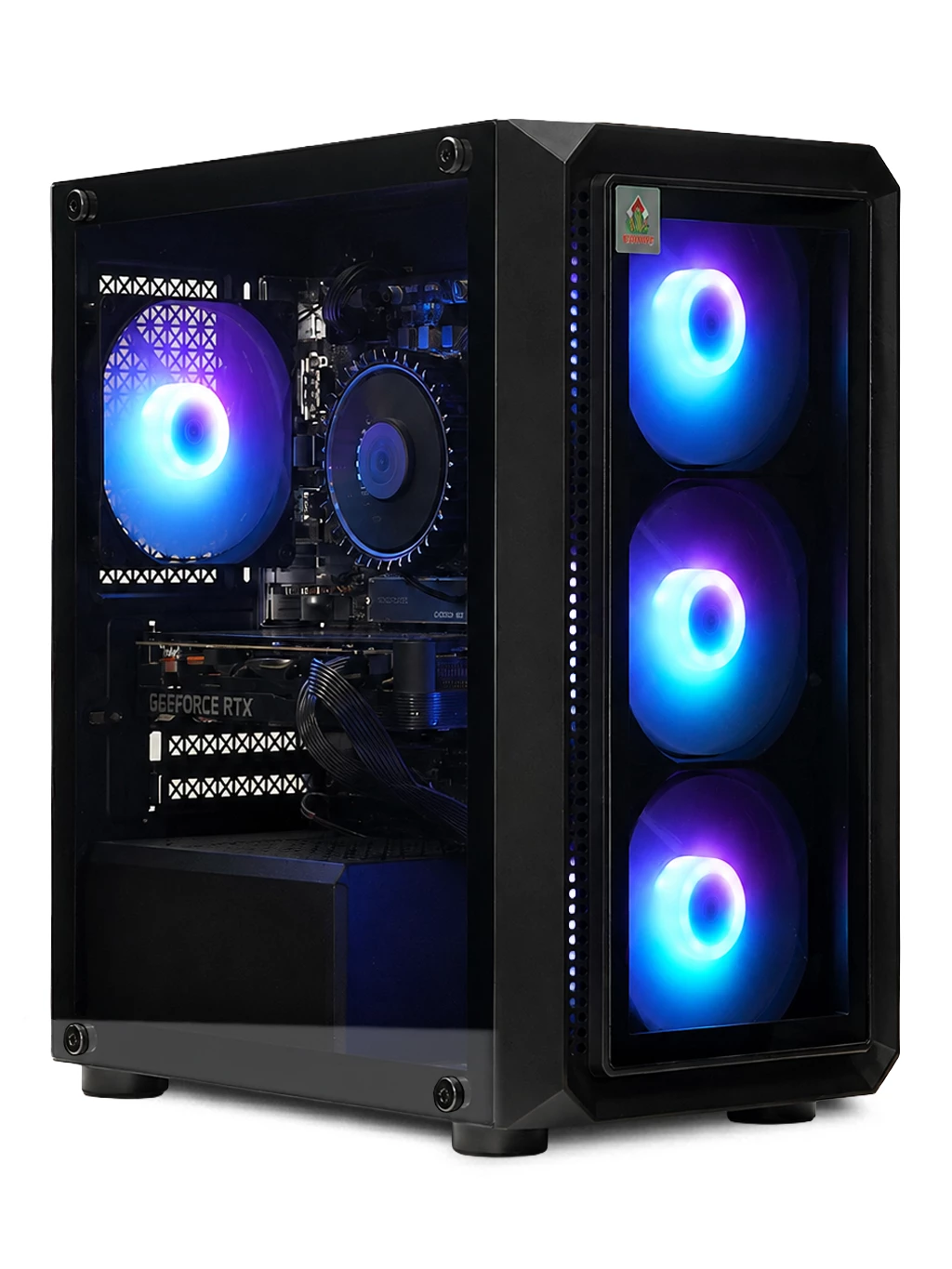
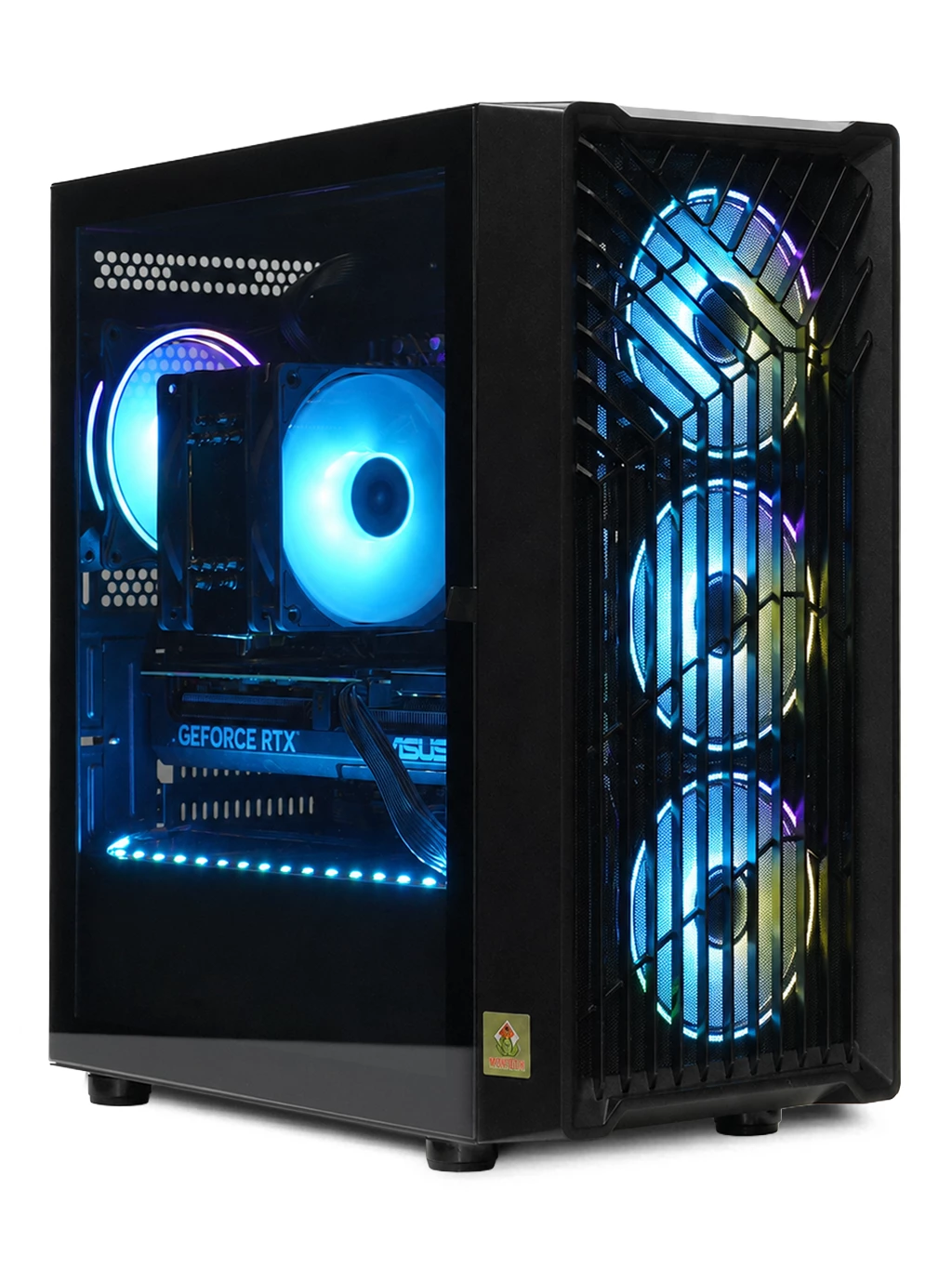
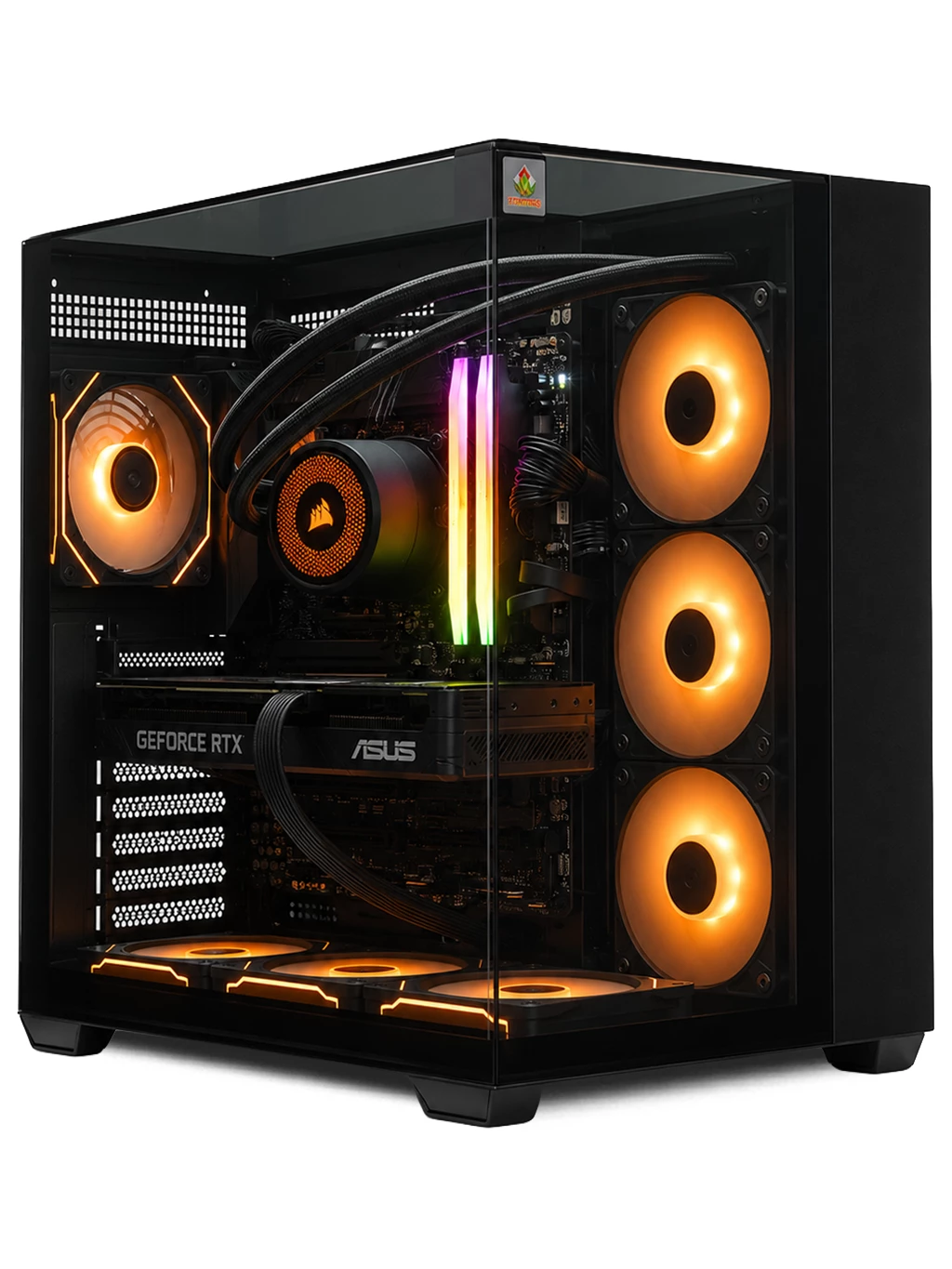
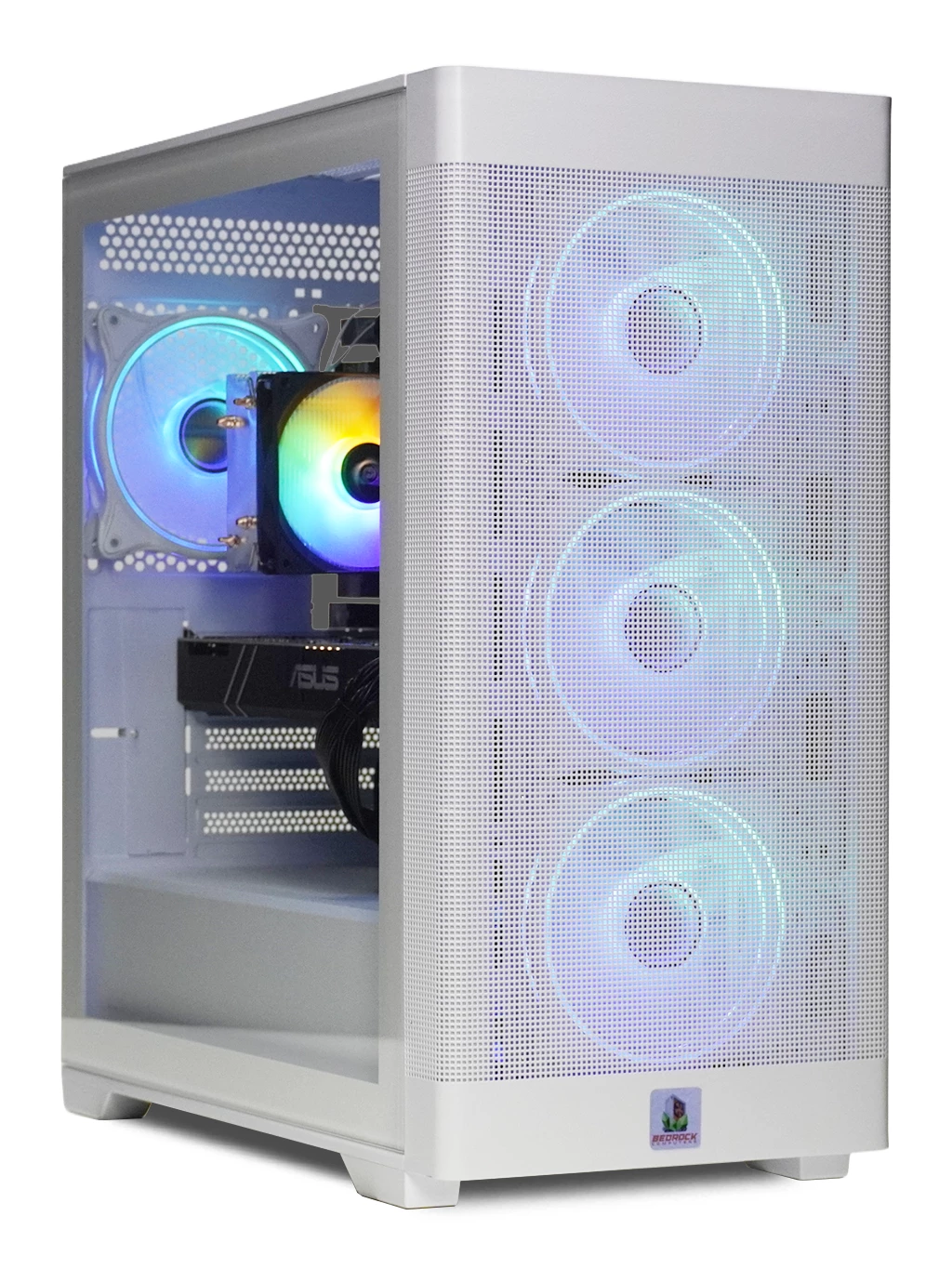
Building a gaming PC suits people who enjoy the process. A pre-built system saves time and arrives ready to set up, with no compatibility checks to worry about. Options include the Raptor Gaming PC with 16GB DDR4, the Beam Gaming PC with an RTX 5060, or a complete setup such as the Obsidian Bundle with an RTX 4060. See our gaming PC bundles and next day gaming PCs.
Building A Gaming PC FAQs
Is building a gaming PC hard?
Not usually. Following the manuals carefully and taking your time covers most of it.
What is the most common mistake?
Forgetting a power cable, such as the CPU power connector, or not seating memory fully.
Do I need special tools?
A Phillips screwdriver is usually enough. Good lighting and cable ties help.
Prefer advice before building a gaming PC, or want one ready to go? Contact us or browse our gaming PCs.