
A CPU bottleneck happens when your processor cannot prepare work fast enough for the graphics card, so the graphics card sits partly idle and frame rates stall. Every PC has some limit, so a small imbalance is normal. The aim is to spot when it is noticeably holding back your games.
What Causes A CPU Bottleneck?
Each frame, the processor handles game logic, physics, AI and draw calls before the graphics card renders the image. If those jobs take too long, the graphics card waits. Common causes include:
- An older or lower-tier processor paired with a powerful graphics card.
- Games with lots of AI, physics or players, such as strategy titles and large online matches.
- Playing at low resolution with very high frame rate targets.
- Background apps using processor time.
- High temperatures causing the chip to throttle.
How To Spot A CPU Bottleneck
Use Windows 11’s own tools while playing:
- Press Win+G and open the Performance widget in Xbox Game Bar to watch CPU, GPU and FPS together.
- Alternatively, check the Performance tab in Task Manager after a session.
A typical sign is graphics card usage well below full while frame rate is lower than expected and one or more processor threads are very busy. Overall processor usage can look moderate even when a few threads are maxed out, so look at frame rate and graphics card usage first.
Another quick test is raising the resolution or graphics settings. If frame rate barely drops, the processor is likely the limit rather than the graphics card.
How To Fix A CPU Bottleneck
- Close background apps and browser tabs while gaming.
- Update Windows, chipset and graphics drivers.
- Lower processor-heavy settings such as crowd density, view distance or physics detail.
- Raise resolution or quality to make better use of the graphics card.
- Clean dust and check cooling so the chip is not throttling.
- Upgrade the processor, which may also need a new motherboard and memory.
Choosing A Balanced System
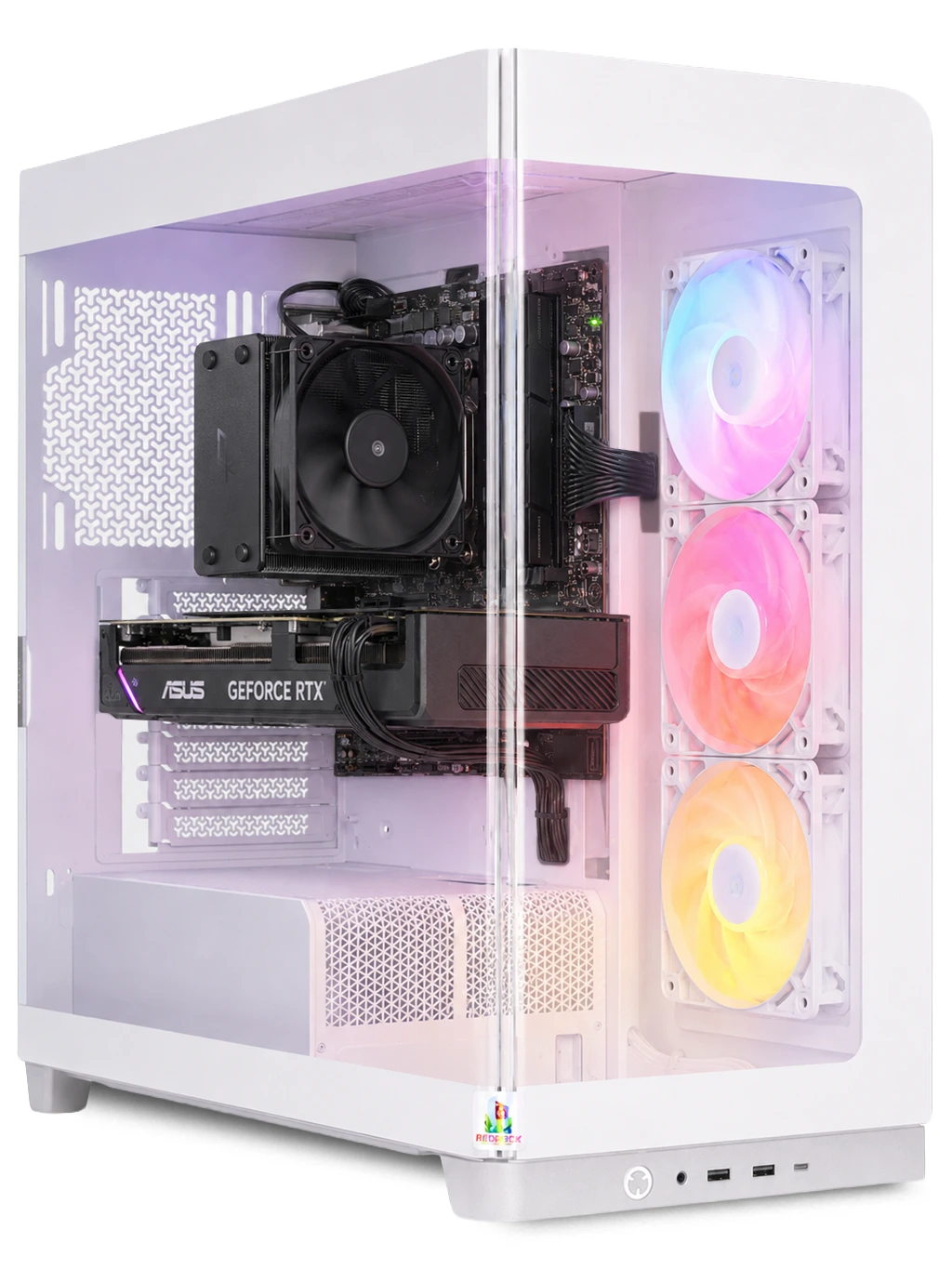
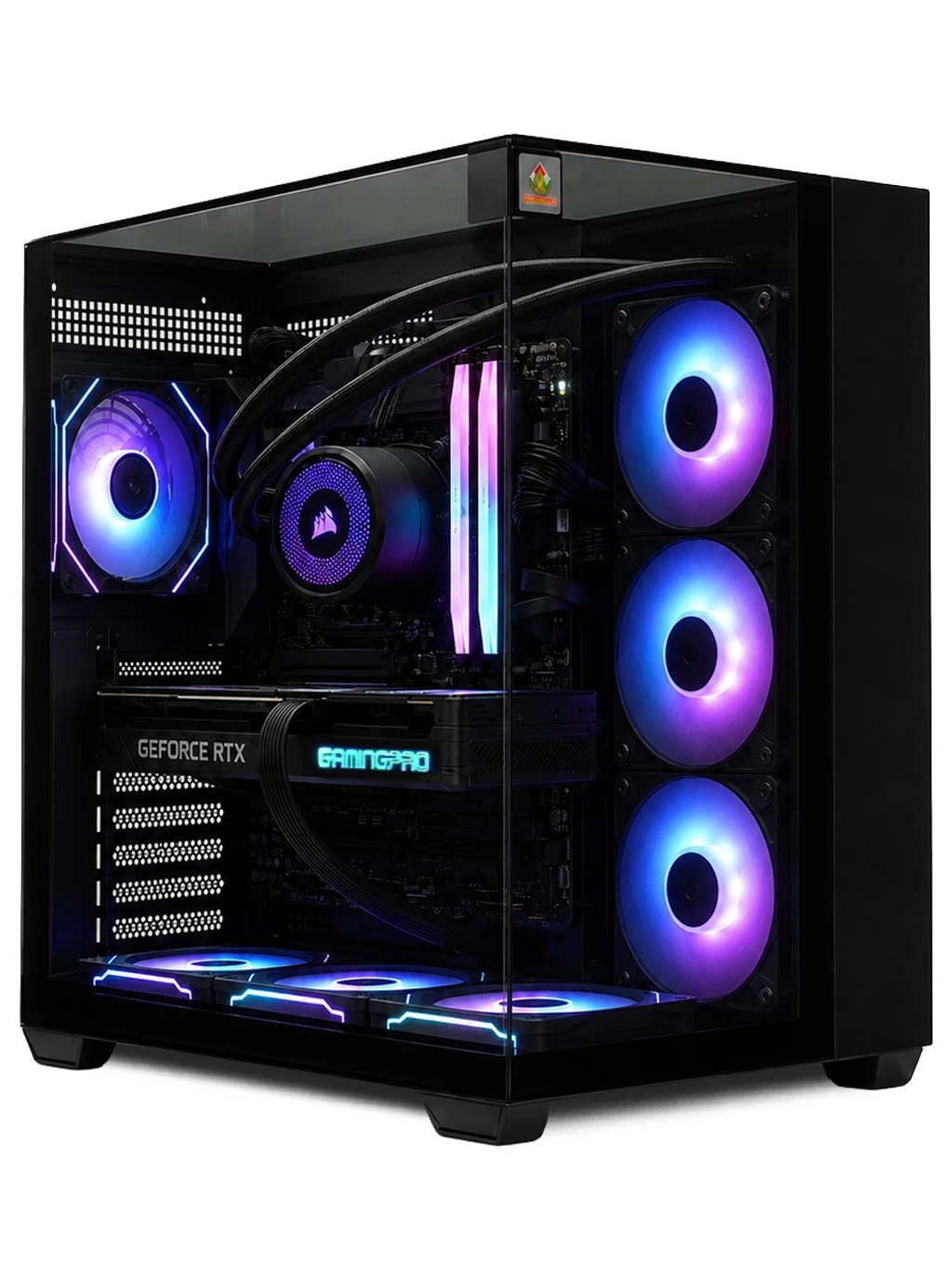
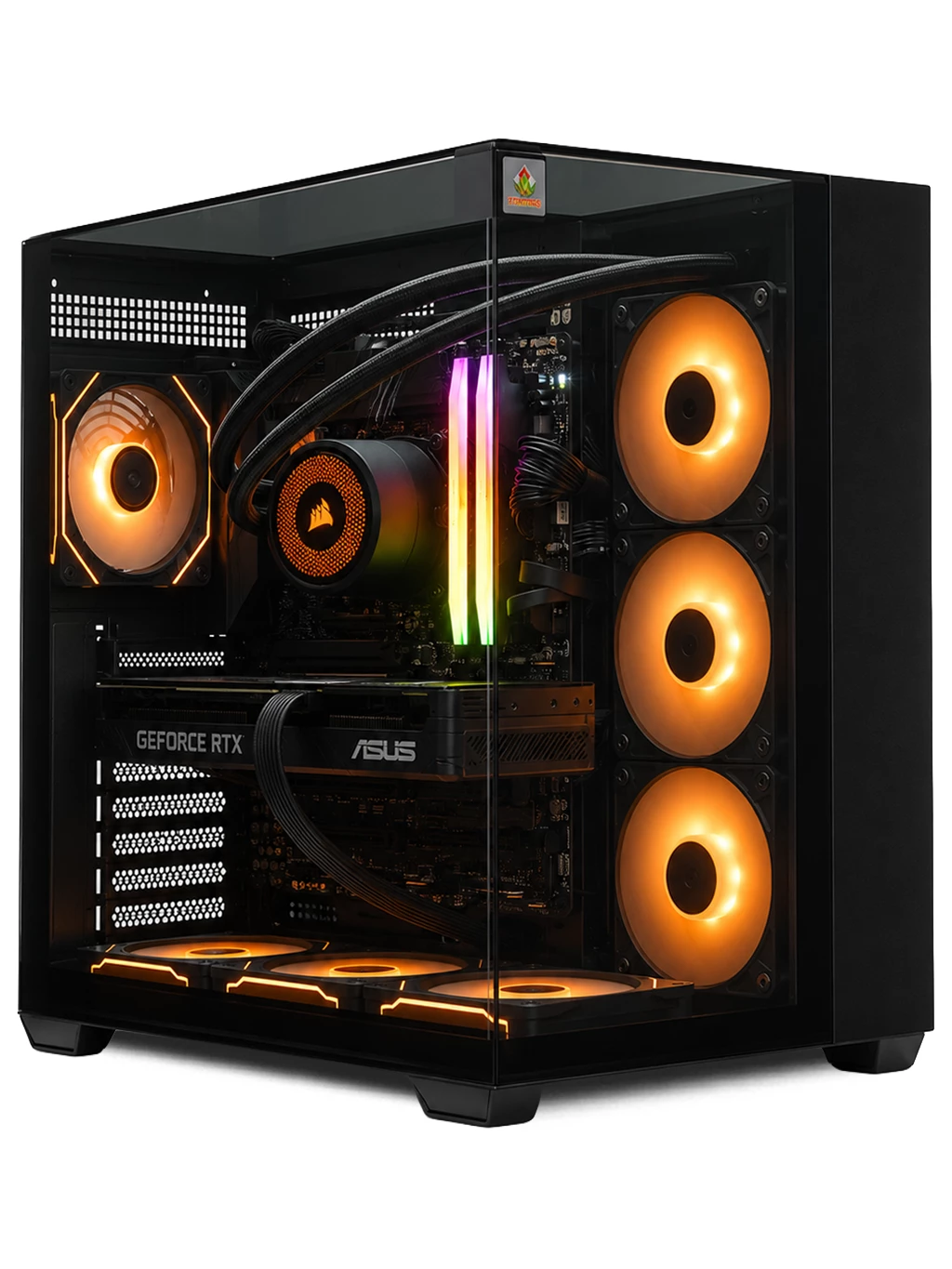
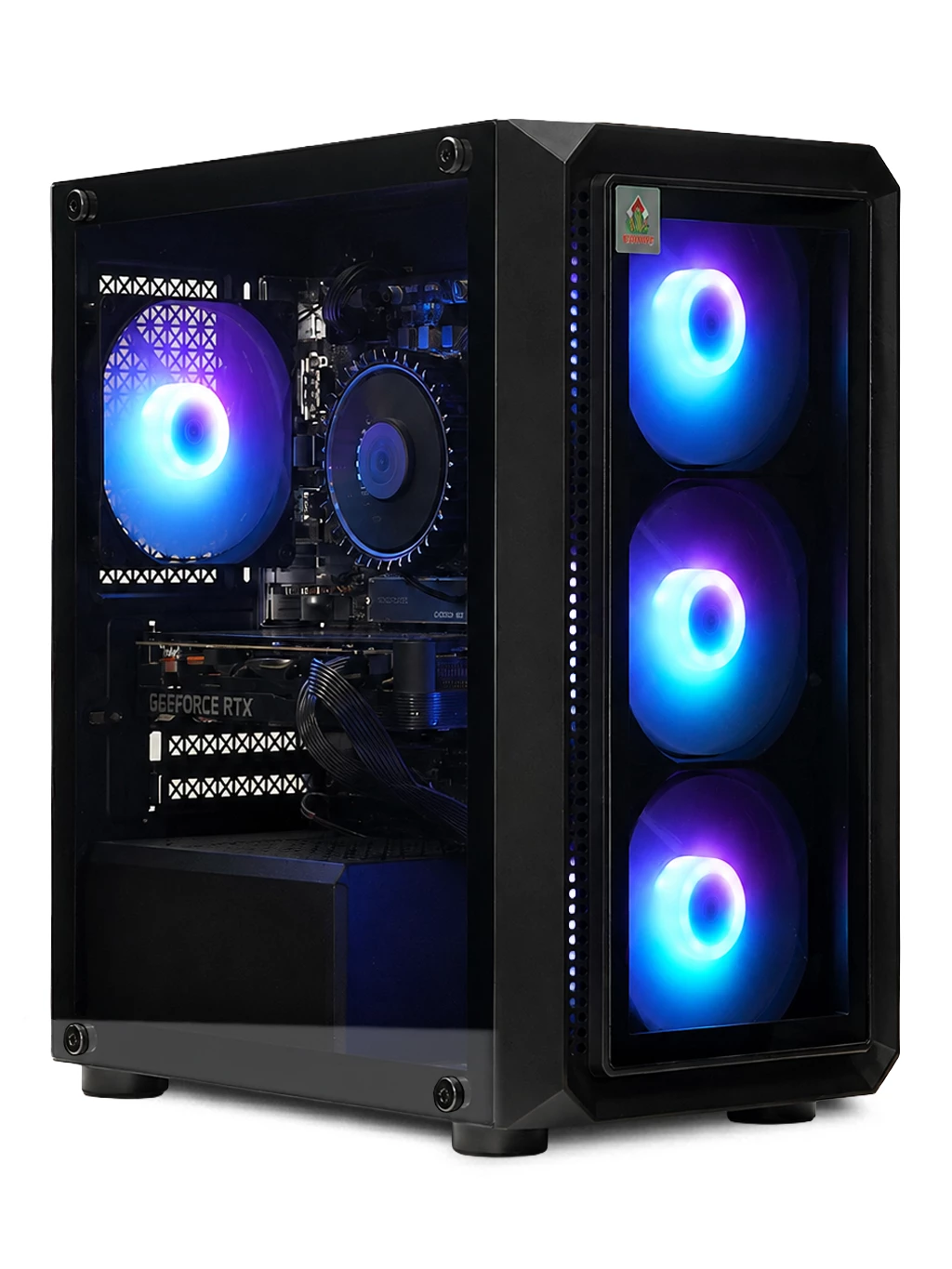
The simplest way to avoid a CPU bottleneck is pairing components sensibly from the start. The Ultra Gaming PC pairs a Ryzen 5 7500 with an RTX 3080 10GB, and the Hyperion Gaming PC uses a Ryzen 7 9800X3D with an RTX 5080 16GB. The AMD Ryzen processor range shows current desktop chips. Browse our RTX gaming PCs for more balanced options.
CPU Bottleneck FAQs
Is a CPU bottleneck always bad?
Not always. If the frame rate is already high and smooth, a slight imbalance makes little practical difference.
Does a CPU bottleneck damage hardware?
No. It limits performance but does not harm the processor or graphics card.
Are online bottleneck calculators accurate?
Treat them as rough guides only. Real monitoring in your own games, at your own settings and resolution, is far more reliable.
Think a CPU bottleneck is holding you back? Contact us for advice, or see our gaming PC deals.