
Learning how to overclock CPU speeds can squeeze extra performance from a processor, but it also adds heat, power draw and risk. Overclocking means running the chip faster than its default settings. This guide explains the general process and the safety points to understand before you change anything.
Before You Start: Safety Caveats
- Overclocking can void manufacturer warranties, so read your warranty terms first.
- Higher speeds create more heat. A good cooler is essential.
- Raising voltage too far can shorten a chip’s life or damage it.
- Unstable settings can cause crashes and, rarely, corrupted files, so back up important data.
- Results vary between chips, even identical models.
If any of this feels uncomfortable, leave the processor at stock settings. Modern chips already boost automatically when there is thermal headroom.
Check Your Processor Can Be Overclocked
Not every chip supports it. On Intel, unlocked models usually carry a K suffix and need a motherboard chipset that allows overclocking. Most AMD Ryzen processors are unlocked, but the motherboard still has to support it. Laptops and many office PCs do not allow it at all. The Wikipedia overclocking article explains the background.
How To Overclock CPU: Step By Step
- Update your motherboard BIOS/UEFI from the manufacturer’s site.
- Record stock clock speeds, voltages and temperatures with a monitoring tool.
- Enter BIOS/UEFI, or use the official utility, such as AMD Ryzen Master or Intel Extreme Tuning Utility.
- Raise the multiplier one small step at a time.
- Run a stress test and watch temperatures closely.
- If the PC crashes, step back or make only small voltage changes within the manufacturer’s guidance.
- Test with real games and apps for several days before trusting the result.
Some boards offer automatic options, such as AMD Precision Boost Overdrive, which are a gentler way to see how to overclock CPU performance without manual tuning.
Watching Temperatures And Stability
Check the maximum rated temperature in your processor manufacturer’s specification and stay well clear of it. If temperatures climb quickly, reduce the overclock rather than pushing voltage. Clean dust and check thermal paste before blaming the settings.
Is It Worth It?
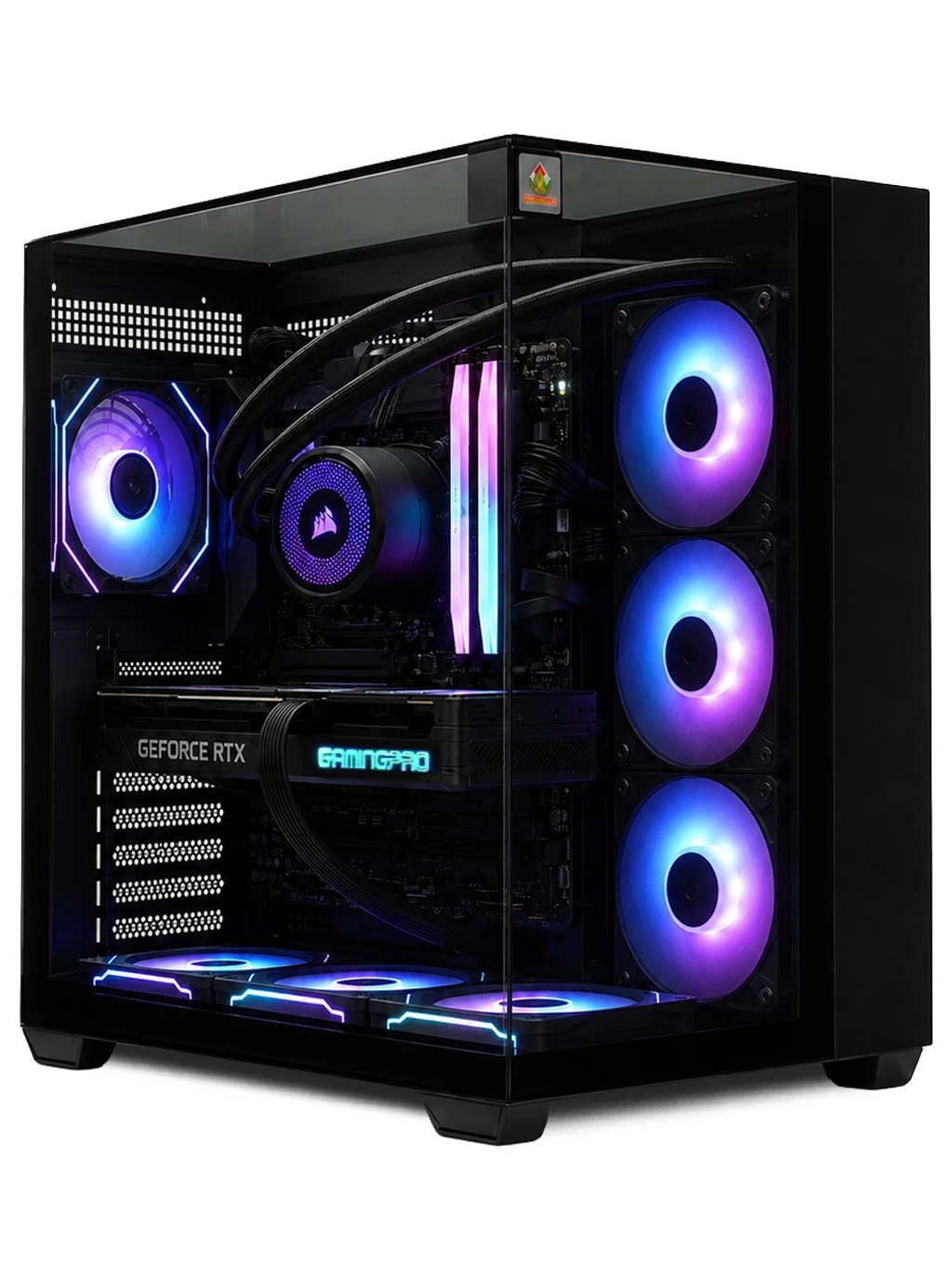
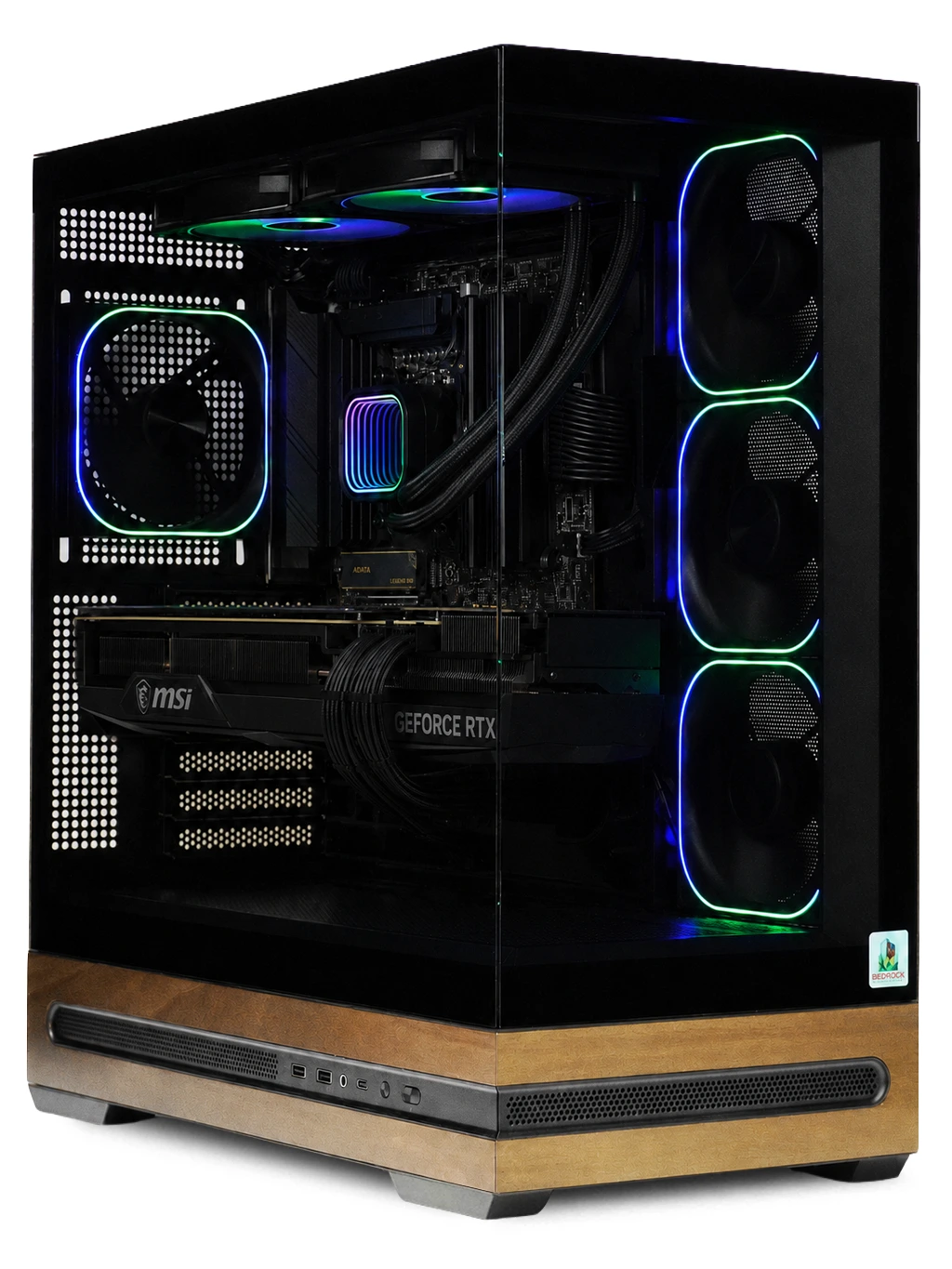
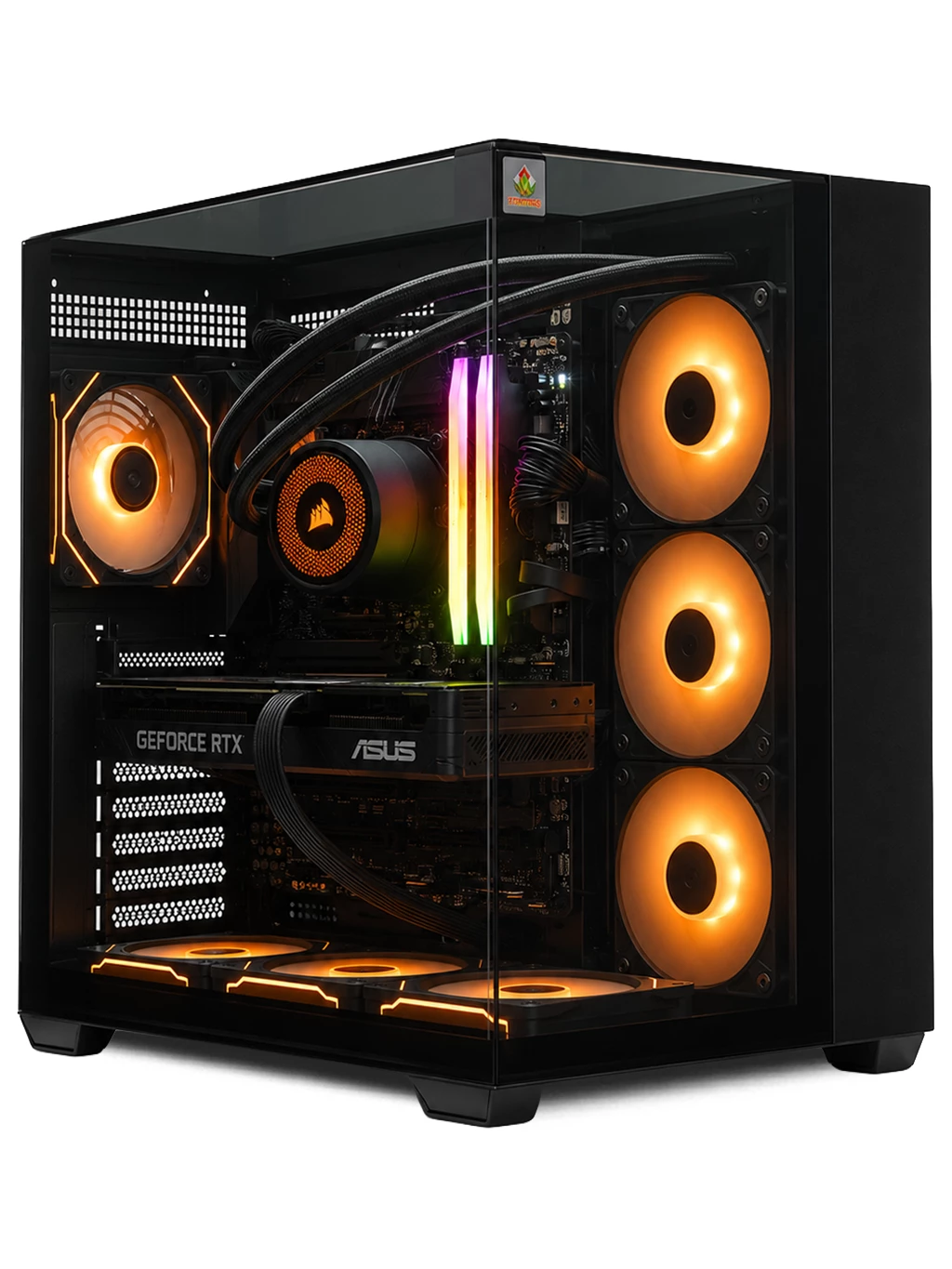
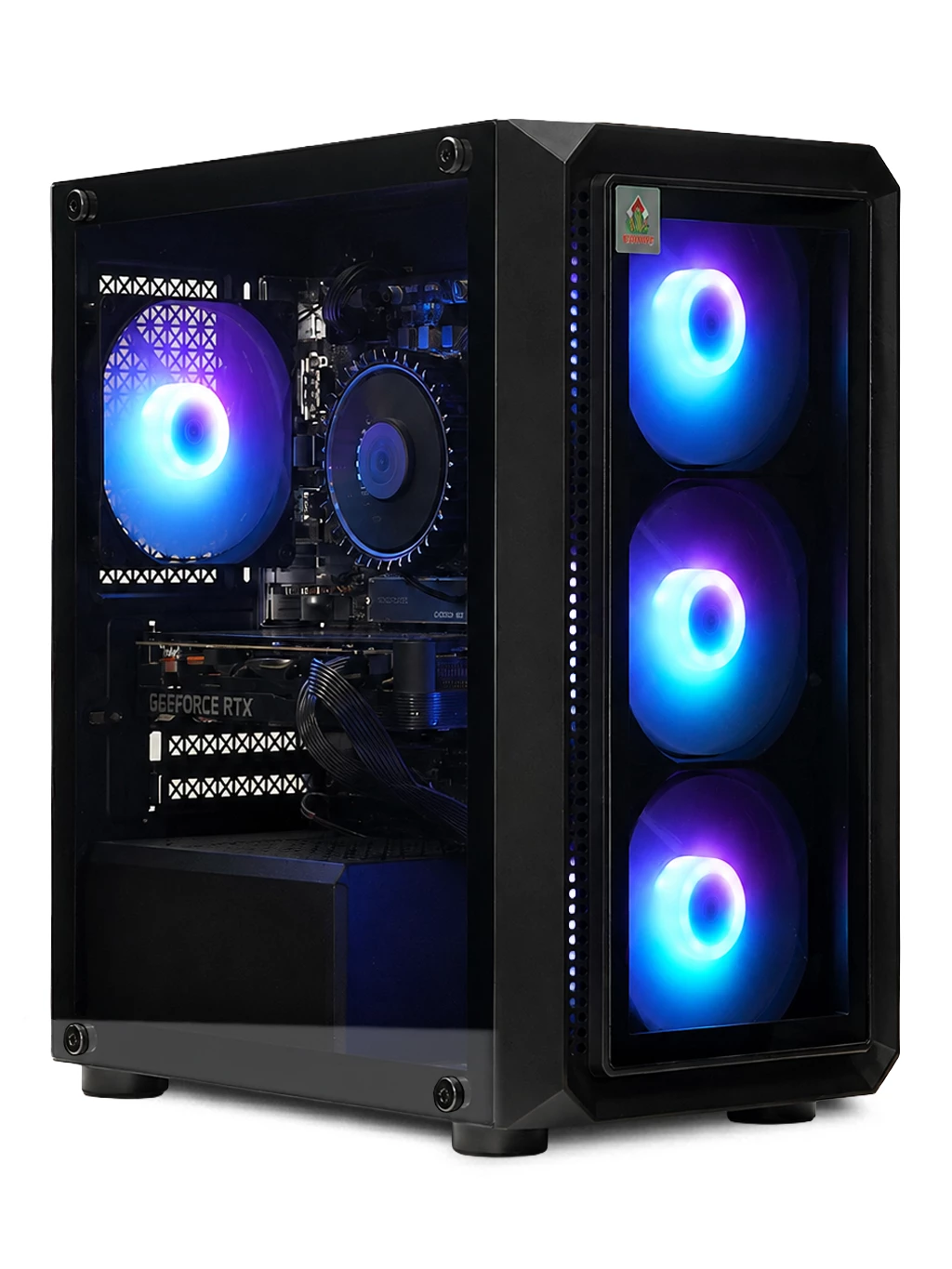
Gains are often modest, and in many games the graphics card matters more. Understanding how to overclock CPU settings is useful, but a stronger system may be the simpler route. The Hyperion Gaming PC pairs a Ryzen 7 9800X3D with an RTX 5080 16GB, and the Redline Gaming PC uses an i7-12700KF with an RTX 3090 24GB. See our 4K gaming PCs for more.
How To Overclock CPU FAQs
Can overclocking damage my CPU?
It can if voltage or temperatures are pushed too far. Small steps and careful monitoring reduce the risk but do not remove it.
Do I need a special cooler?
Stock coolers often leave little headroom. A stronger air or liquid cooler is advisable before you try how to overclock CPU speeds.
Can I undo an overclock?
Yes. Load the default settings in BIOS/UEFI to return the chip to stock behaviour.
If you would like advice before you try how to overclock CPU settings on your own PC, contact our team or browse our gaming PCs.