
What graphics card do I have is one of the first questions to answer before checking game requirements, updating drivers or planning an upgrade. Windows 11 can tell you in seconds without opening the case. Below are four reliable methods, from the quickest to the most detailed.
Method 1: What Graphics Card Do I Have In Task Manager?
- Press Ctrl+Shift+Esc to open Task Manager.
- Select the Performance tab.
- Click GPU 0, and GPU 1 if listed.
The model name appears in the top-right corner. You will also see dedicated GPU memory and usage. If you have two entries, one is usually integrated graphics on the processor and the other a separate card.
Method 2: Device Manager
Right-click the Start button and choose Device Manager. Expand Display adapters to see every graphics device in the system. This is useful if the card is not working properly, because a warning icon can point to a driver problem.
Method 3: Settings
Open Settings, then System, then Display. Scroll down and select Advanced display. The page shows which graphics adapter is driving each monitor. It is a handy check if you have several screens, or if a laptop-style hybrid setup is switching between integrated and dedicated graphics for different apps.
What Graphics Card Do I Have According To Dxdiag?
The DirectX Diagnostic Tool gives the most detail:
- Press Win+R, type dxdiag and press Enter.
- Open the Display tab, or Render tab for a second adapter.
- Read the name, manufacturer, display memory and driver version.
You can also choose Save All Information to create a text file, useful when asking for support or checking which driver version is installed before an update.
Making Sense Of The Answer
Once you know what graphics card do I have, compare the model with a game’s minimum and recommended requirements. NVIDIA cards use GeForce names such as RTX 4060, and AMD cards use Radeon names such as RX 9060 XT. The NVIDIA GeForce graphics cards page lists current models.
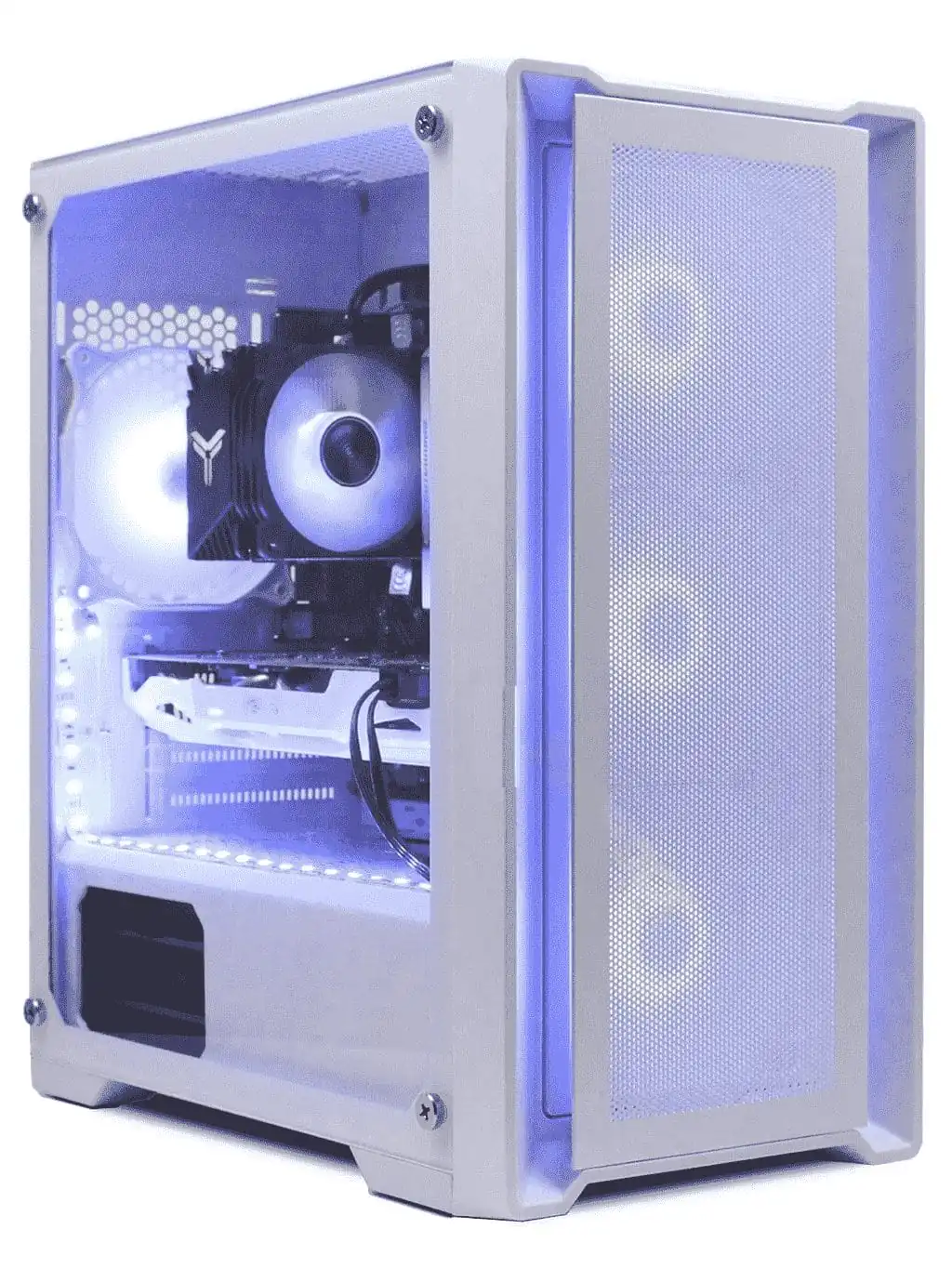
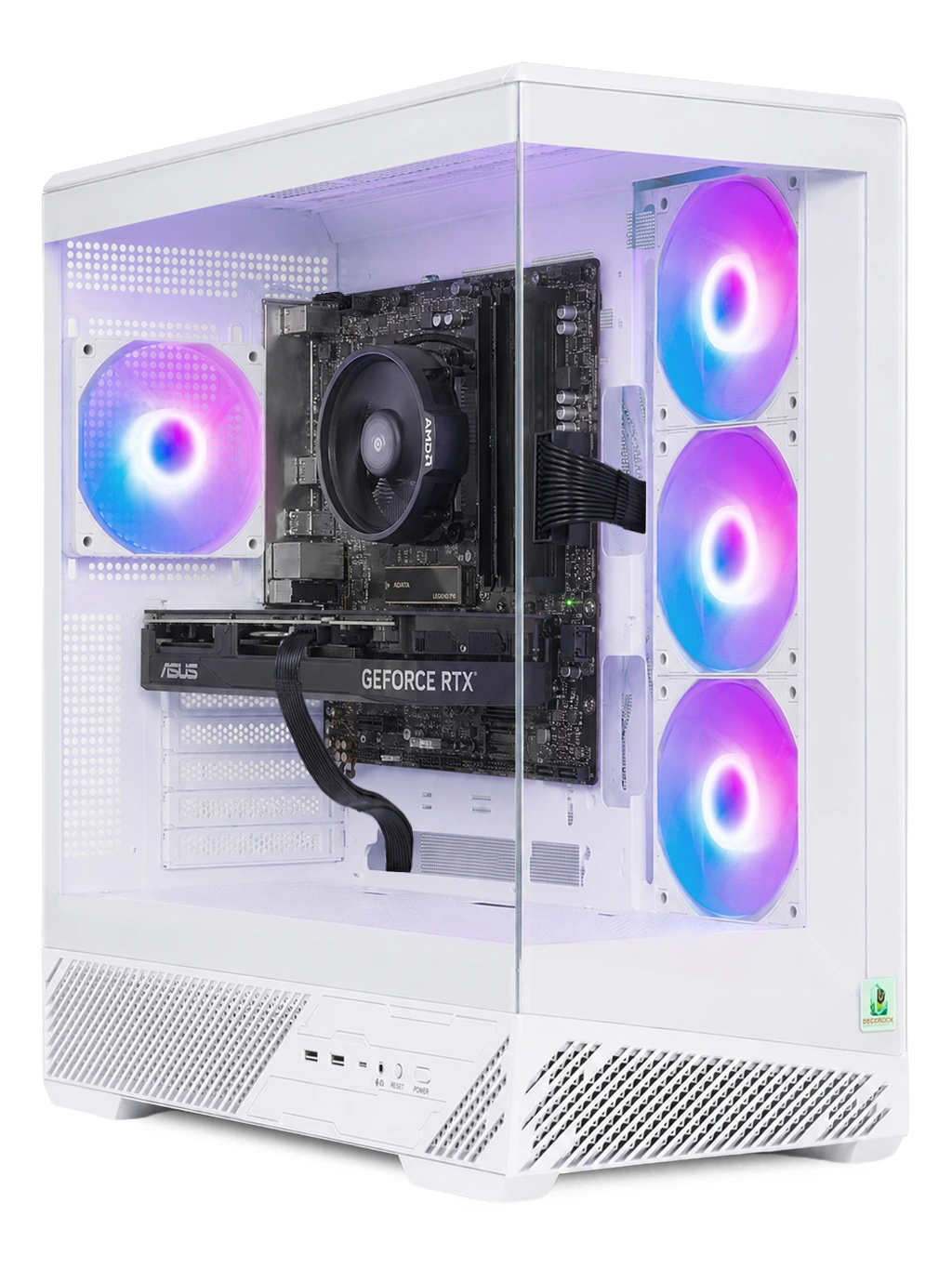
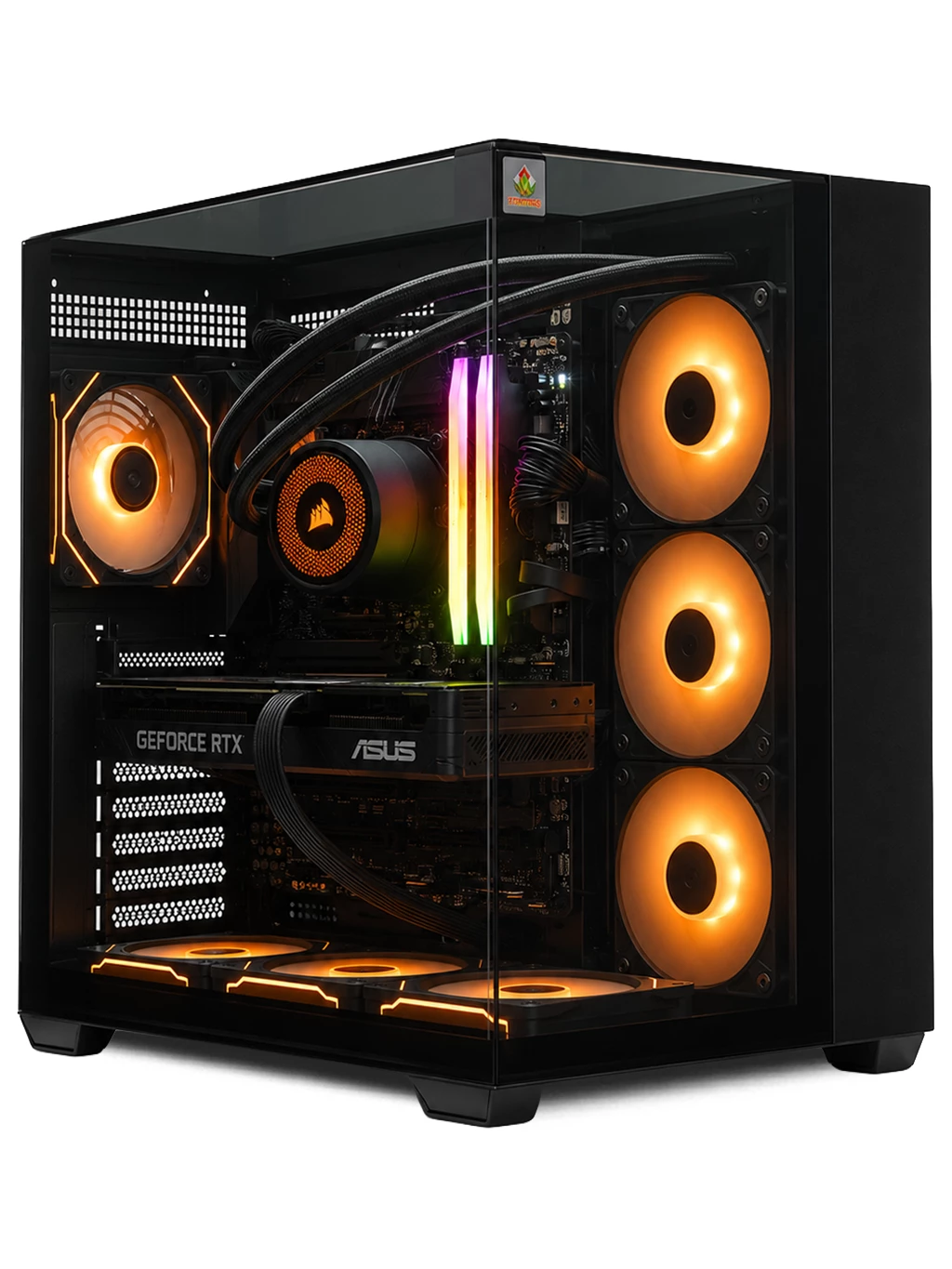
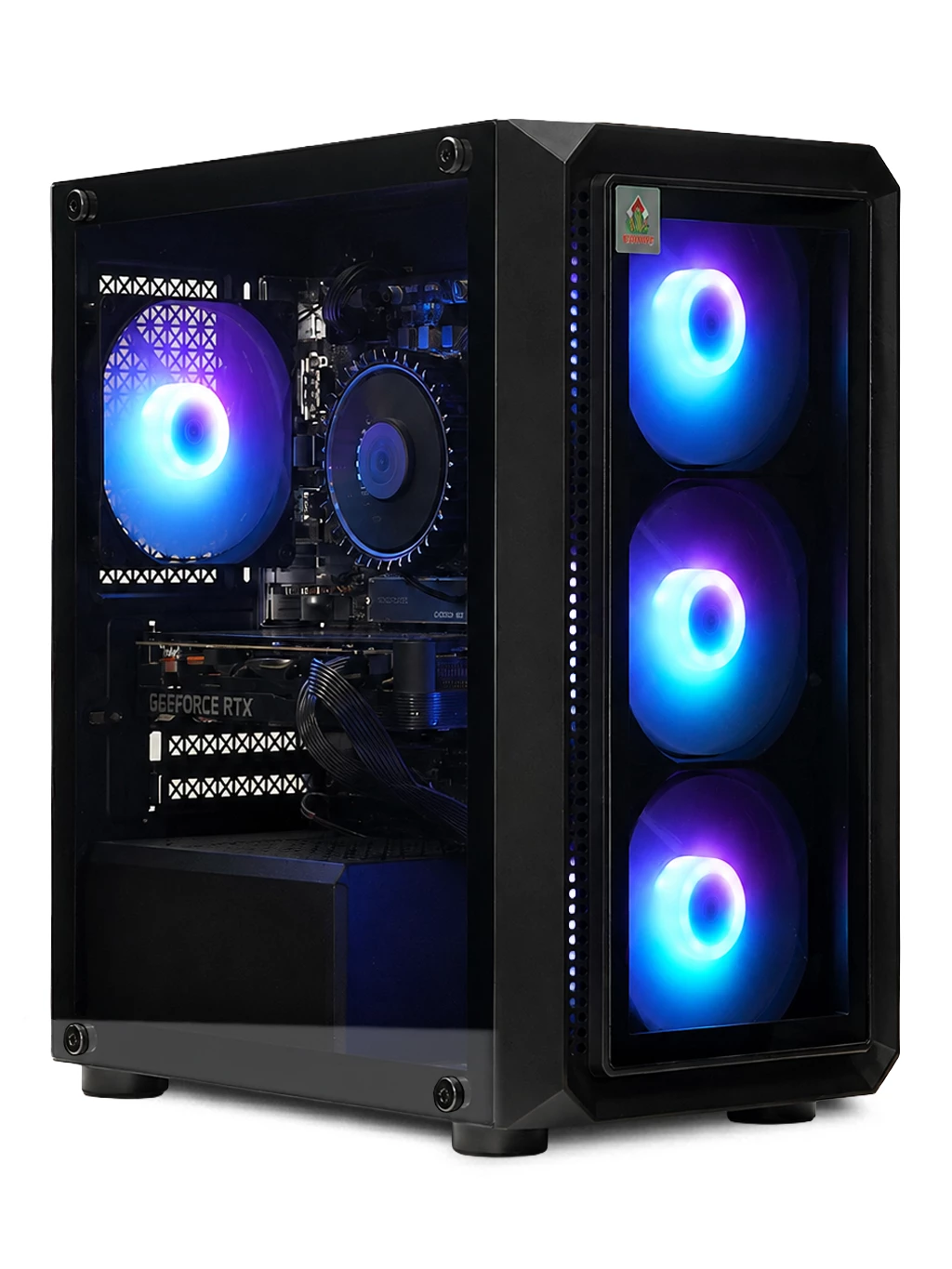
If the result shows only integrated graphics, or an older card, an upgrade can make a big difference. The Bedrock Opal Gaming PC uses an RTX 4060, the Spectre Gaming PC has an RX 6700 XT 12GB, and the Prism Gaming PC steps up to an RTX 4080 SUPER 16GB. See our RTX gaming PCs for more.
What Graphics Card Do I Have FAQs
Why are two graphics cards listed?
Many systems have integrated graphics on the processor as well as a separate card. Games should normally use the separate card.
What graphics card do I have if Device Manager says Microsoft Basic Display Adapter?
That means the proper driver is missing. Install the latest driver from your card maker, then check again.
Can I check without Windows running?
Some BIOS/UEFI screens list it, but checking inside Windows is easier and more detailed.
Still asking what graphics card do I have, or which one to choose next? Contact us or browse our gaming PCs.